Tyro in settings
For staff
This page is for front-desk staff and people who manage clinic settings.
What it does
On the Finance tab, the Tyro Health connection and Card terminals set up claiming and payments through Tyro.
When to use it
Use it to connect Tyro, to check the connection, or to pair the card terminals for a location.
Step by step
-
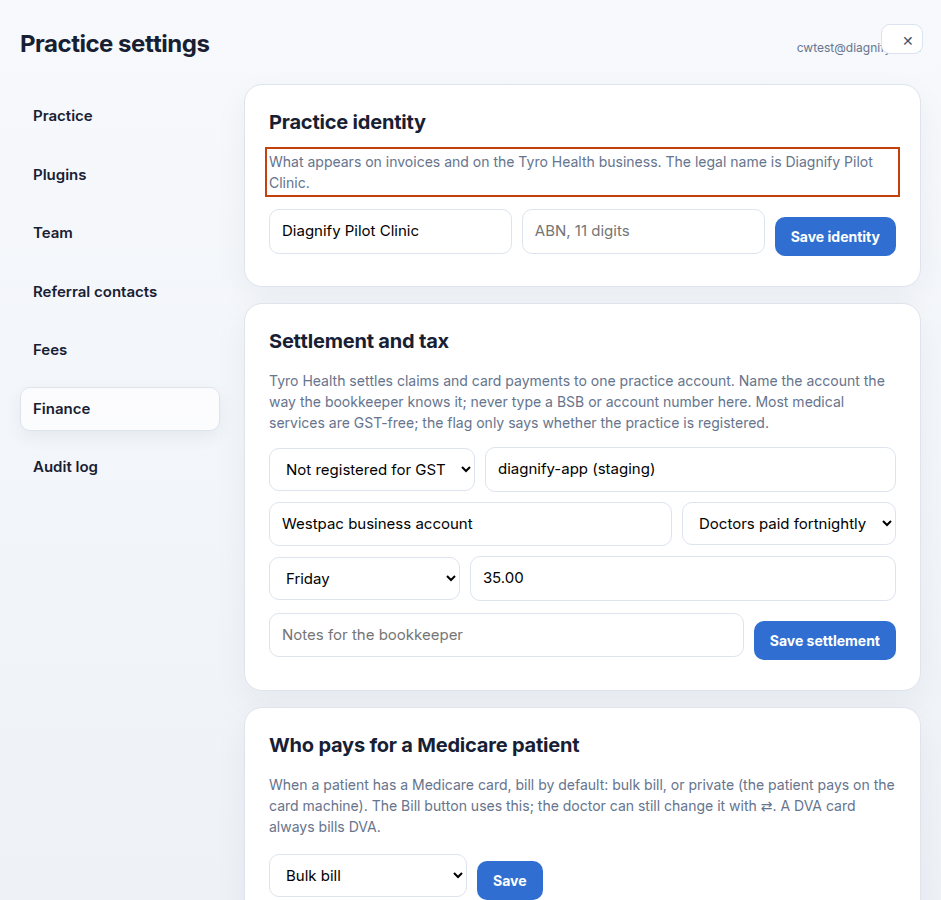
On the Finance tab, find Tyro Health connection and Card terminals.
-
Press Find terminals, then Check connection, when you want to pair or test a terminal.
Also on this screen:
- The Tyro connection shows whether Tyro is connected, and the last four characters of the key.
- Connect, Replace key and Disconnect store the key safely.
- One terminal can be saved per location, or cleared. No card number is stored.
- Card terminals are on the test site only. New (test site)
What Agent D can do
/settingsopens this screen.- Agent D can read the finance setup. The webhook token stays a secret — it is never printed or shown in the docs.
Safety (what needs your Confirm)
- Connect, Replace key and Disconnect change how the practice claims and takes payments. Check with the practice owner first.
- Keys and tokens are secrets. Never paste them into chat, email or documents.
Common questions
How do I know Tyro is connected? The connection card says so, and shows the last four characters of the key.
Can I store the BSB here? No. That field lives on the settlement card and takes a label, not a bank number.
Do terminals store card numbers? No. A terminal is paired per location; no card number is stored.
Related
Last checked: 03/10/2026.