Do it still asks you to confirm
What it does
The Do it button opens a ledger of actionable items found on the patient chart. When you click Do or Do all for this visit, Agent D prepares the corresponding clinical documents and opens them in side drawers. It does not finalise, sign, or send anything without your approval.
Also on this screen
- Do it button (C320-sc): Do it hands the job to the tool. You still confirm in the tool.
When to use it
Use Do it when closing out a consultation to quickly draft all pending jobs, such as pathology forms, referrals, and recalls, found during the visit.
Step by step
- Press Do it on the right rail.
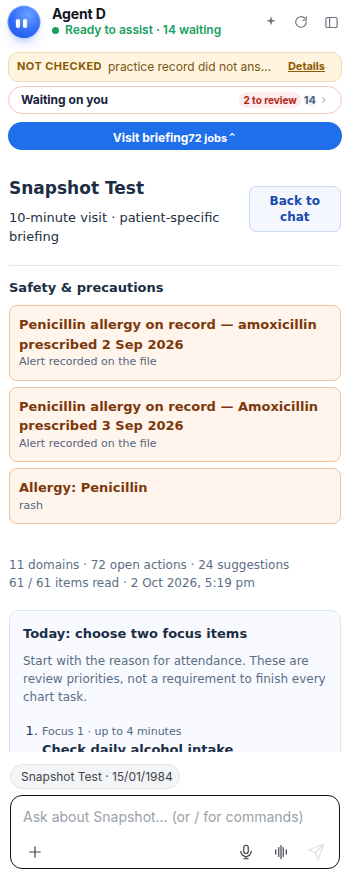
What Agent D can do
Agent D populates drawer forms, generates draft text, and aligns orders with clinical guidelines. It cannot sign, send, or bill on its own.
Safety (what needs your Confirm)
Handing a job to a tool drawer prepares a draft. You must review the contents in the drawer and click Confirm before anything is filed or sent.
Common questions
Does Do all for this visit send everything at once?
No. Do all for this visit stages all tasks into a single batch Confirm card for your clinical review.
Can I edit a draft after clicking Do it?
Yes. Each tool drawer opens with editable fields so you can adjust doses, tests, or clinical notes before confirming.
What if a drawer has missing information?
The drawer highlights missing required fields and keeps the confirm button disabled until required details are supplied.
Related
Last reviewed: 03/10/2026.