Drafts are not filed
What it does
In Diagnify, all generated documents, clinical summaries, and extracted facts remain in a draft state until explicitly confirmed and signed. Autosave preserves your typing locally so work is never lost, but unconfirmed drafts are never shared externally or filed to the permanent medical record.
Also on this screen
- Save draft (C270-sc): Saving a preventive draft files nothing until you confirm.
- Document facts card (AD-065-sc): Facts from an uploaded file are not filed until you tick them and confirm.
- /summary (AD-081-sc): Saving a work-up summary waits for Confirm.
- Draft until you sign (C233-sc): Action documents say they are drafts until signed.
- Autosave of reasons (C119-sc): Autosave of the note and the reason list writes the visit while you type. It does not message the patient.
When to use it
Use draft states whenever you need to prepare complex care plans, review external specialist letters, or compose notes over the course of a patient visit.
Step by step
- Open a note, script, request, or letter and read the footer.
What Agent D can do
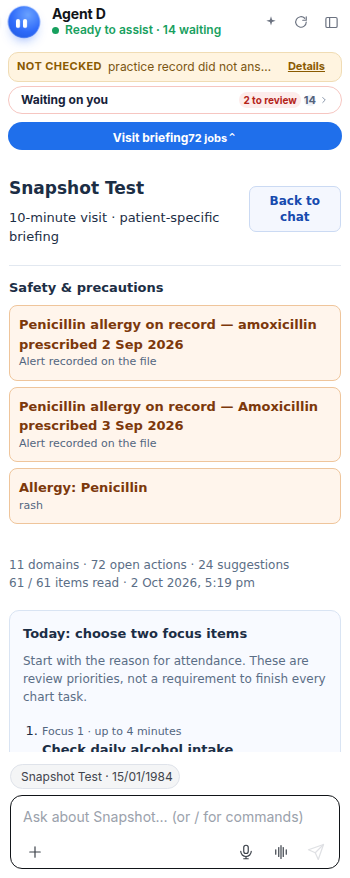
Agent D extracts clinical measurements from conversation and files, drafts summary paragraphs, and prepares forms. It cannot file drafts without clinician confirmation.
Safety (what needs your Confirm)
Draft documents are clearly marked with draft banners. They cannot be transmitted to pharmacies, pathology labs, or external providers until signed.
Common questions
Does autosave send messages to the patient?
No. Autosave only preserves your in-progress note locally so you do not lose your typing if the browser closes.
How do I turn a draft into a permanent record?
Review the draft in its respective tool drawer, tick any required review boxes, and click Confirm or Sign.
Where are saved drafts stored?
Drafts remain visible in the patient's active consultation drawer and in the Waiting on you list.
Related
Last reviewed: 03/10/2026.