Open settings
For staff
This page is for front-desk staff and people who manage clinic settings.
What it does
Practice settings holds the setup of the practice: who is in it, what is switched on, and how it is paid.
When to use it
Open settings when you need to change practice details, team access, plugins, fees or finance.
Step by step
-
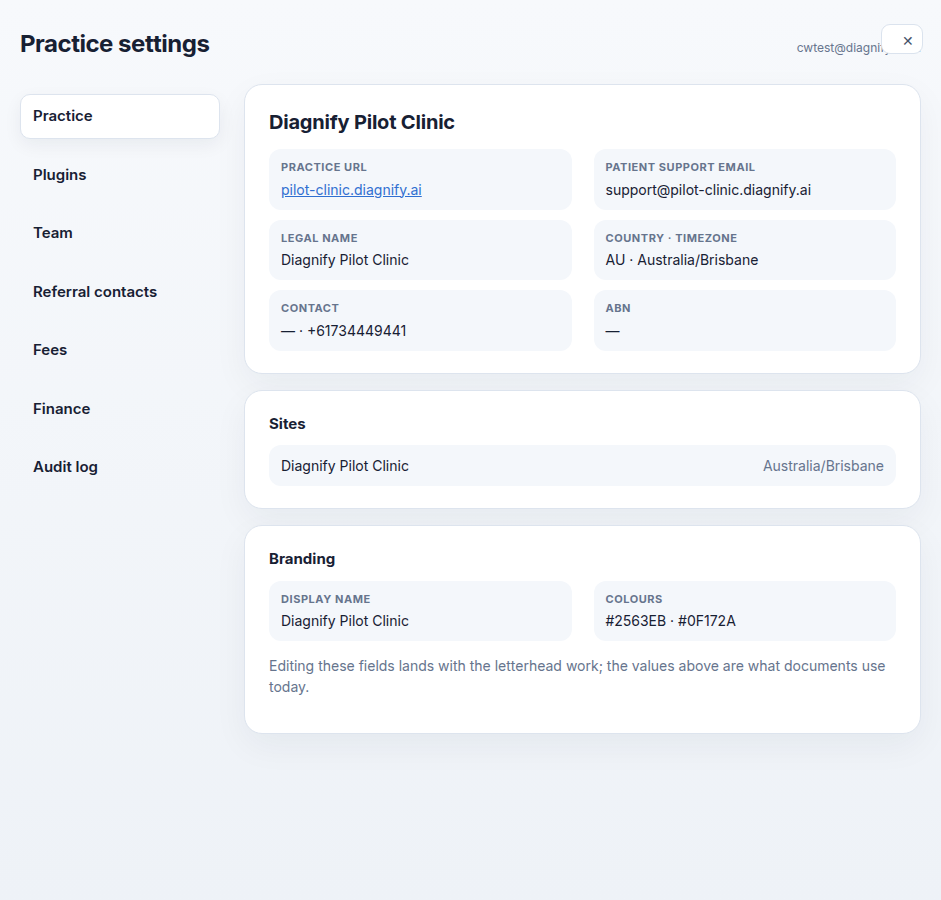
Press Settings at the foot of the left bar. Practice settings opens.
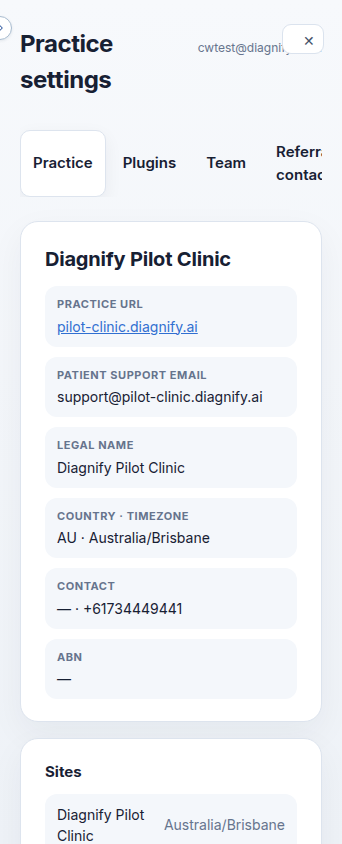
On a phone:
Also on this screen:
- The top Tools menu has a Practice settings item that opens the same screen.
/emr-pluginsin Agent D opens the plugins part of this screen.- The cross closes settings, and the Escape key does the same.
- The screen can also open on its own, outside the panel.
What Agent D can do
/settingsin Agent D points you straight to this screen.
Safety (what needs your Confirm)
- Opening settings changes nothing. Every save on the tabs inside asks you first.
Common questions
I cannot see Settings. Why? Your role does not include practice settings. Ask the practice owner.
Is there another way in?
Yes. Tools, then Practice settings. Or type /emr-plugins in Agent D for the plugins tab.
Related
Last checked: 03/10/2026.