Cards on the day
What it does
On the day view, each booked visit shows as a card. Empty time shows free slots that say + Book.
When to use it
Use the cards during clinic to change a visit, mark it finished, open the file, or cancel.
Step by step
-
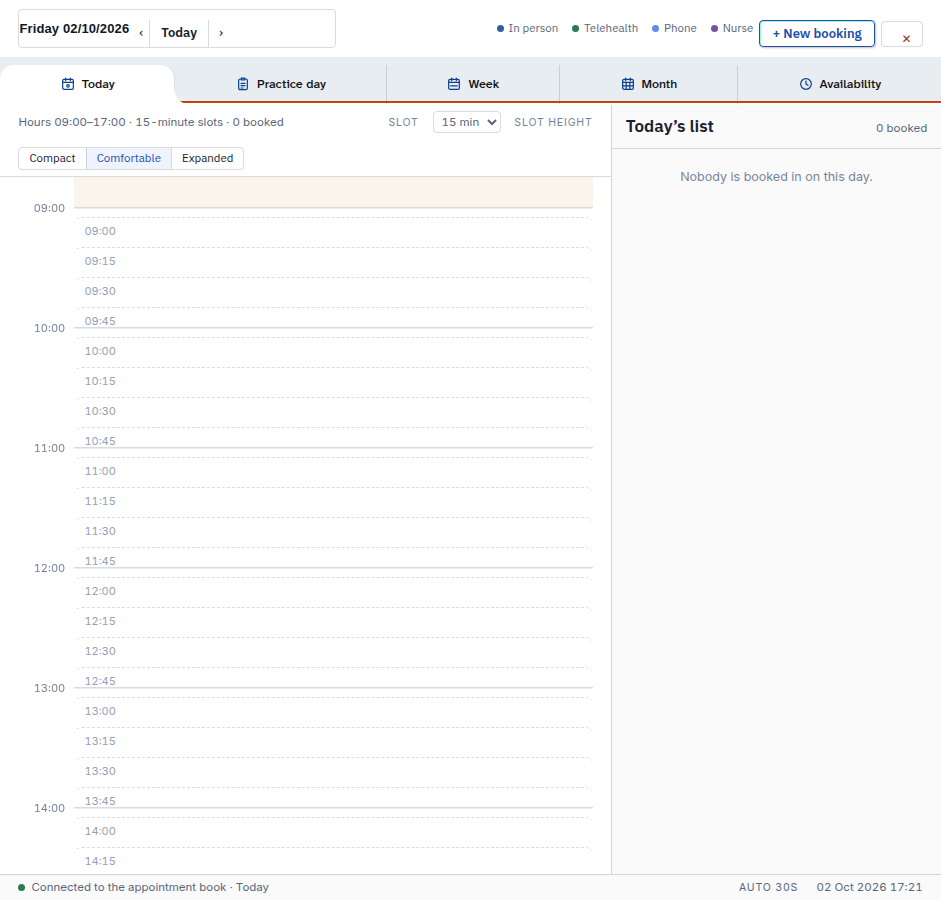
Look at today's list. Free slots say + Book. A booked card shows edit, done and cancel. The test day below has no booked cards.
Also on this screen:
- Edit changes a booking. Done marks it finished. Cancel removes it after you confirm.
- The surname on a booked card opens the patient's file and starts the visit. A card icon opens the record without starting the visit.
- There is no Call button on the day card. To ring a patient, use the video visit panel on the chart.
What Agent D can do
- Mark a booking done, or cancel it — only after your Confirm.
- Read what the visit's pre-consult intake said, when the patient checked in.
Safety (what needs your Confirm)
- Cancel always asks you to confirm first.
- Opening the file by the surname starts the consult.
Common questions
My day shows only + Book. Why? Nobody is booked on that day yet. Press a slot to make a booking.
Where did the Call button go? It is no longer on the day card. Video visits start from the video visit panel on the patient's chart.
What is the difference between the name and the card icon? The surname starts the visit. The card icon opens the record only.
Related
Last checked: 03/10/2026.