This patient
What it does
When a patient record is open, Agent D displays the This patient brief and Summary card in the chat column. It shows a stored clinical reading of the patient's chart—including active problems, insights, recommended actions, and guideline adherence. Action buttons allow you to ask Agent D to draft specific steps, while the summary can be exported as a text file.
Also on this screen
- This patient brief (AD-032): When that screen is open, Agent D watches This patient and offers questions such as “What is missing from this record?”.
- Summary card (AD-037): With a patient open, a fold-out of their chart in the chat.
- Back to chat (AD-038): Closes the summary and returns to the conversation.
- Patient name and summary text (AD-039): The stored reading of the chart, with the date it was read.
- Download summary (AD-040): Saves the summary as a text file.
- Issues, Insight, Actions (AD-041): Three blocks. An action button asks Agent D to do that step. You still confirm anything that files or sends.
- Guideline line on an issue (AD-042): Says whether a written guideline is on the record for that problem.
- Disclaimer (AD-043): Says Agent D can carry out the step, and a script still waits for you.
- Pinned patient (AD-050): A chip with the patient's name and date of birth. Unpin clears it.
When to use it
Use This patient at the start of every consultation to quickly absorb the patient's medical history, active medications, and care gaps.
Step by step
- Open Snapshot Test. Read the Agent D header.

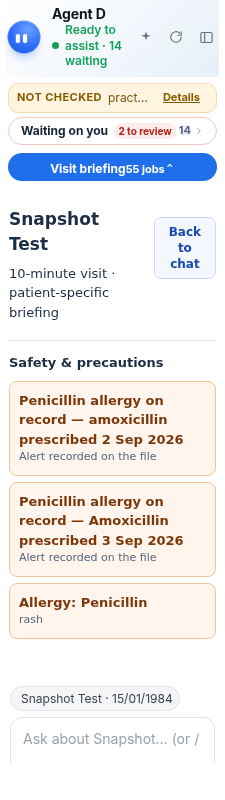
- Open the summary under Waiting on you if it is folded.
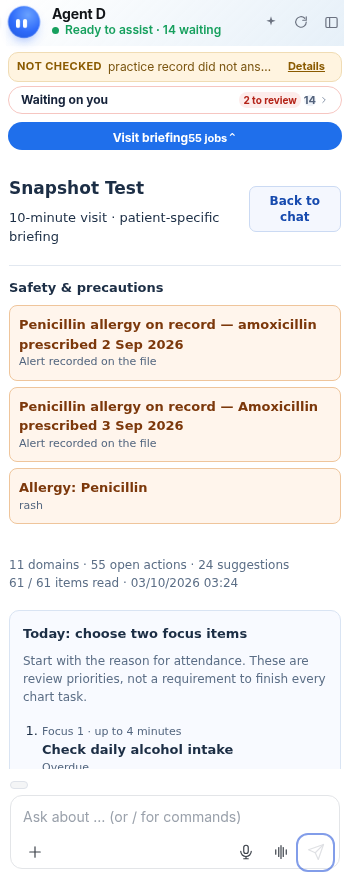
- Find Back to chat.
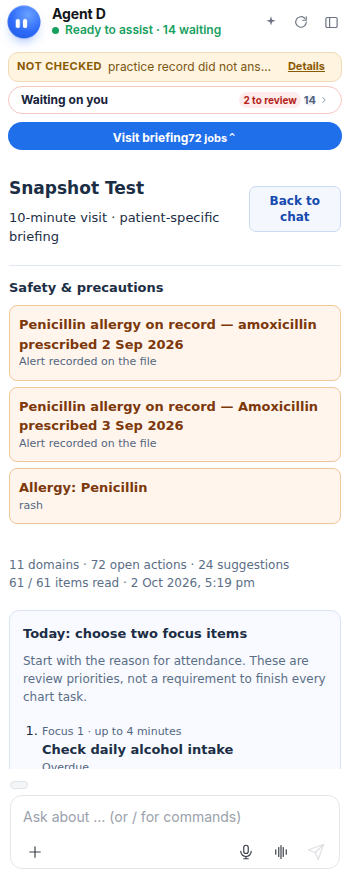
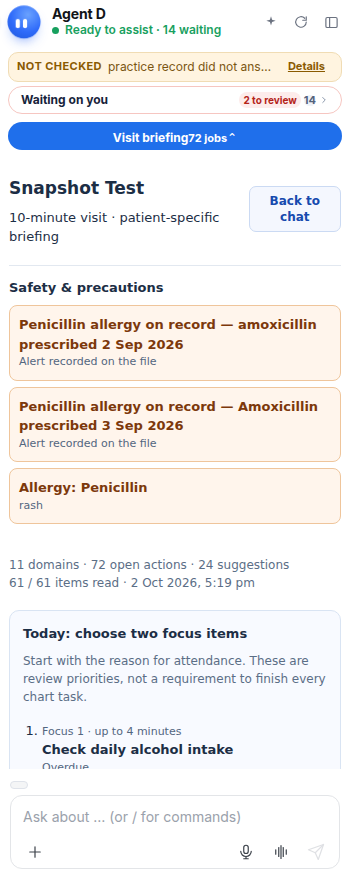
- Read Issues, Insight, and Actions.
What Agent D can do
Agent D reads the chart (conditions, medications, vitals, allergies, recent tests) and suggests tailored actions. It cannot order, prescribe, or file without confirmation.
Safety (what needs your Confirm)
Action buttons inside the summary card prepare drafts in appropriate drawers. Prescriptions remain subject to the Allergy Gate, and all documents require clinician sign-off.
Common questions
How do I return to chat from the summary card?
Click Back to chat at the top of the summary card to restore your conversation.
Can I download the patient summary?
Yes. Click Download summary to save a clean text file of the clinical summary.
Does the summary update if new test results arrive?
Yes. When new data is filed, Agent D refreshes its reading and notes the date and time of the updated summary.
Related
Last reviewed: 03/10/2026.