Live support while you record
Live support analyzes consultation transcripts in real time, suggesting relevant clinical questions and alerting doctors to red flags as the patient speaks.
What it does
While ambient scribing is active, Live Support continuously monitors dialogue against clinical guidance. It displays suggested exploratory questions, highlights detected symptoms, identifies potential contraindications, and displays red-flag alert chips.
When to use it
Use Live Support during complex diagnostic consultations, pediatric reviews, or acute presentations where real-time cognitive assistance and red-flag screening add clinical safety.
Step by step
- While the Scribe is actively recording, observe the Live Support card appearing in the right tool panel.
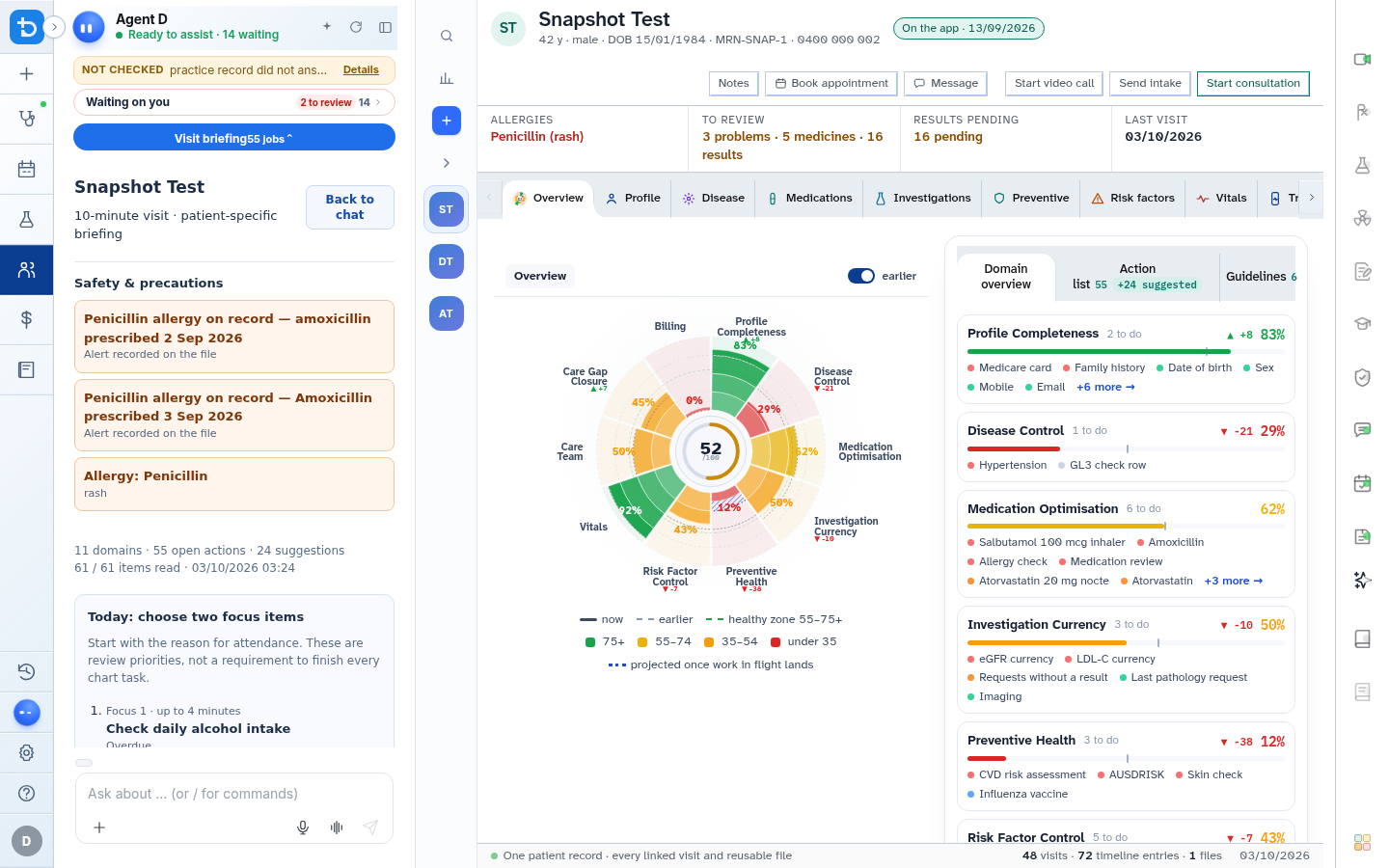
Also on this screen
- Live support card: Dynamic assistant card updating alongside the consultation audio stream.
- Red-flag chips: Color-coded badges indicating identified risks (e.g., unexplained weight loss, thunderclap headache, or chest pain).
- Suggested questions: Contextual clinical inquiry prompts designed to explore pertinent negatives.
- Why rationale accordion: Expandable explanation showing the clinical reasoning or guideline backing each suggested question.
- Hide card: Minimises the Live Support card if you prefer an uncluttered screen during the consultation.
- Reading indicator: Displays a subtle status badge while Agent D reads incoming dialogue chunks.
What Agent D can do
- Agent D identifies missed clinical history questions and presents them as gentle reminders.
- Agent D flags emergency red flags immediately upon vocalization by the patient.
- Agent D does not interrupt audio or speak aloud; all guidance is visual and discreet.
Safety (what needs your Confirm)
- Suggested questions are optional clinical prompts. You exercise sole discretion over which questions to ask the patient.
- Red-flag alerts highlight potential diagnostic considerations but do not replace clinical acumen.
Common questions
Does the patient see or hear Live Support suggestions?
No. The prompts appear silently on your screen and are never vocalized or displayed to the patient.
Can I dismiss a suggested question if it is not relevant?
Yes. You can ignore the suggestion or click the Hide button to collapse the Live Support card.
Why does a question show a "Why" link?
Clicking Why reveals the underlying clinical guideline or diagnostic criterion that prompted the suggestion.
Related
Last reviewed: 03/10/2026.