Message, video, and reminders
What it does
Patient communications in Diagnify are strictly controlled. Typing a message or draft in chat does not send it until you click Send. Opening the Video panel opens your camera check; it never dials the patient until you click Start video call. Automated appointment reminders follow scheduled hourly cycles.
Also on this screen
- Message button (C290-sc): A patient message stays put until you press Send.
- Video button (C280-sc): Opening Video on the consult toolbar does not ring the patient. Start video call on the record does ring their app.
- Tell the patient (RB-040-sc): Tell the patient shows the message before it is sent, on a report and on a recall.
- Appointment reminder texts (RB-105-sc): Appointment reminder texts and recall reminders go out once an hour.
When to use it
Use these communication tools when contacting patients regarding test results, conducting telehealth video consultations, or managing clinic recalls.
Step by step
- On the right rail, find Message.
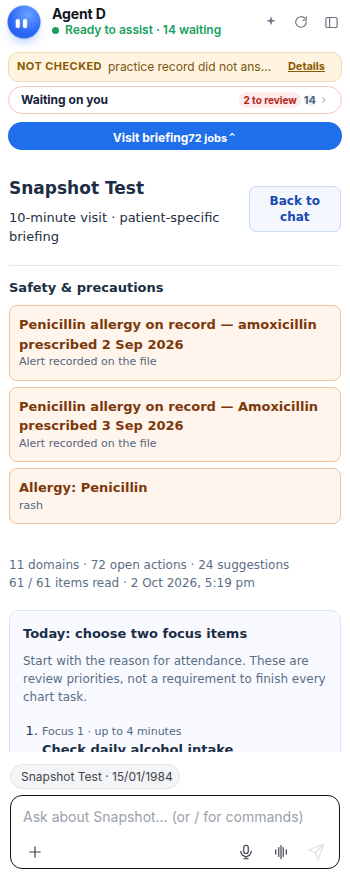
- Find Video on the tool bar. Do not press Start video call.
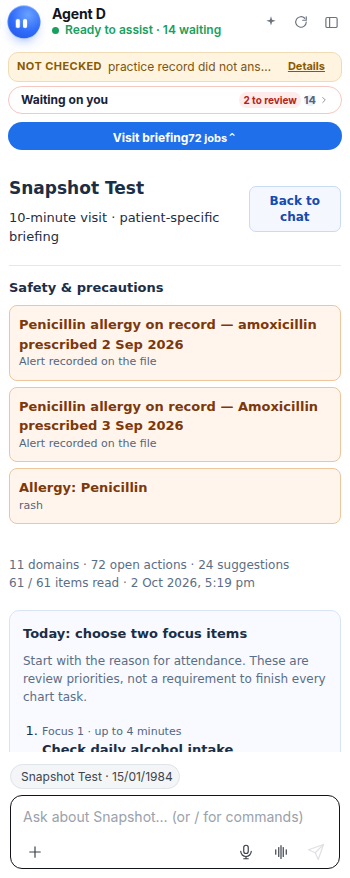
What Agent D can do
Agent D drafts patient-friendly SMS messages, explains test findings in plain Year-8 English, and prepares telehealth invitations. It cannot send messages or place calls autonomously.
Safety (what needs your Confirm)
All outbound patient messages must be previewed and approved. Telehealth video calls only initiate a connection to the patient app when you deliberately press Start video call.
Common questions
Will opening the Video panel ring the patient's phone?
No. Opening the panel only sets up your camera and microphone. The patient's app only rings when you click Start video call.
Can I edit an SMS before it goes to the patient?
Yes. The full message text is displayed in an editable box so you can adjust wording before clicking Send.
How often are automated reminder texts sent?
Clinic reminder texts and recall notices run in scheduled batches once every hour.
Related
Last reviewed: 03/10/2026.