Open the diary
What it does
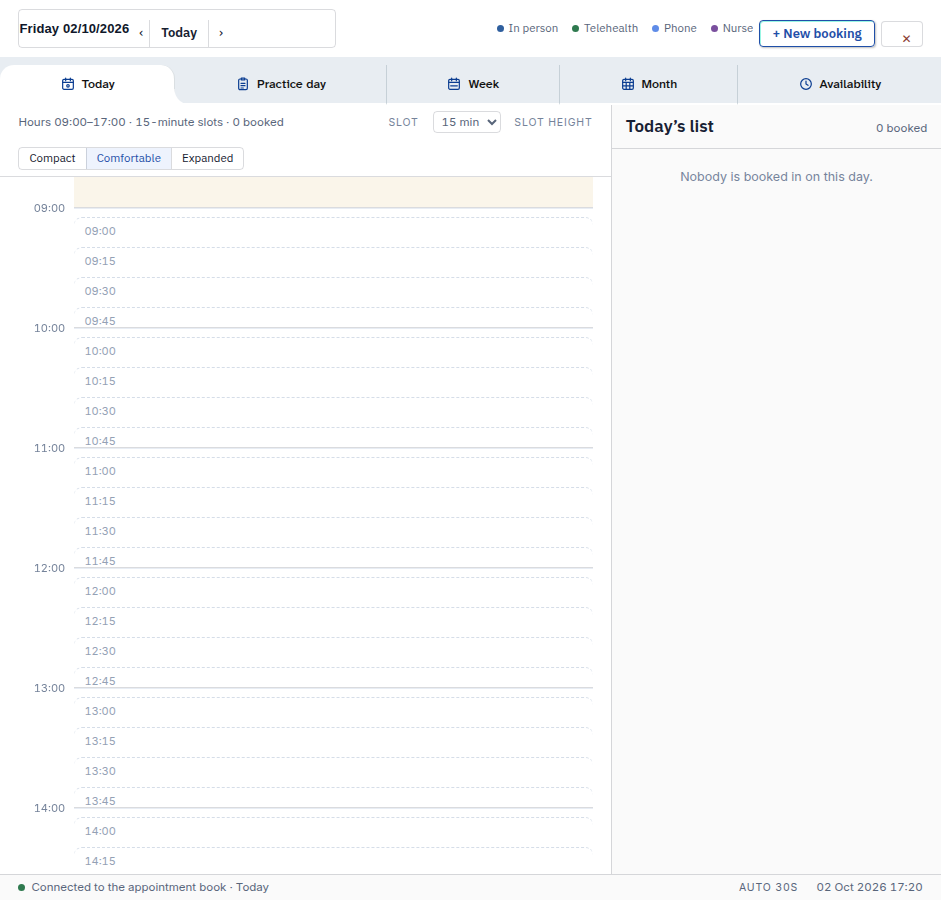
Bookings is the practice diary. Press Bookings on the left to see your day, week or month of appointments. Just looking at the diary changes nothing.
When to use it
Use it at the start of a session to see who is coming. Use it any time you need to check, make or move a booking.
Step by step
If Bookings opens on Practice day, use + New appointment. The other diary views use + New booking. Choose the view before you follow its steps.
-
Press Bookings on the left.
-
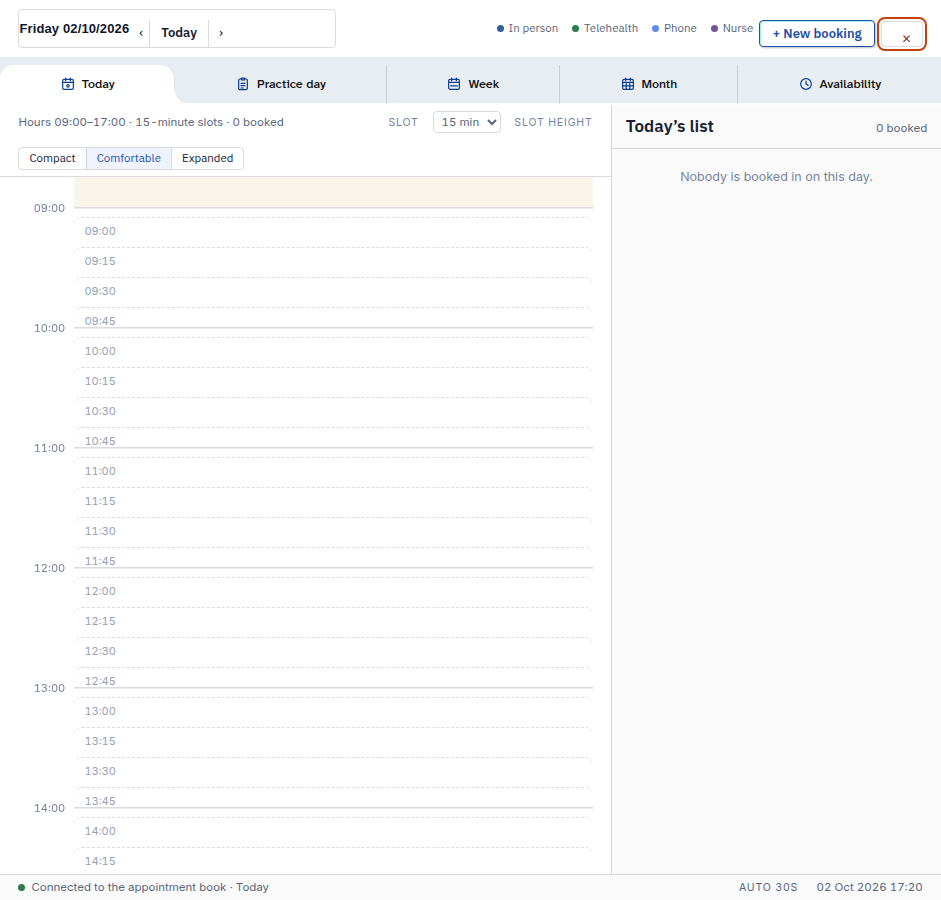
Press the cross at the top right to close the diary and go back to the screen you came from.
-
Or type
/calendarin Agent D to jump straight to the diary.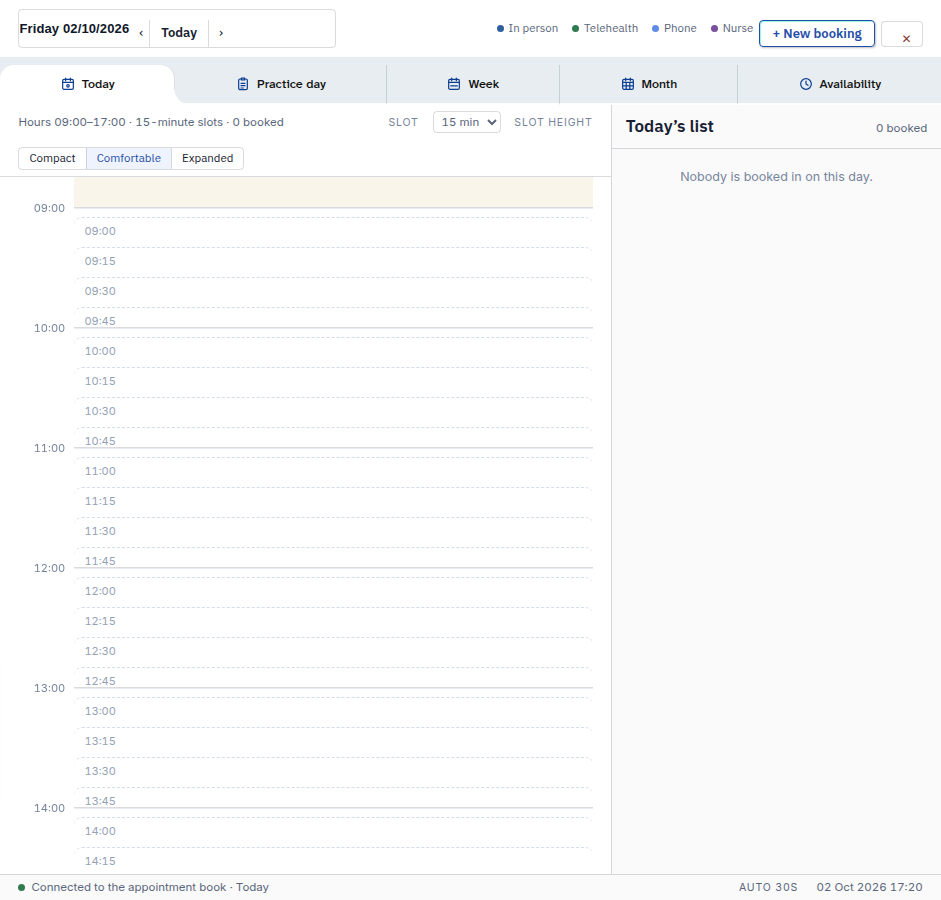
Also on this screen:
- The left tabs can be dragged into a new order, or moved with Alt-Shift and the arrow keys.
- The File menu can print this screen, or reload the console.
- The clock that used to sit in the day header now shows in the status bar at the bottom.
What Agent D can do
/calendaropens the diary.- Ask Agent D to read the diary for a date range of up to 62 days: bookings, blocks and availability.
Safety (what needs your Confirm)
- Opening and closing the diary changes nothing.
- Nothing on this screen sends, books or cancels anything on its own.
Common questions
Where did the clock go? The old header clock was removed. The time now shows in the status bar at the bottom.
Can I move the Bookings tab? Yes. Drag it, or hold Alt-Shift and use the arrow keys.
Does /calendar book anything?
No. It only opens the diary screen.
Related
Last checked: 03/10/2026.