Practice day
For staff
This page is for front-desk staff and people who manage clinic settings.
What it does
Practice day shows every appointment for the practice that day, not just one doctor's list.
When to use it
Use it at the front desk to see the whole day at once, to print a run sheet, or to check a date range.
Step by step
If Bookings opens on Practice day, use + New appointment. The other diary views use + New booking. Choose the view before you follow its steps.
-
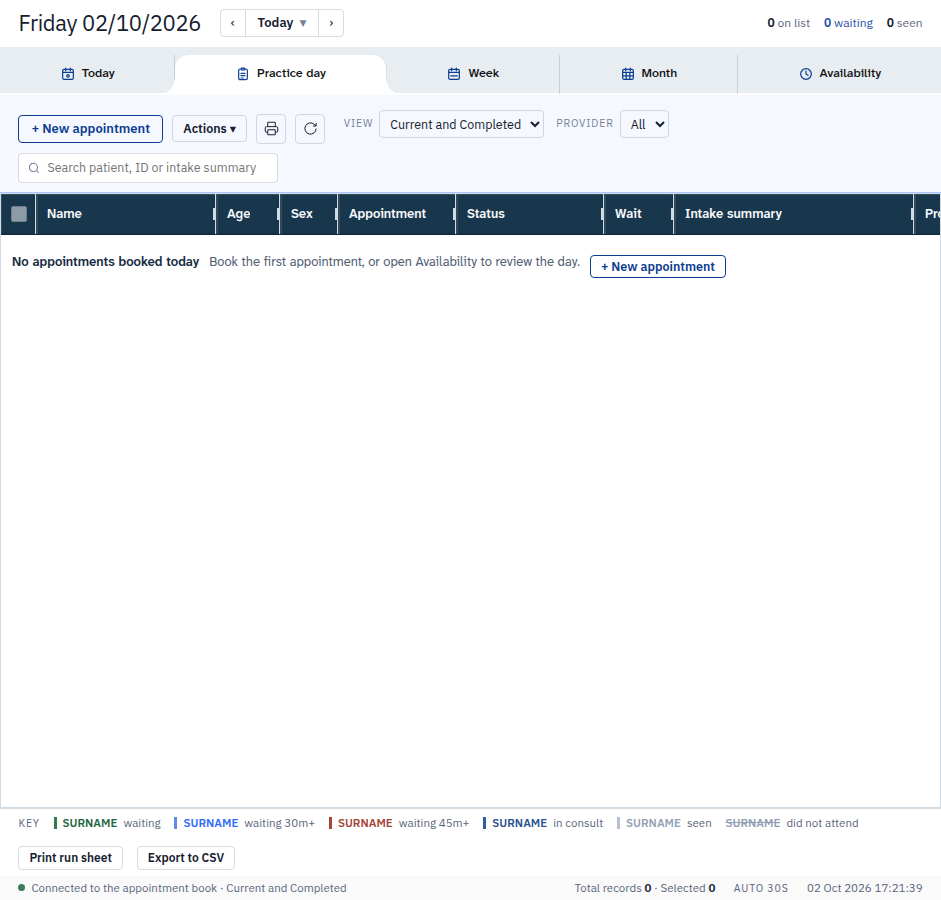
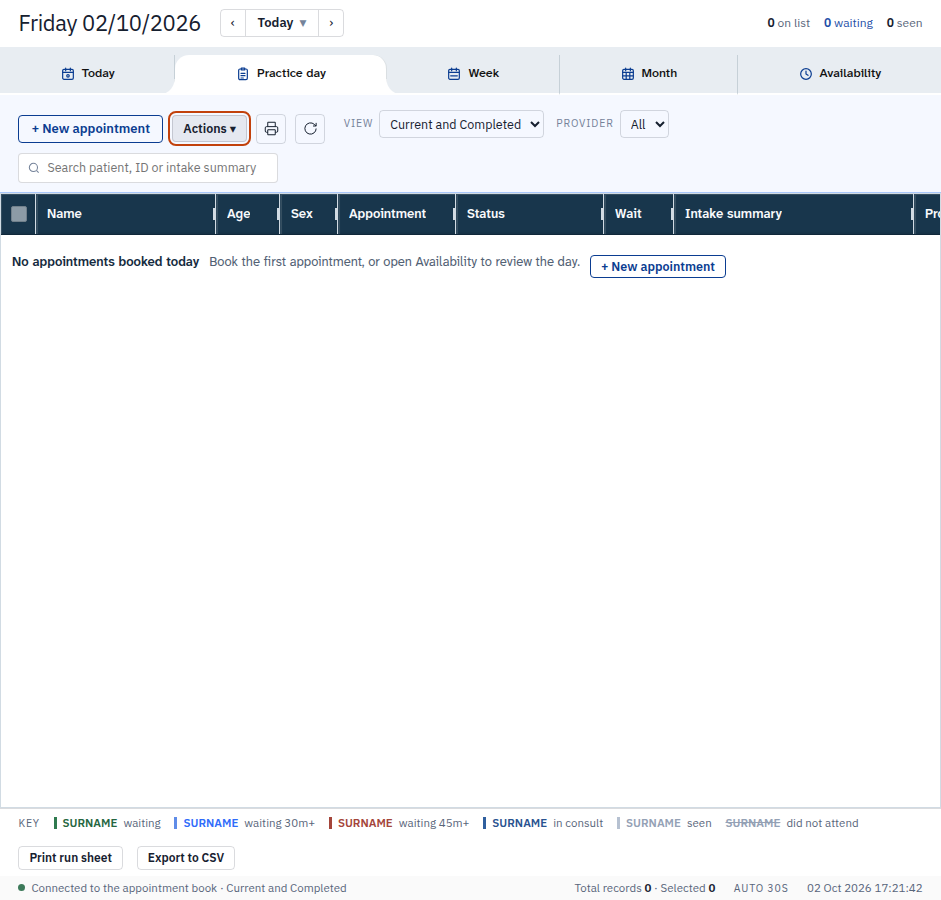
Press Practice day. The day book shows the date and counts. It lists nobody when nobody is booked — the example below is the empty book for 02/10/2026.
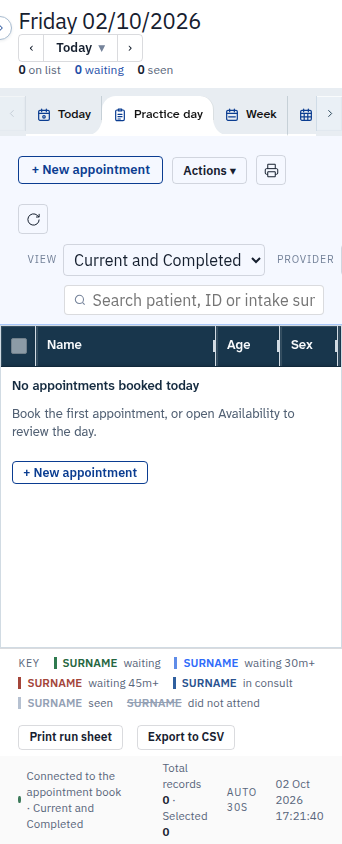
On a phone:
-
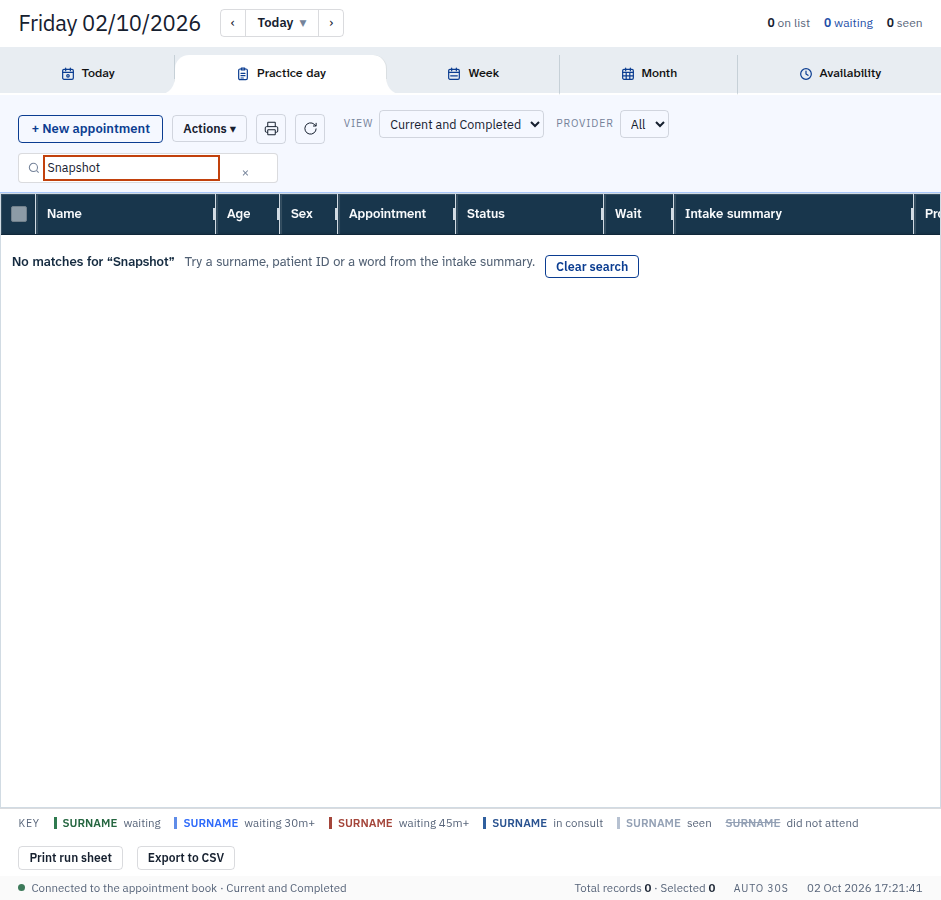
Type in Search the book to filter the rows. Clear empties the box.
-
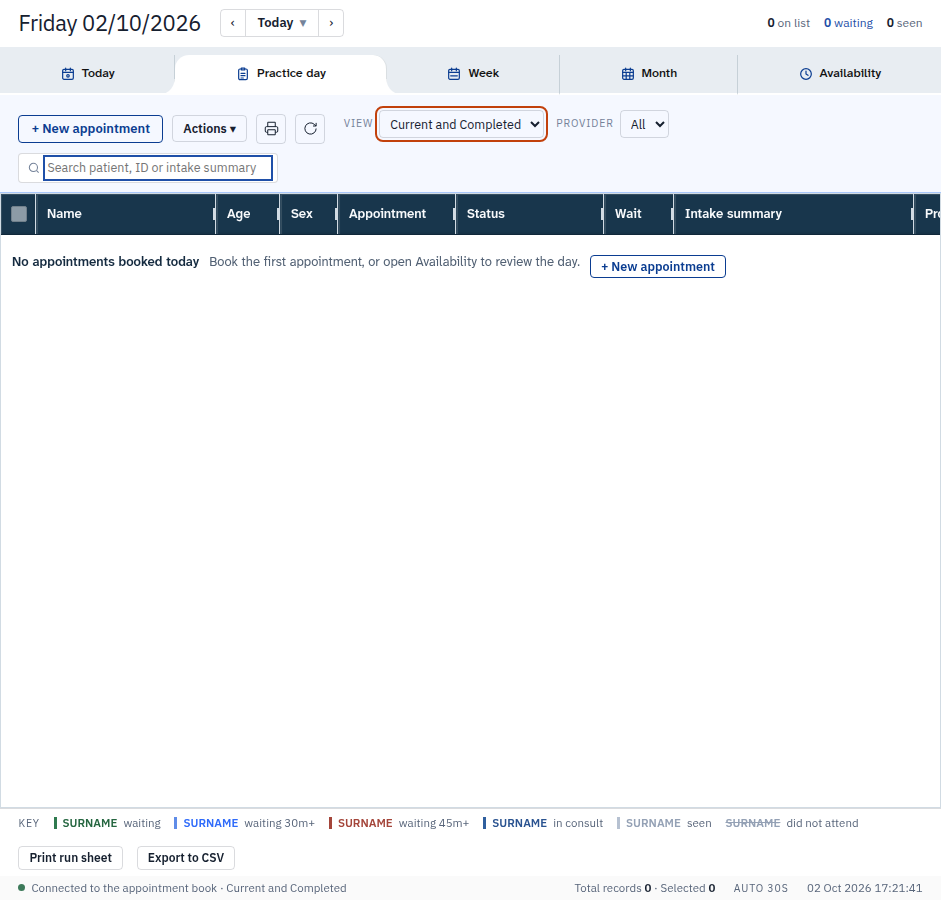
Use View, the date menu and the provider list to choose which rows show.
-
Press Actions for Export to CSV, Print run sheet and Refresh.
Also on this screen:
- Date ranges: today, tomorrow, the next 3 days, this week, the next 7 days, this month, or dates you pick.
- Columns: name, age, sex, appointment, status, wait, intake, provider, invoice, pending test, follow-up and pending task. A key on the screen explains what each column means.
- The View filter shows current and completed, current only, completed, or did not attend.
- Select all ticks every row on screen. Clear takes the ticks off.
- Some roles cannot open this screen. In our test, a doctor-only login was told that Practice day is not part of that role.
What Agent D can do
- Read everybody's appointments for a day or window.
- Read practice-wide test orders and tasks.
Safety (what needs your Confirm)
- Export to CSV downloads patient data to your computer. Take care where you save it and who you send it to.
- Print run sheet prints on your printer. Check what is queued.
Common questions
Why is my book empty? Either nobody is booked in that range, or your role cannot open Practice day. The practice owner login sees the whole book.
Can I hide a column? No. The columns are fixed on this screen.
How do I see next week? Use the date menu and pick the next 7 days, or dates you pick.
Related
Last checked: 03/10/2026.