Accept a suggestion
What it does
Diagnify analyses patient charts against clinical guidelines to offer preventive care suggestions, screening reminders, and overdue test prompts. Accepting a suggestion moves it to your active visit plan. It does not order tests, issue scripts, or bill the patient.
When to use it
Use this during consultations when reviewing care gaps, chronic disease management reminders, or routine health screenings.
Step by step
- Open the action list and look for Suggested.
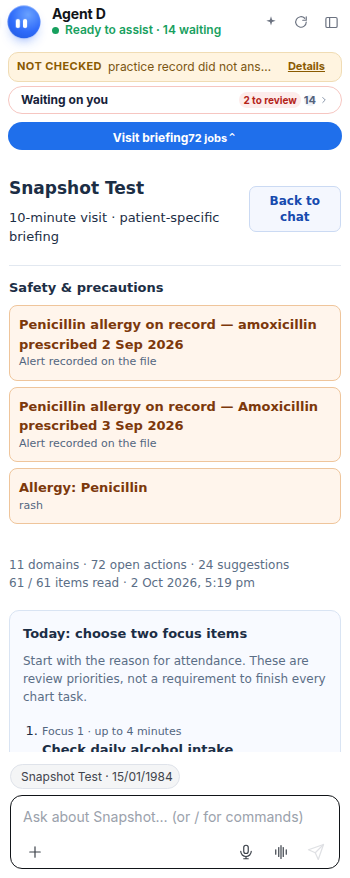
What Agent D can do
Agent D detects missing screenings, such as blood pressure checks or diabetic foot exams, and displays prompt chips. It cannot order tests or record findings until you accept and confirm.
Safety (what needs your Confirm)
Accepting a suggestion only stages the item on your action list. It creates a draft. You must still review each item and confirm before any order or entry is saved.
Common questions
Does accepting a suggestion order a test immediately?
No. It only places the suggestion into your consult workspace so you can review and tailor the clinical order.
Can I ignore or dismiss a suggestion?
Yes. You can leave the suggestion unselected or dismiss it if it is not clinically relevant for today's visit.
Who can accept clinical suggestions?
The treating doctor reviews and accepts clinical suggestions during the consultation.
Related
Last reviewed: 03/10/2026.