Ask Agent D
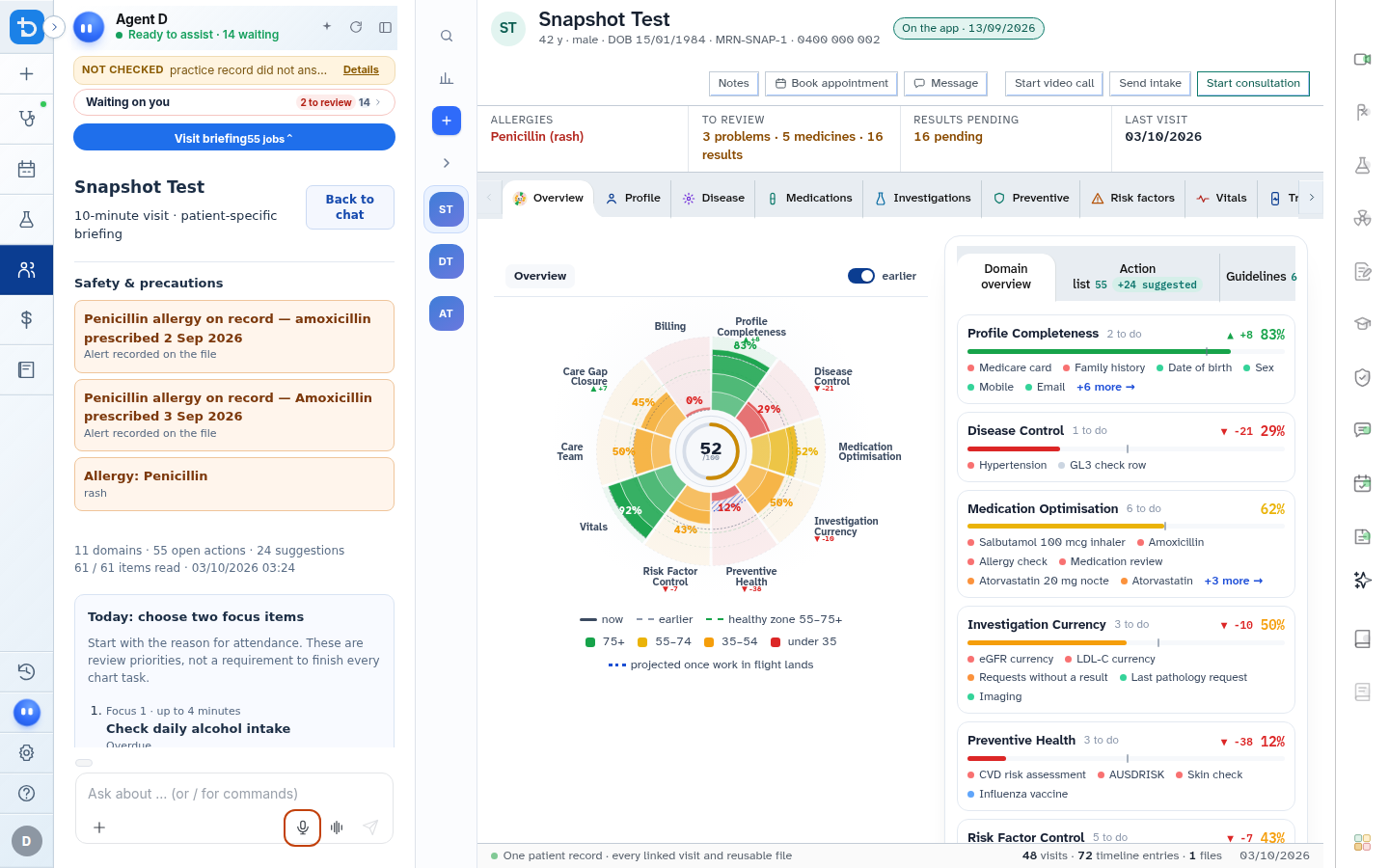
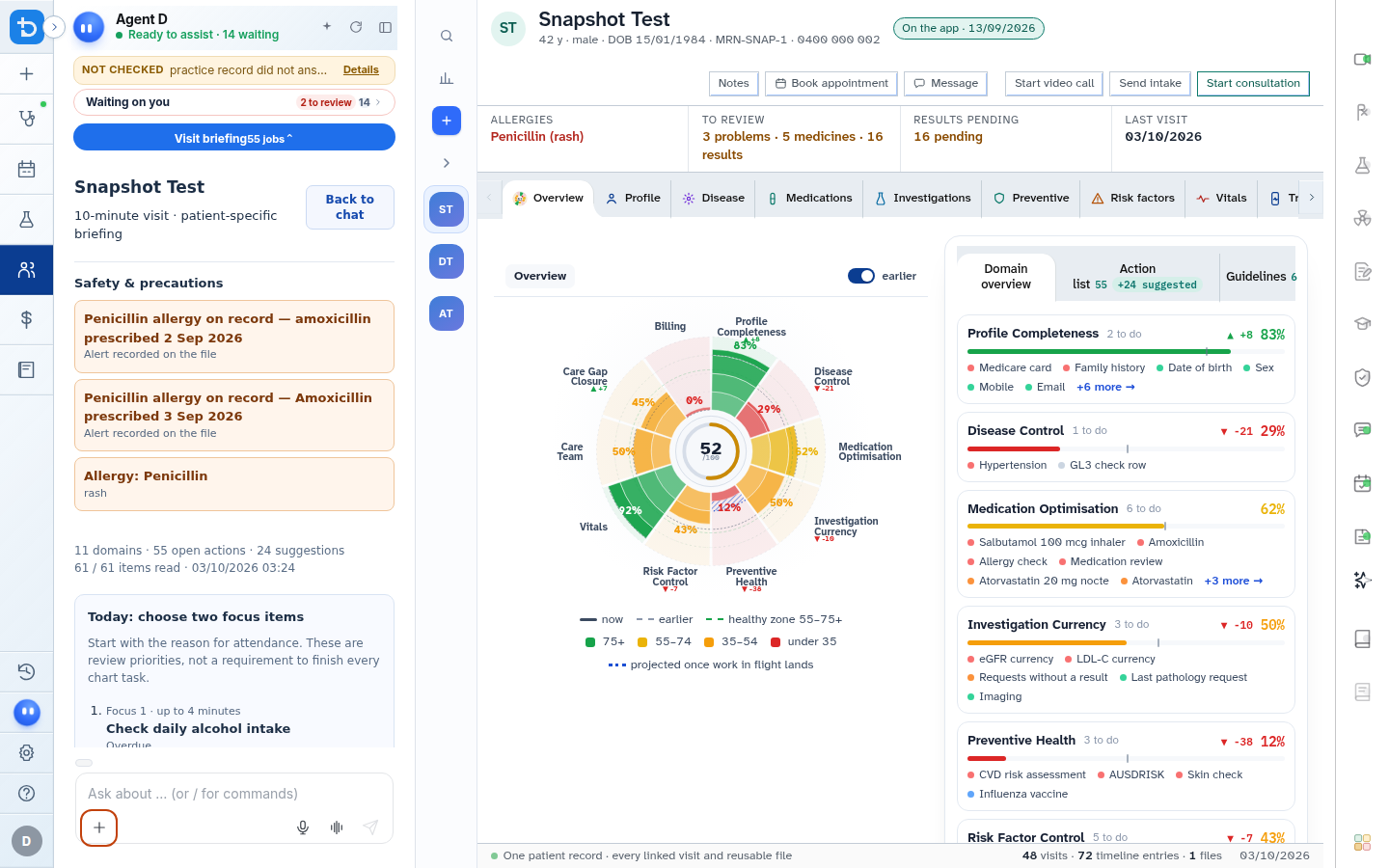
The Ask Agent D box allows you to type or dictate clinical questions, request patient summaries, and collaborate with your AI copilot.
What it does
The Ask Agent D input box serves as the conversational interface for decision support. You can type clinical presentations, ask for differential diagnoses, dictate via voice recognition, attach external reports, or toggle between General, Interactive, and Patient answer styles.
When to use it
Use the Ask Agent D box when working through complex presentations, seeking evidence summaries, structuring treatment plans, or transforming notes into plain-language patient explanations.
Step by step
- Click into the Ask Agent D box at the bottom of the conversation panel.
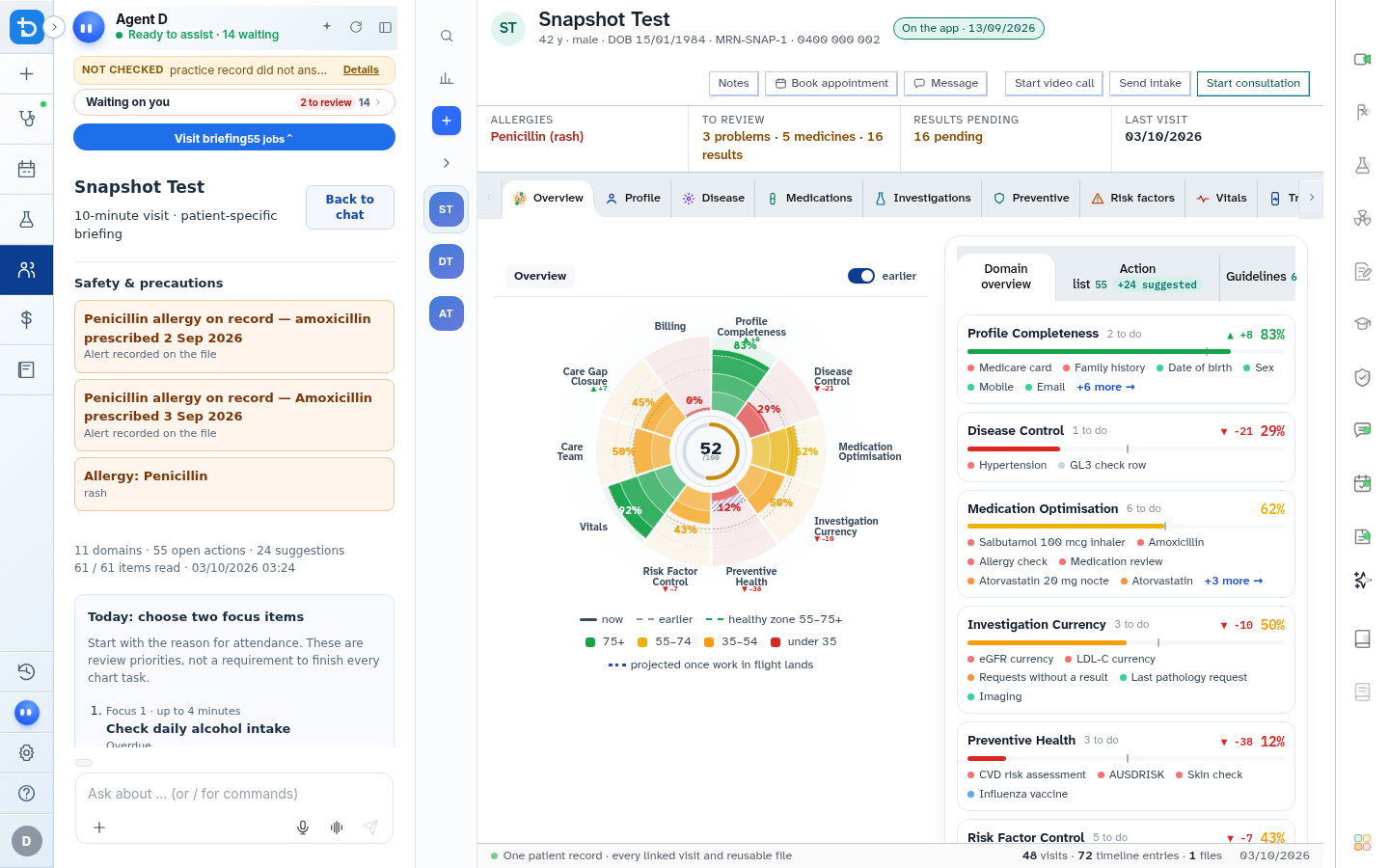
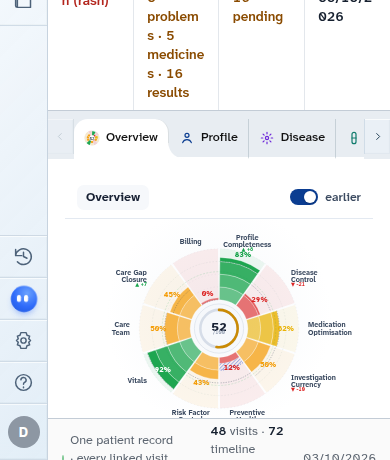
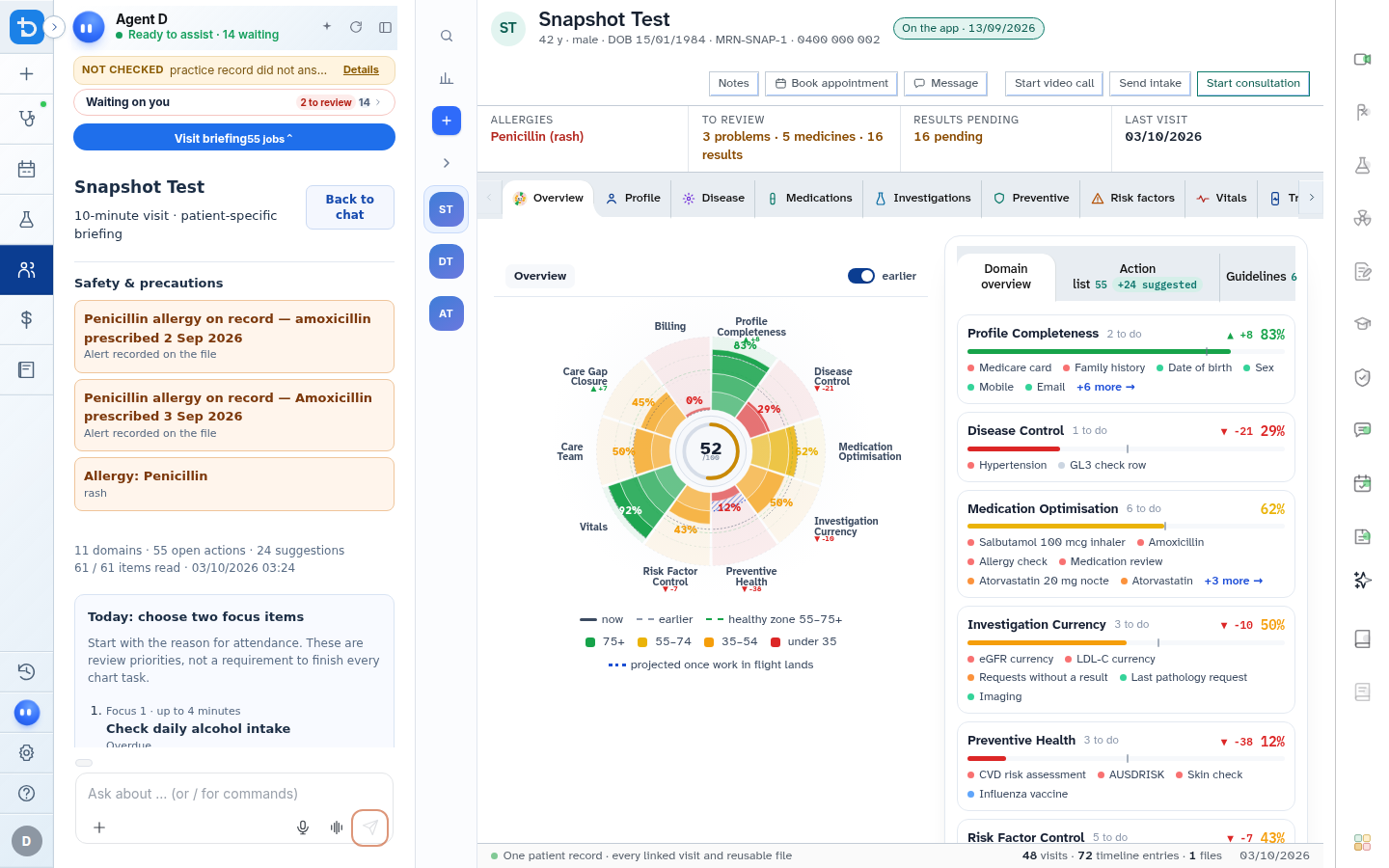
- Type your question or case presentation and select Send.
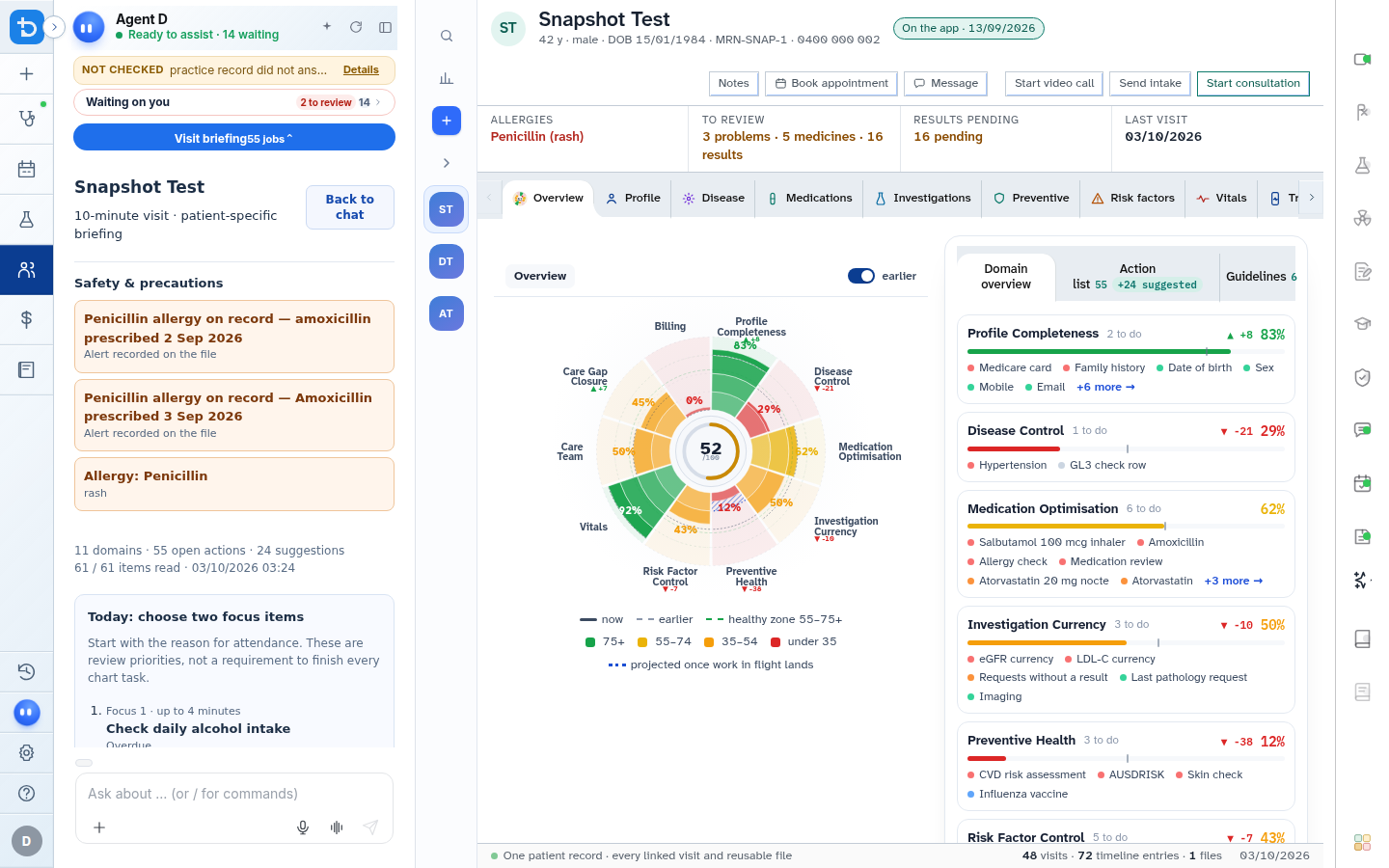
- Select an answer mode (General, Interactive, or Patient) to customize the response style.
- Use the microphone icon to dictate clinical text directly into the box.
- Select the plus button to attach a PDF, Word document, or image to your inquiry.
Also on this screen
- Send button: Submits the typed case into the work-up engine.
- Stop button: Halts a running response immediately if you want to modify your query.
- Answer mode: General: Direct, concise clinical summary without follow-up questions.
- Answer mode: Interactive: Step-by-step reasoning that asks targeted clinical questions before producing recommendations.
- Answer mode: Patient: Translates medical findings into Year-8 plain language suitable for sharing with the patient.
- Example chips: Tap pre-populated clinical scenarios to see how Agent D structures complex cases.
- Attach a file: Upload external specialist letters, pathology PDFs, or clinical photos for instant analysis.
- Record in file (Doctor facts): Detects clinical measurements typed into chat (such as BP, weight, or allergies) and offers a one-click button to record them directly in the chart.
What Agent D can do
- Agent D classifies incoming queries into diagnostic work-ups, treatment planning, or general drug questions.
- Agent D summarizes attached clinical correspondence and highlights red flags.
- Agent D generates draft notes and orders, but never submits them to external services without your confirmation.
Safety (what needs your Confirm)
- Agent D responses are clinical recommendations intended to assist registered medical practitioners.
- Adding facts detected in conversation to the patient chart requires clicking Record in file.
- Documents or prescriptions drafted by Agent D remain unconfirmed until you approve them on their respective cards.
Common questions
What is the difference between General and Interactive answer modes?
General mode provides an immediate, synthesized clinical recommendation. Interactive mode guides you through red flags and focused examinations first.
Can I dictate into the ask box instead of typing?
Yes. Click the microphone icon to transcribe speech into text in real time.
How do I stop Agent D if it is generating an answer I do not need?
Click the Stop button next to the input box to cancel generation instantly.
Related
Last reviewed: 03/10/2026.