Left navigation
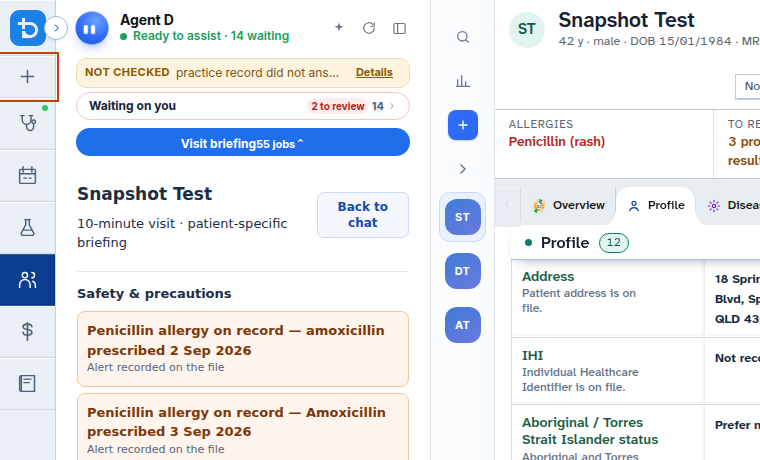
The left navigation rail provides high-level switching between practice modules, consultation history, and display customisations.
What it does
The left navigation rail connects all primary modules in Diagnify, including Consult, Bookings, Results, Patients, Financials, Guidelines, and Settings. It also features a searchable list of recent consultations, a theme toggle for day and night modes, and collapsible sidebar controls.
When to use it
Use the left navigation rail to jump between patient encounters, switch to the appointments calendar, review pathology results, or adjust your workspace layout.
Step by step
- Use the main navigation icons to switch between practice modules.
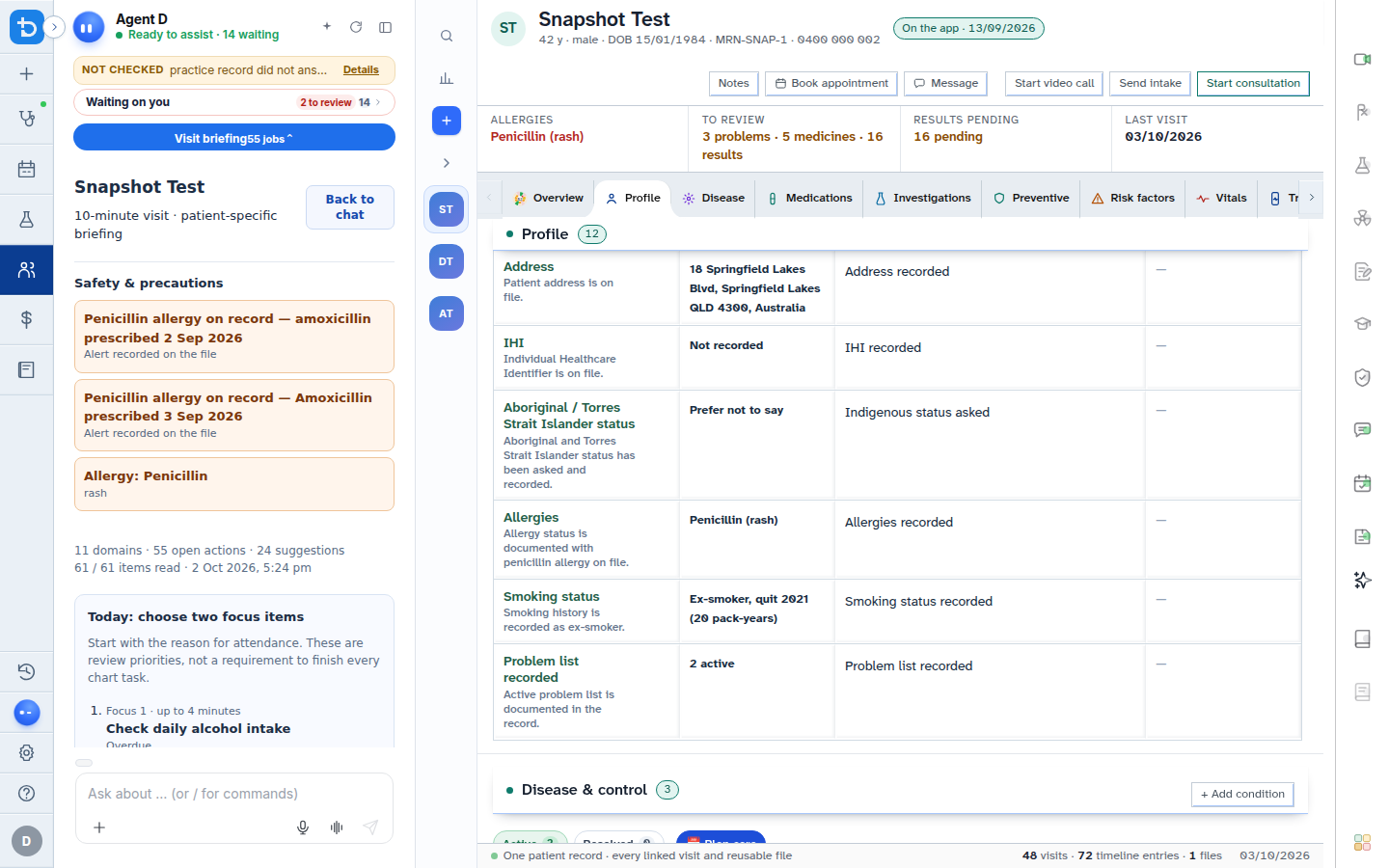
- Use the consultation search box in the sidebar to filter past patient encounters.
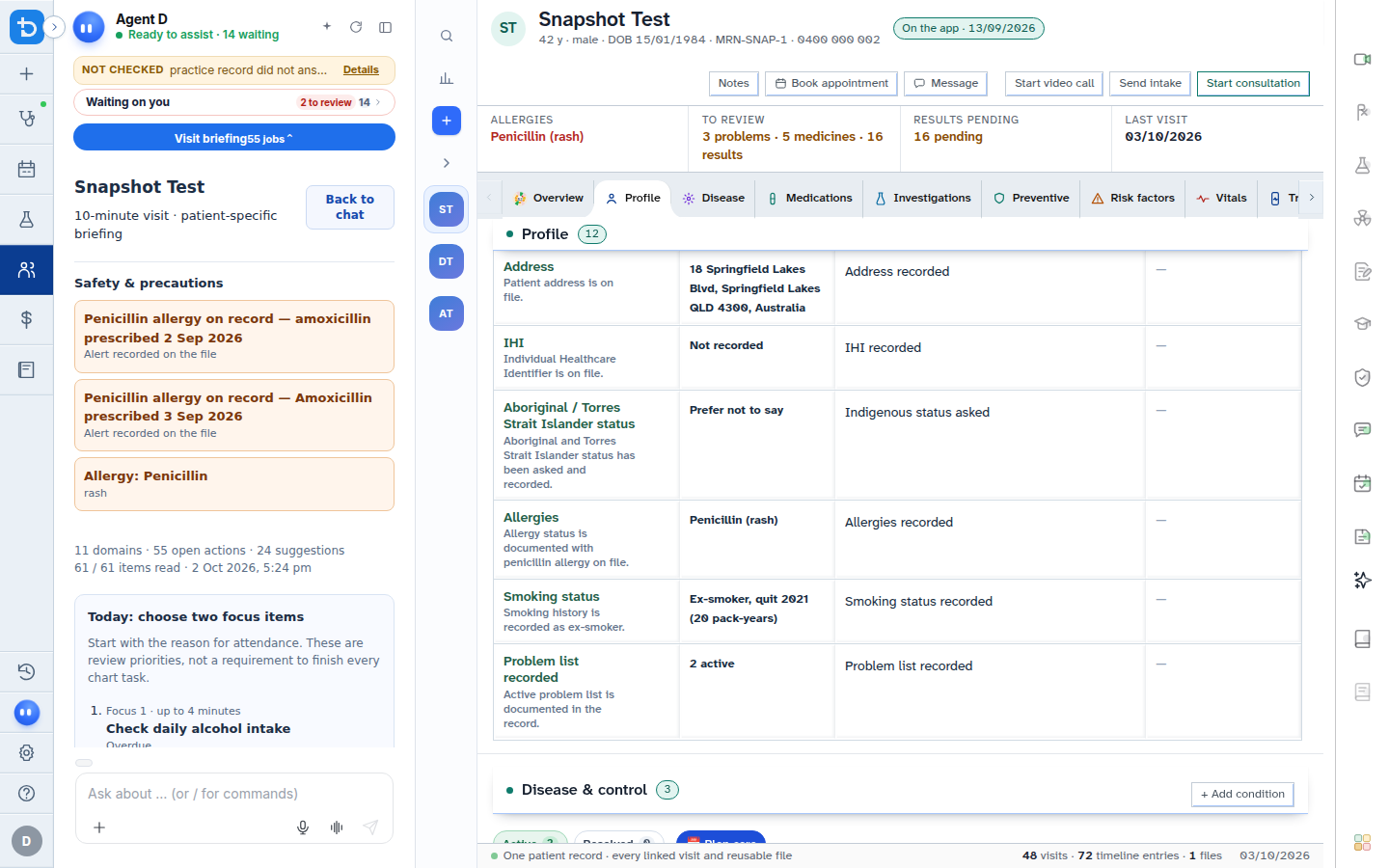
- Toggle the theme button in the footer to switch between light and dark display modes.
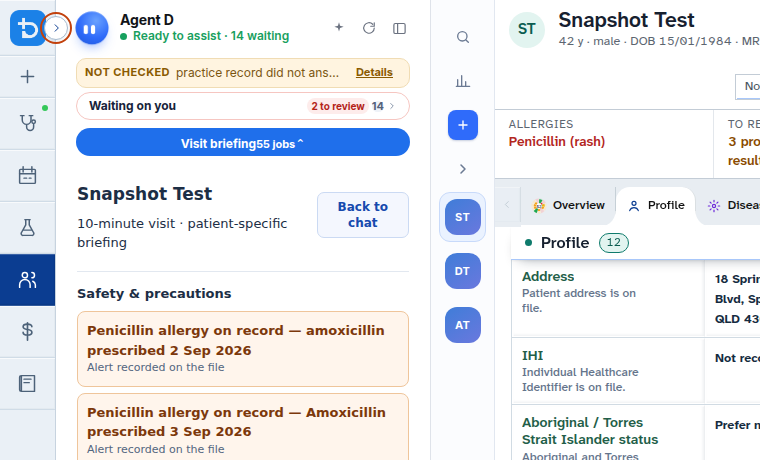
- Select the collapse icon to fold the sidebar into a slim icon bar for additional screen space.
Also on this screen
- Drag to reorder left tabs: Customise the vertical order of navigation icons by dragging them up or down.
- Reset navigation order: Restores the default system order of navigation tabs with one click.
- Recent consultations list: Chronological list of recent patient visits for rapid recall.
- Hide consultation titles: Privacy toggle that conceals clinical problem headings in the visit list when colleagues or patients are nearby.
- Sidebar consultation history: Direct access to past visits and notes for the active clinic day.
What Agent D can do
- Agent D filters your daily schedule and consultation history when asked in chat.
- Agent D does not rearrange navigation tabs or alter display settings automatically.
Safety (what needs your Confirm)
- Reordering tabs, searching visits, and collapsing the sidebar are interface preferences that never alter clinical records.
- Switching between consultations does not save unfinalised drafts unless you confirm them.
Common questions
How do I restore navigation icons if I drag them out of place?
Open navigation settings on the sidebar and select Reset navigation order to restore default positions.
Can I conceal patient names or visit reasons for privacy?
Yes. Turn on Hide consultation titles to mask clinical summaries in the recent visits list.
Where is dark mode located?
Click the sun or moon icon in the left rail footer or top window controls to switch themes.
Related
Last reviewed: 03/10/2026.