Ask Agent D about the diary
What it does
Agent D can read the diary for you, and change it when you ask — in plain words, no menus.
When to use it
Use it when a question is faster typed than clicked: who is free, who is due, who did not come.
Step by step
-
Type
/calendarin Agent D to open the diary.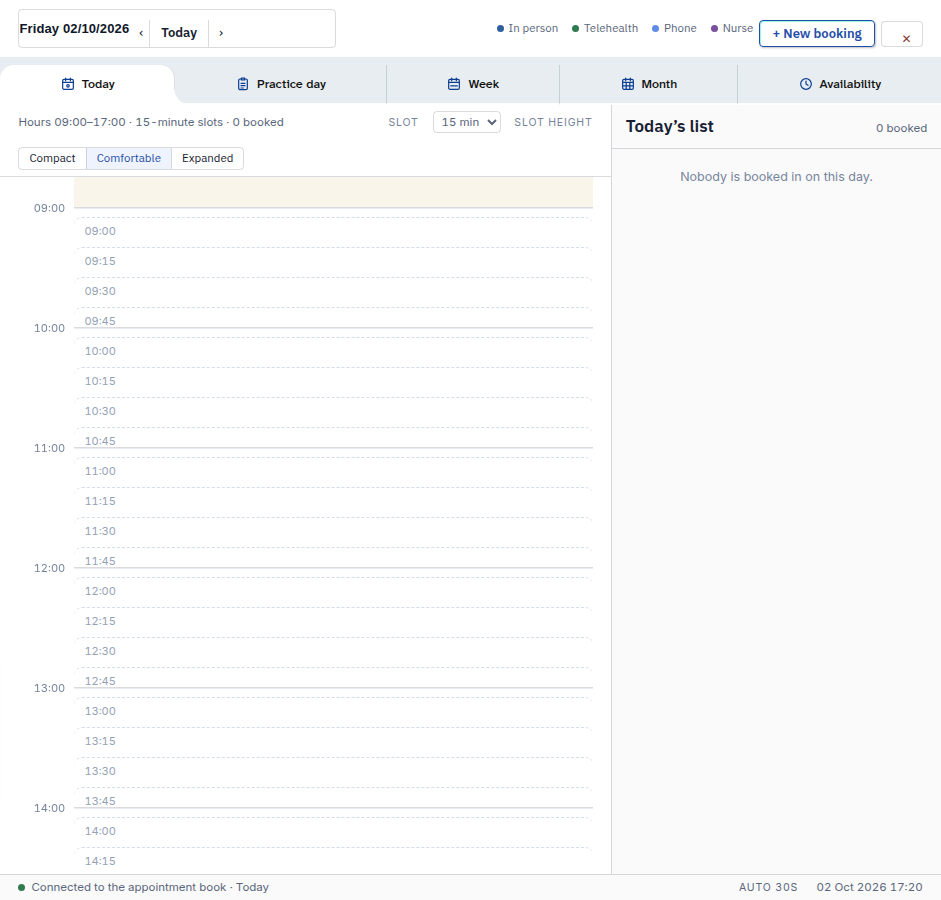
-
Ask your question in plain words. For example: "Who is free at 09:30 on Friday?" or "Who did not attend this week?"
What Agent D can do
It can read:
- your bookings, blocks and availability for a date range of up to 62 days
- the free slots on a date
- who a booking can be moved to, and everybody's appointments for a day
- the recalls that are due, with patient names
- what a visit's pre-consult intake said, plus practice-wide orders and tasks
It can change, only after your Confirm:
- save a booking (a time that overlaps a booking or a block is refused)
- cancel a booking
- mark arrived, mark did not attend, or clear the attendance mark
- mark a booking done
- move an appointment to another working member of the practice
It cannot:
- delete blocks — that tool is blocked
- text the app sign-up invite to a patient — that text is sent by you
Safety (what needs your Confirm)
- Every change waits for your Confirm. Reads change nothing.
- Agent D never sends texts. Marking, cancelling and texting stay with you.
Common questions
Does asking a question change anything? No. Reading the diary changes nothing.
Can Agent D text patients for me? No. Texts — reminders and app invites — are human-only.
What if I ask it to book a taken time? It refuses. Times that overlap a booking or a block cannot be saved.
Related
Last checked: 03/10/2026.