Results worklist
The Results worklist is the central hub for reviewing diagnostic investigations, pending clinical tasks, and patient recalls.
What it does
This screen brings together incoming diagnostic reports, outstanding clinic tasks, outbound referrals, and scheduled recalls into a single unified workspace. It provides tabbed navigation between workstreams, a real-time summary counter of pending items, and rapid keyboard navigation using the Escape key to close. Clinicians can also jump directly to the worklist using Agent D slash commands.
When to use it
Use the Results worklist at the start of your clinic session to check for critical diagnostic reports, during the day to clear incoming laboratory feeds, or when managing outstanding referrals and tasks.
Step by step
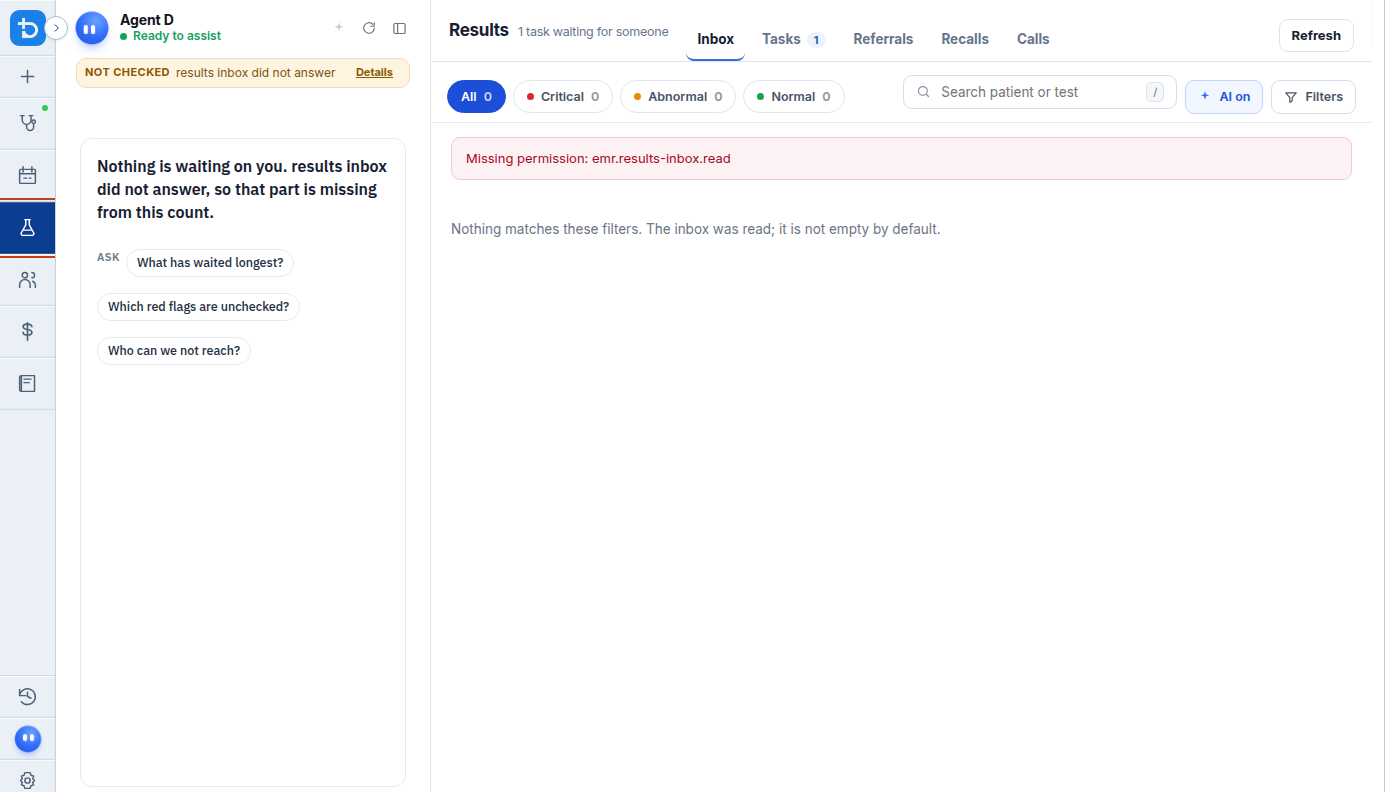
- Select Results on the left navigation bar.
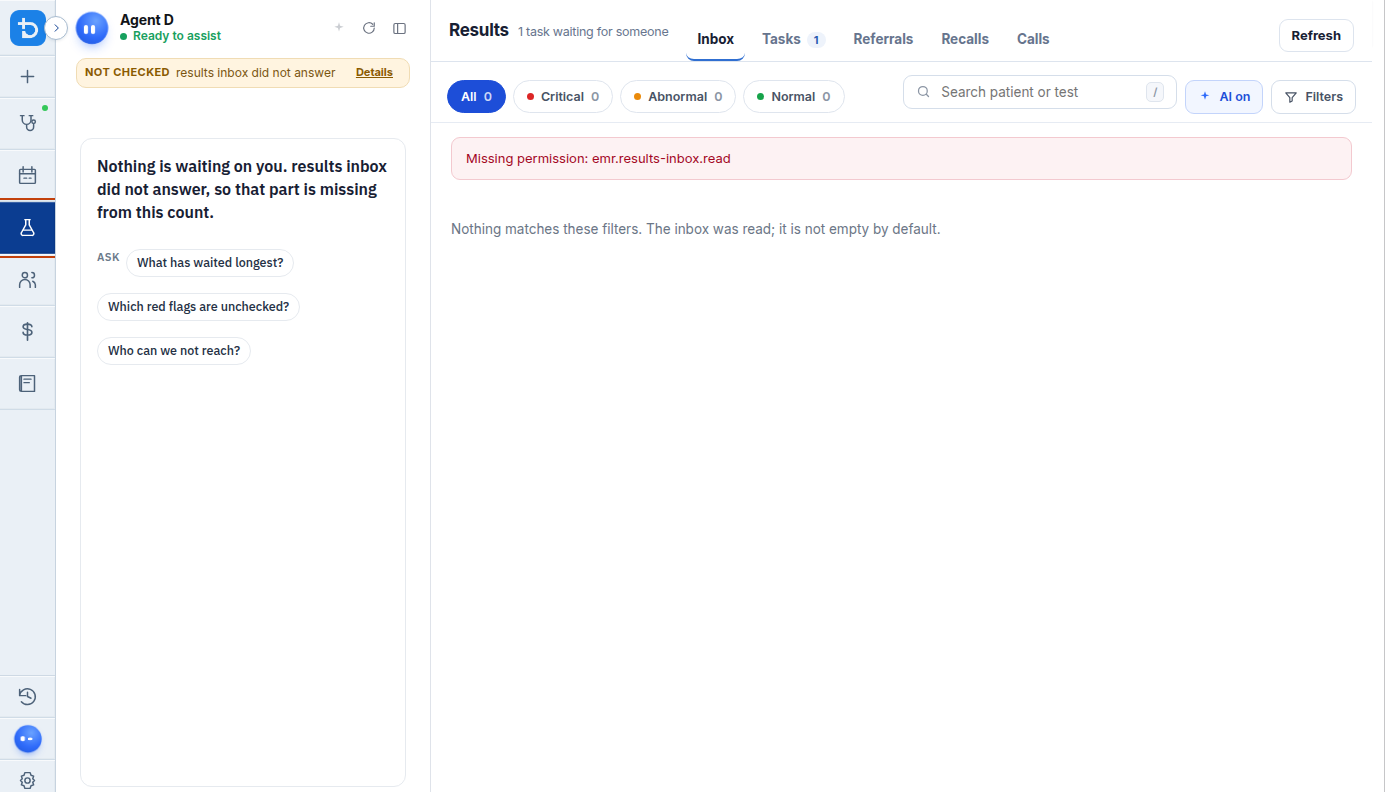
- Press Escape on your keyboard to close the Results overlay and return to your previous screen.
- In Agent D chat, type
/worklistto quickly jump to the Results workspace from any screen.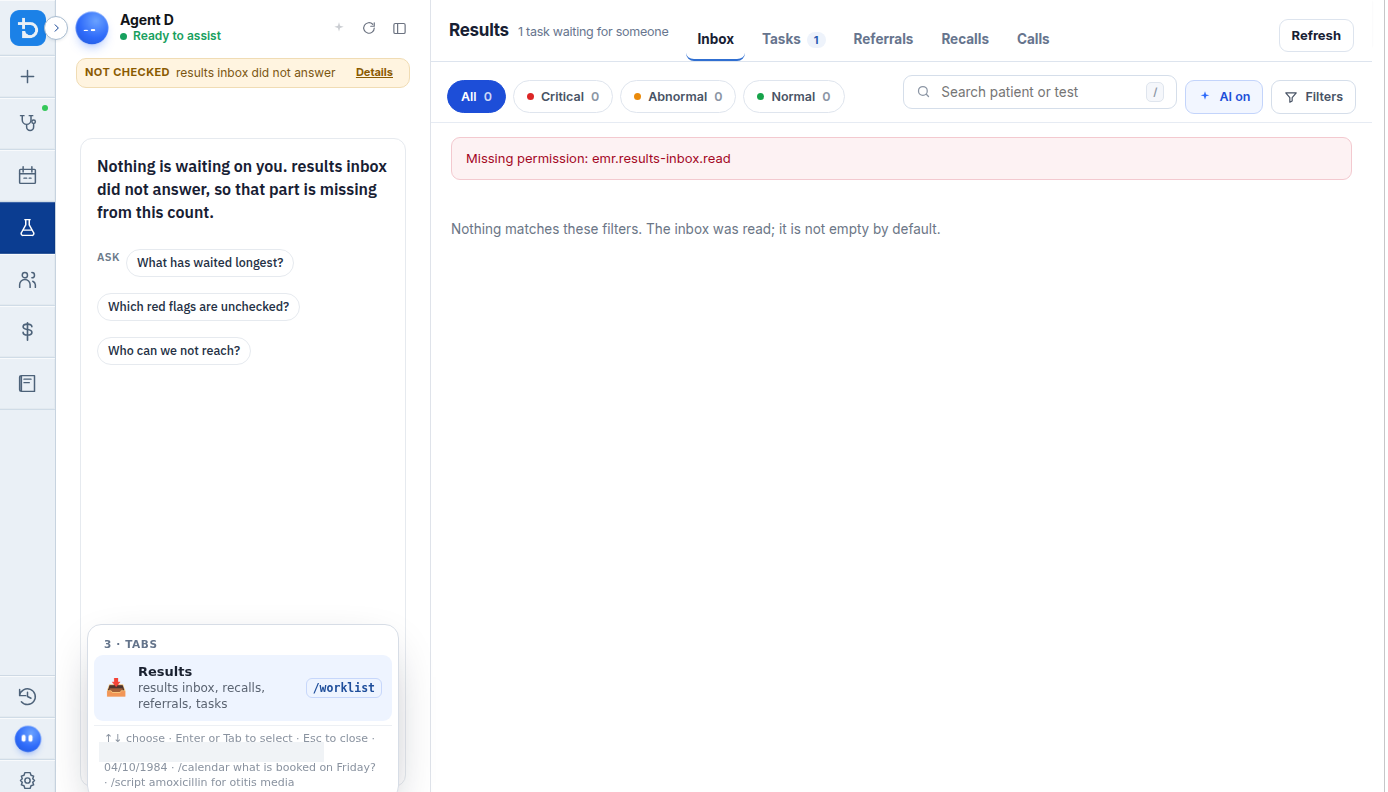
Also on this screen
- Results tab: Opens the main practice results and investigations workspace.
- Escape closes Results: Pressing Escape immediately closes the results panel without saving partial unconfirmed actions.
- Waiting summary: Prominent badge beside the section header indicating the total number of items awaiting clinician action.
- Show finished: Checkbox allowing you to display previously completed tasks, processed referrals, and resolved recalls.
- Refresh: Fetches the latest updates from the pathology server and clinic database.
- Your role does not include this: Warning message shown if your user account lacks required permissions to access diagnostic results.
- Close button beside Refresh: Quick exit cross button situated next to the refresh control.
- Slash command (/worklist): Fast shortcut command typed in Agent D chat that opens this worklist instantly.
What Agent D can do
- Agent D monitors the results inbox and alerts you when critical or abnormal findings arrive.
- Agent D opens the worklist immediately when you enter
/worklistin chat. - Agent D cannot file, sign off, or clear results without your explicit review and confirmation.
Safety (what needs your Confirm)
- The Results worklist presents diagnostic information for clinical triage.
- Viewing items in the worklist does not mark them as seen or acted upon; only explicit clinician actions record an audit entry.
Common questions
How do I refresh the list to see new results?
Click the round Refresh arrow button in the top toolbar to poll the incoming message queue immediately.
Can I view completed tasks and resolved recalls?
Yes. Tick the "Show finished" checkbox to include completed and archived items in the list.
What should I do if the worklist says "Your role does not include this"?
Contact your practice administrator to ensure your account has the appropriate clinical or clerical permissions assigned.
Related
Last reviewed: 03/10/2026.