Tasks and referrals
The Tasks and referrals screens track outstanding practice jobs and manage the lifecycle of outbound specialist letters.
What it does
This screen provides clinical workflow management across two main areas: 1. Tasks: Displays clinical and administrative jobs raised during consultations or result triage (such as calling a hospital, arranging community nursing, or obtaining old records). Each task lists the patient, responsible team member, urgency, and due date. 2. Referrals: Tracks outbound specialist and allied health referral letters through their lifecycle (draft, finalised, sent, accepted, completed, or cancelled).
Clinicians and staff can open the patient chart directly from any task row and update task status as care progresses.
When to use it
Use this screen to manage daily clinical administrative tasks, follow up on pending specialist correspondence, or ensure external referrals are successfully received and actioned.
Step by step
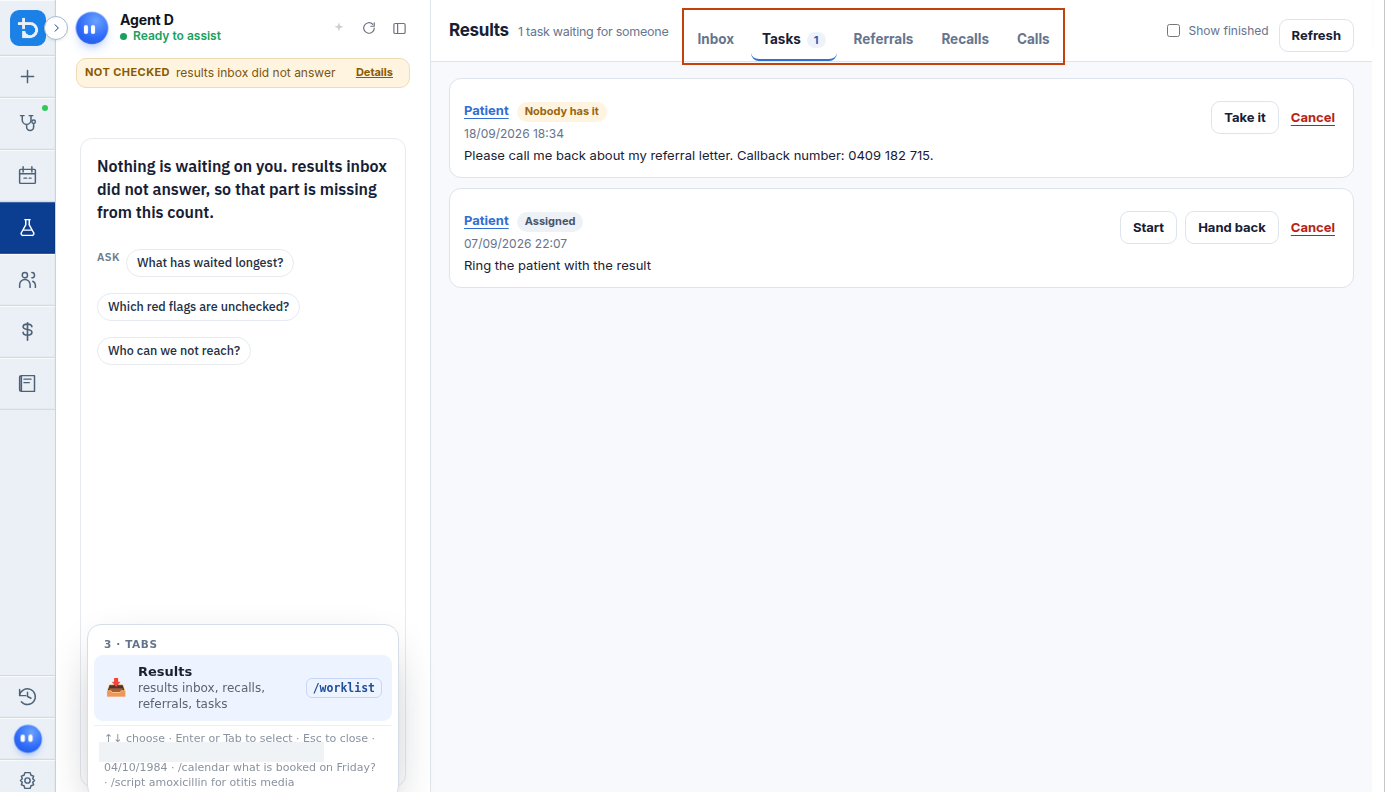
- In the Results section, select the Tasks tab to review outstanding jobs waiting on your attention.
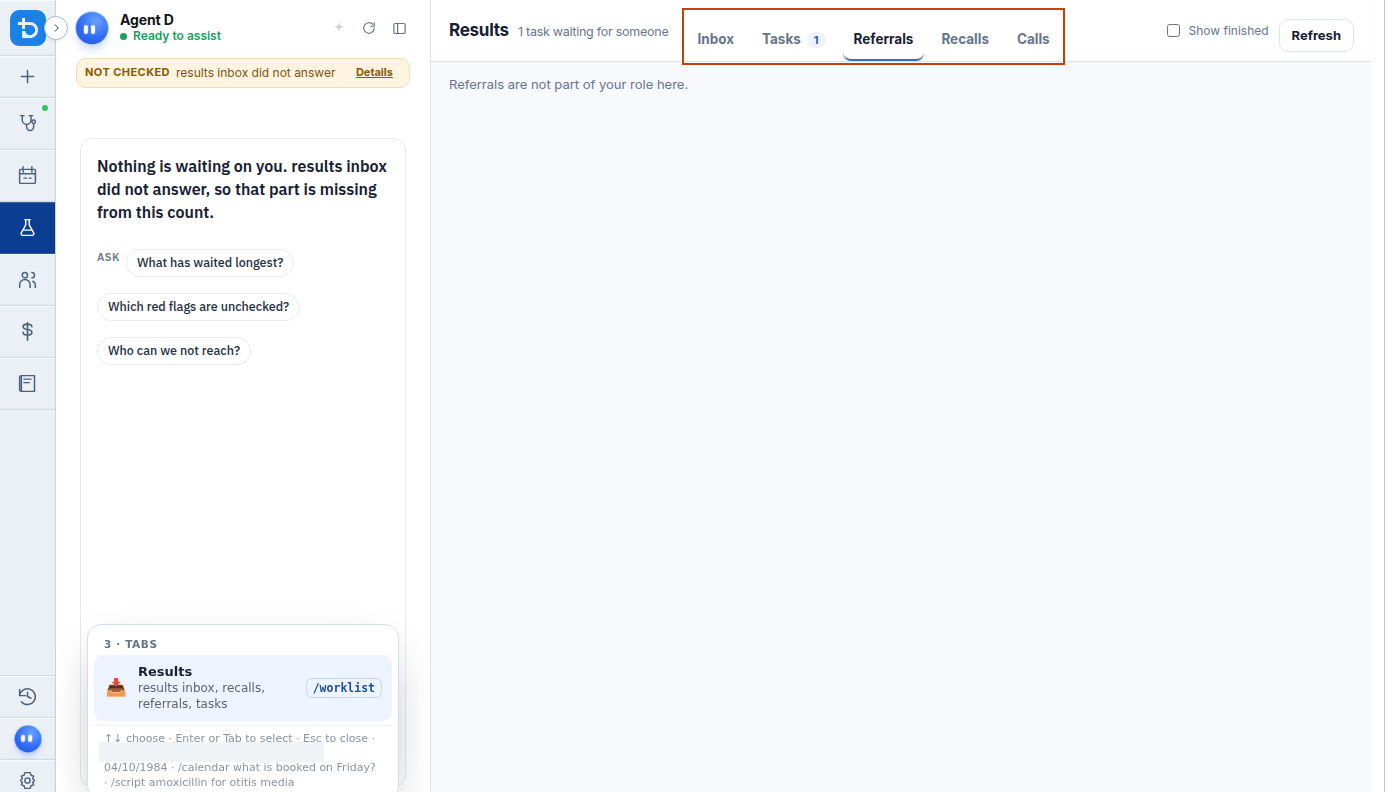
- Select the Referrals tab to monitor outbound letters and update their delivery status.
Also on this screen
- Tasks tab: Displays all open clinical tasks created across the practice that require staff or clinician action.
- Open the patient from a task: Clicking the patient name in any task row immediately opens their full clinical chart.
- Referrals: Working queue listing outbound referral letters and tracking whether specialist clinics have acknowledged or accepted them.
- What to do: Detailed view for each item showing who is responsible, clinical rationale, current stage, and next steps.
What Agent D can do
- Agent D creates new clinical tasks linked to patients or results using
worklist.create_task. - Agent D retrieves practice-wide task lists with
worklist.list_tasksand referral queues withworklist.list_referrals. - Agent D drafts status transitions for referrals (
worklist.move_referral) and generic workflow items (worklist.move_workflow_item), presenting a Confirm card before execution. - Agent D cannot mark a task as completed without clinician instruction.
Safety (what needs your Confirm)
- Updating task stages and referral statuses maintains legal accountability for ongoing patient care.
- Transitioning a referral to cancelled or completed requires your explicit confirmation.
Common questions
How do tasks get created?
Tasks can be raised manually from a patient record, automatically generated during result triage, or drafted by Agent D when follow-up jobs are agreed during a consult.
Can staff members see and complete clinical tasks?
Yes. Administrative and nursing staff can view assigned tasks, update notes, and mark completed jobs according to clinic role permissions.
What happens when a specialist accepts a referral?
Selecting "Accepted" updates the referral status in the patient timeline and records the specialist confirmation date.
Related
Last reviewed: 03/10/2026.