Agent D note and co-sign
What it does
When Agent D assists during a consultation, it can generate a structured activity note documenting clinical findings, reasoning, and suggested plans. This note is appended beneath the primary consultation note in a distinct card. The treating doctor reviews the content and clicks Co-sign to incorporate it into the permanent medical record.
Also on this screen
- Agent D consult note co-sign (AD-129): Appends structured Agent D note under clinical notes with doctor review and co-sign.
When to use it
Use Co-sign at the conclusion of an AI-assisted consultation to finalise and lock the clinical record.
Step by step
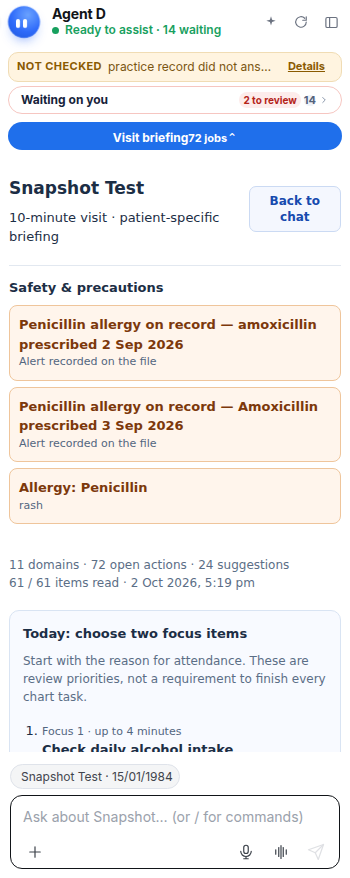
- Open the consult note and look for the Agent D note card.
What Agent D can do
Agent D formats structured clinical encounter summaries. It cannot co-sign or validate its own notes.
Safety (what needs your Confirm)
The Co-sign button is the doctor's explicit confirmation. A note remains in draft status until co-signed, ensuring complete medico-legal accountability.
Common questions
Can I edit the Agent D note before co-signing?
Yes. You can click Edit before co-sign to adjust any wording or remove sections before finalising.
Who is allowed to co-sign an Agent D note?
Only the registered medical practitioner responsible for the patient consultation can co-sign.
What happens after I click Co-sign?
The note is locked, timestamped, and saved permanently to the patient's medical history.
Related
Last reviewed: 03/10/2026.