Sign the note and the script
What it does
Clinical documents require authentic doctor review before they can be finalised. Consult notes cannot be locked until the doctor ticks I have reviewed this note. Writing a prescription attaches it to the visit file; it requires explicit electronic signing before sending.
Also on this screen
- Sign wording (AD-055-sc): A prescription card says Signed after you accept, and shows the regimen.
- I have reviewed this note (C232-sc): The consult note cannot be signed until this is ticked.
- Write the script (C254-sc): Write the script saves it on the visit. It does not by itself send it to a pharmacy.
When to use it
Use this at the conclusion of a clinical encounter when finalising consultation documentation and issuing prescriptions.
Step by step
- Open the note or the script picker.
What Agent D can do
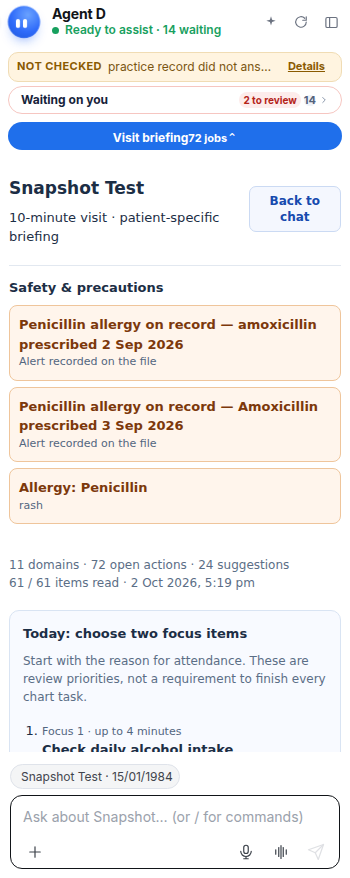
Agent D formats structured encounter notes and prepares prescription regimens. It cannot sign notes, tick review certifications, or issue prescriptions.
Safety (what needs your Confirm)
Only credentialed clinicians can sign notes and prescriptions. Signing creates an immutable, timestamped record in the patient file.
Common questions
Can Agent D sign a consultation note on my behalf?
No. The doctor must personally tick the review checkbox and sign the note.
Does clicking Write the script immediately send it to the pharmacy?
No. Write the script attaches the prescription to the patient visit. It requires explicit clinician signing and sending.
Can a signed note be edited?
Once signed, a note is locked for medico-legal compliance. Any further updates must be added as an addendum.
Related
Last reviewed: 03/10/2026.