Whole plan and billing
What it does
The /plan command generates a comprehensive consultation package from a single request. It drafts pathology orders, imaging requests, prescriptions, patient handouts, referral letters, and consult notes simultaneously, presenting them on one batch Confirm card, before opening the billing drawer. The /bill command evaluates the encounter against Medicare Benefits Schedule rules to draft itemised invoices.
Also on this screen
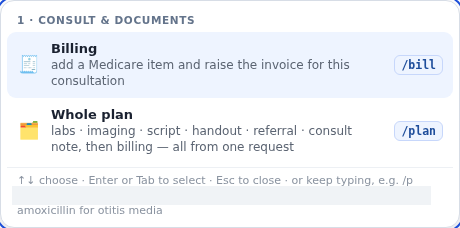
- /bill (AD-078): Adds a Medicare item and raises the invoice. You confirm.
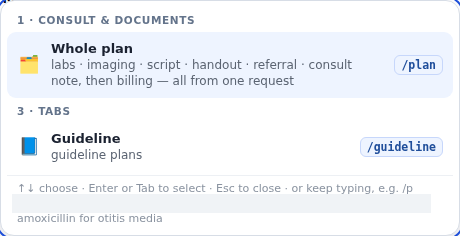
- /plan (AD-079): Runs labs, imaging, script, handout, referral, note, then billing from one request.
- assistant.start_consult [WRITE] (BUS-001): Agent D write action: Start consult.
When to use it
Use /plan at the end of complex consultations to draft all clinical orders and letters at once. Use /bill to prepare Medicare billing.
Step by step
- Type /plan
- Type /bill and stop.
What Agent D can do
Agent D synthesises the consultation encounter to create multiple synchronized documents and suggest eligible MBS billing codes. It cannot finalise billing or transmit documents.
Safety (what needs your Confirm)
All items drafted by /plan appear on a unified Confirm card. You can uncheck any item or click No to cancel. Medicare billing requires explicit clinician sign-off.
Common questions
What does /plan include?
/plan drafts pathology, radiology, prescriptions, patient handouts, referrals, visit notes, and Medicare billing.
Can I exclude one item from the plan?
Yes. On the batch Confirm card, you can untick individual items before approving the rest.
Does /bill automatically submit the claim to Medicare?
No. /bill only suggests MBS item numbers. You must review the invoice and approve submission.
Related
Last reviewed: 03/10/2026.