Message the patient
The Message tool enables clinicians to send secure clinical updates, instructions, and booking links directly to patients.
What it does
The messaging tool allows you to dispatch communications across SMS text, email, and the patient mobile app. You can write custom messages, select one-click templates, or ask Agent D to draft compassionate instructions based on your consultation plan.
When to use it
Use this tool to inform patients that pathology results are normal, provide post-procedural care advice, explain treatment plans, or send appointment booking links.
Step by step
- Select Messages from the right tool rail to open the patient communication drawer.
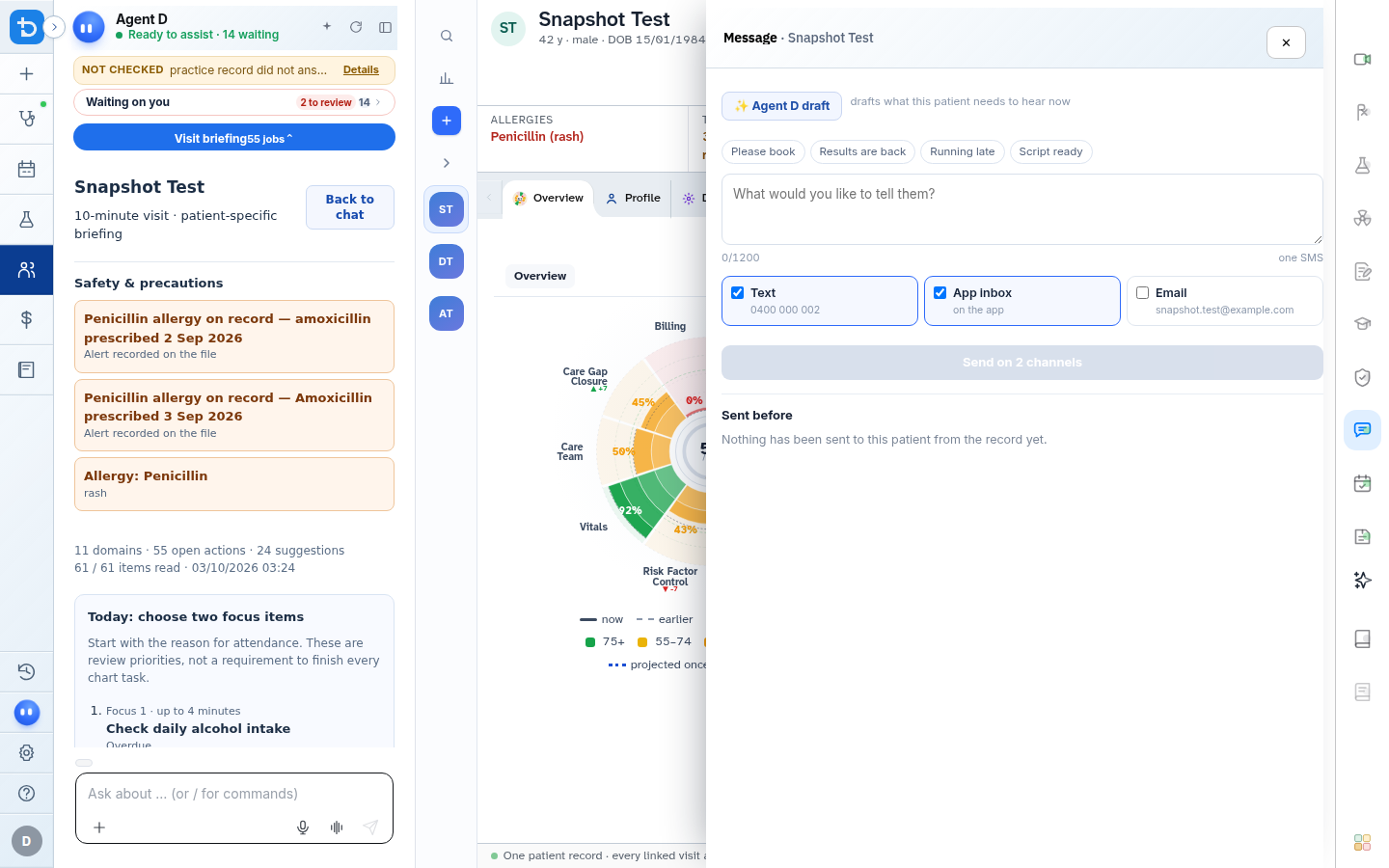
- Choose communication channels, compose or select your message, and select Send.
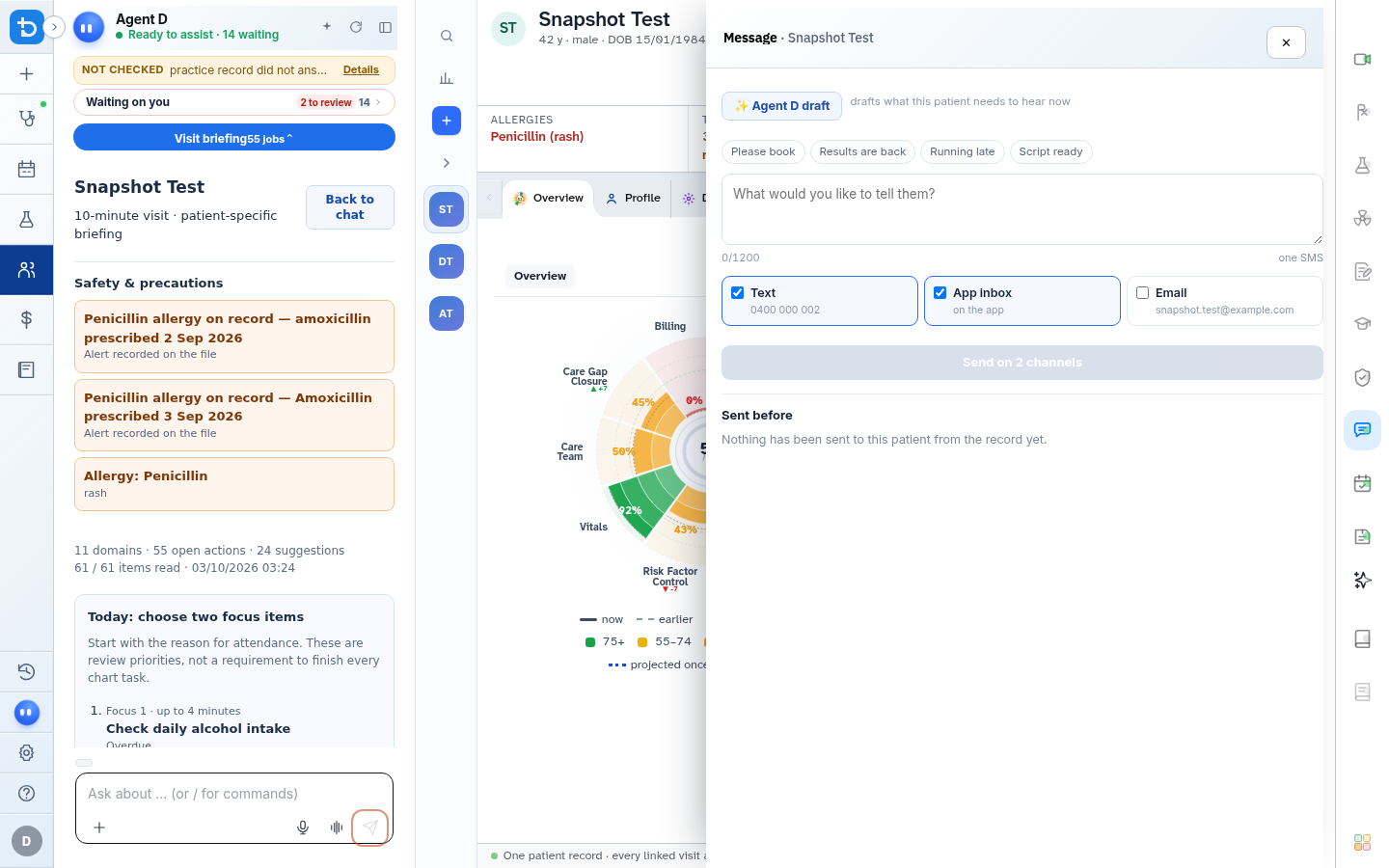
Also on this screen
- Quick lines: Instant clinical message shortcuts: "Please book an appointment", "Results are back", "Running late", and "Script ready".
- Agent D draft: Automatically composes a friendly, clear patient message summarizing consultation instructions.
- Channel checkboxes: Select SMS text message, clinic email, or the secure patient mobile app inbox.
- Missing contact indicators: Displays clear warning badges if the patient mobile phone or email address is missing from their record.
- Send button: Dispatches the verified message across all selected communication channels.
What Agent D can do
- Agent D translates clinical plans into clear, patient-friendly guidance.
- Agent D ensures messages adhere to Year-8 reading levels for patient accessibility.
- Agent D never sends a message without your explicit click on Send.
Safety (what needs your Confirm)
- Messages sent to patients form part of the permanent medical record. Always verify the recipient number and message content before sending.
- Diagnify never sends automated patient messages without clinician authorization.
Common questions
Can the patient reply to messages?
If your clinic has two-way messaging enabled, patient replies appear in the Practice Results and Messages inbox.
What should I do if the patient phone number is missing?
Click the patient name in the top banner to open their demographics card and add their mobile phone number.
Where can I view previously sent messages?
All sent messages are recorded in the patient Timeline under the Communications filter.
Related
Last reviewed: 03/10/2026.