Results brief
What it does
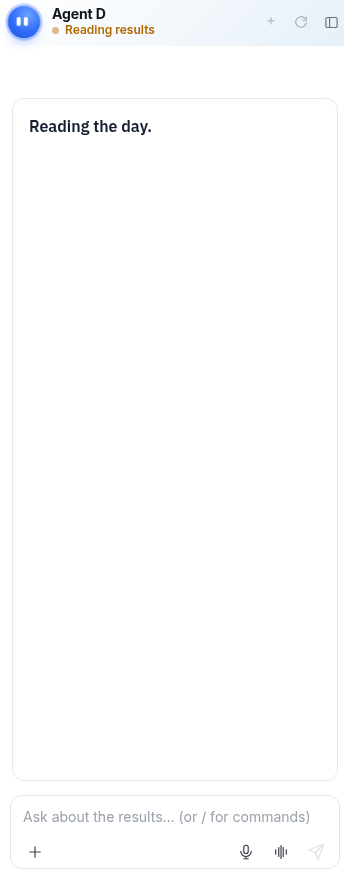
When you navigate to the Results screen, Agent D automatically activates its Results brief mode. It inspects incoming laboratory and radiology feeds, monitors pending reviews, and provides tailored prompt chips such as What has waited longest? to help you prioritise triage.
When to use it
Use Results brief when opening your clinic inbox to quickly identify critical, abnormal, or overdue diagnostic reports.
Step by step
- Open the Results screen and read Agent D.
What Agent D can do
Agent D scans report timestamps, abnormal flags, and patient identifiers. It can draft recall messages or follow-up plans, but cannot file results or message patients autonomously.
Safety (what needs your Confirm)
Reviewing results via Agent D briefs does not mark reports as reviewed. You must personally open each report, verify the findings, and confirm any actions.
Common questions
How does Agent D know which results have waited longest?
It sorts unreviewed reports in your inbox by receipt timestamp and flags overdue investigations.
Can Agent D file normal results automatically?
No. All laboratory and imaging reports require clinician review and manual sign-off.
Can I ask custom questions about the results list?
Yes. You can ask specific questions about overdue or abnormal tests in the chat box.
Related
Last reviewed: 03/10/2026.