After the invoice is raised
What it does
Once an invoice exists, this is everything that can happen to it: finalise, issue, void, record payments, and claim.
When to use it
Use it when a patient pays, when a claim needs to go to Medicare or a fund, or when an invoice was raised by mistake.
Step by step
-
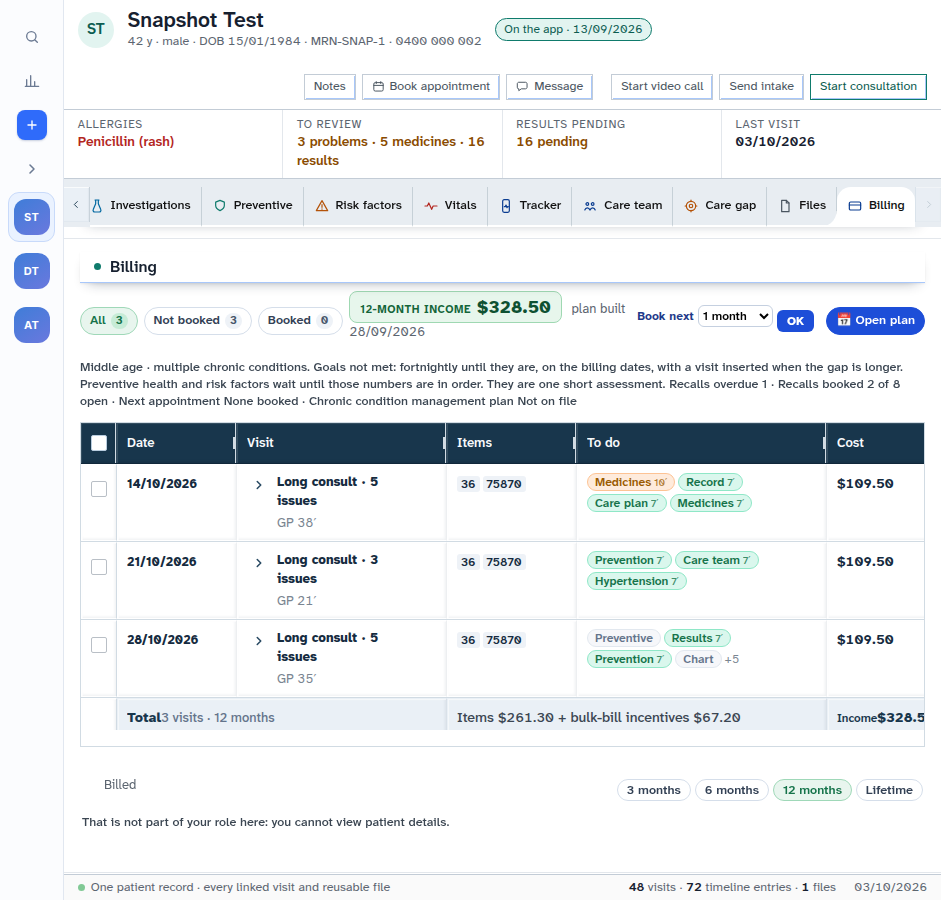
Check the invoice lines. Press Issue only after you have checked them — it marks the account as issued, so it can be paid or claimed. This guide does not press it.
-
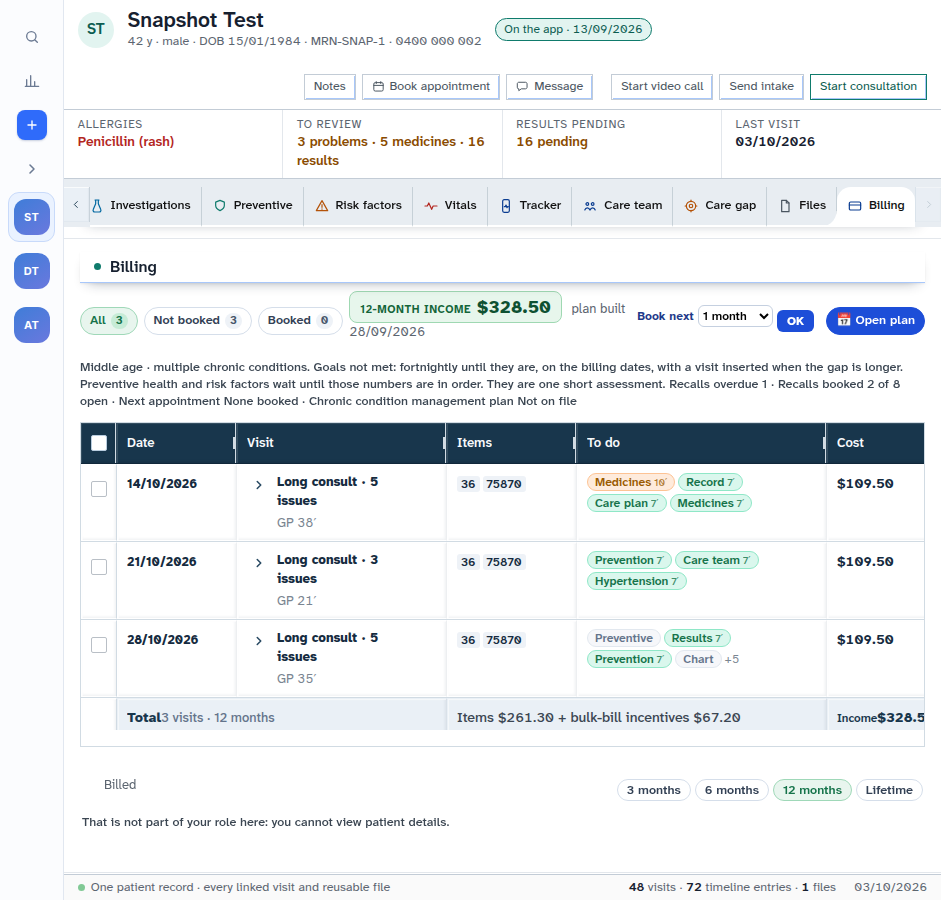
Press Void only after you have checked the invoice — it cancels the account and keeps it on the record as void. This guide does not press it.
Also on this screen:
- Finalise locks the invoice lines. Finalising is a separate job from writing the draft.
- Record payment writes a payment you already took: EFTPOS, card, cash, bank transfer, Medicare benefit, or other.
- Charge card on file charges the saved card for the balance, when the invoice is private and issued.
- When Tyro decides a claim, the billing section says so. A bad note has a Noted button.
- If Medicare, DVA or fund numbers are missing, the invoice says so and links to the cover editor.
- A second claim for the same invoice is refused while one is pending or approved, or the invoice is paid.
These parts are on the test site only:
- Tyro claim on an invoice — opens Tyro Health to claim. Bulk bill goes to Medicare; a veteran can go to DVA; otherwise it is patient-funded. New (test site)
- Pay on terminal — takes the balance on the Tyro EFTPOS terminal saved for this location. New (test site)
- Claim on terminal — sends a health-fund claim through the terminal. New (test site)
- Two-click Tyro billing straight into the payment window. New (test site)
- Same-day claim cancellation and reversal, before 21:00. New (test site)
- A quick charge sheet for instant terminal charges. New (test site)
- DVA claim payload shaping for direct submission. New (test site)
What Agent D can do
- Read the practice's billing workflow items, including invoices.
- Price a line and freeze it.
- Agent D cannot move an invoice from draft to finalised to issued. That step is human-only.
Safety (what needs your Confirm)
- Issue, Void, Pay, Charge and Claim are always yours. Nothing here is pressed for you.
- A draft is not a claim. Nothing has been sent, filed or claimed until you press.
- Voided invoices stay on the record as void. They do not disappear.
Common questions
What is the difference between Finalise and Issue? Finalise locks the lines. Issue marks the account as issued so it can be paid or claimed.
Why does the claim button say card details are missing? The patient's Medicare, DVA or fund numbers are missing. The invoice links you to the cover editor to fix it.
Can I undo a claim? On the test site, same-day cancellation can reverse a claim or charge before 21:00 on that day. New (test site)
Related
Last checked: 03/10/2026.