Vitals
The vitals tool provides a standardized clinical charting dialog based on the adult deterioration detection score (ADDS) with color-coded safety bands.
What it does
The vitals dialog allows you to enter patient physiological parameters, including respiratory rate, oxygen saturation, heart rate, blood pressure, temperature, conscious state, blood sugar level, and pain scores. Height and weight entries automatically calculate body mass index (BMI). Abnormal values are highlighted with color-coded risk bands.
When to use it
Record vitals at every routine consultation, during triage of acute illness, before administering injections, or when conducting chronic disease management reviews.
Step by step
- Select + Vitals from the note chips to launch the ADDS vitals chart dialog.
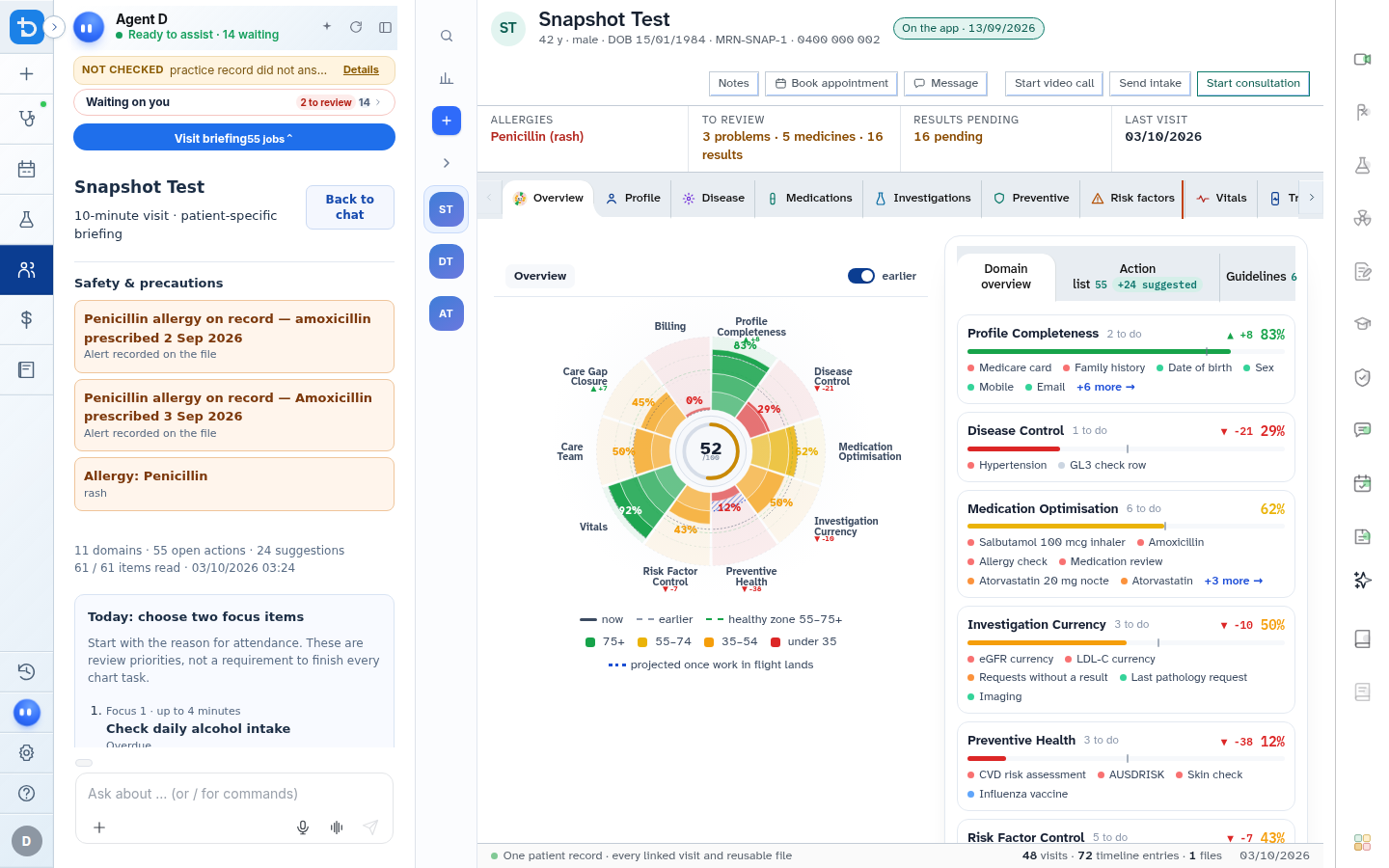
- Enter vital signs using numeric steppers or keyboard inputs, then select Add to note.
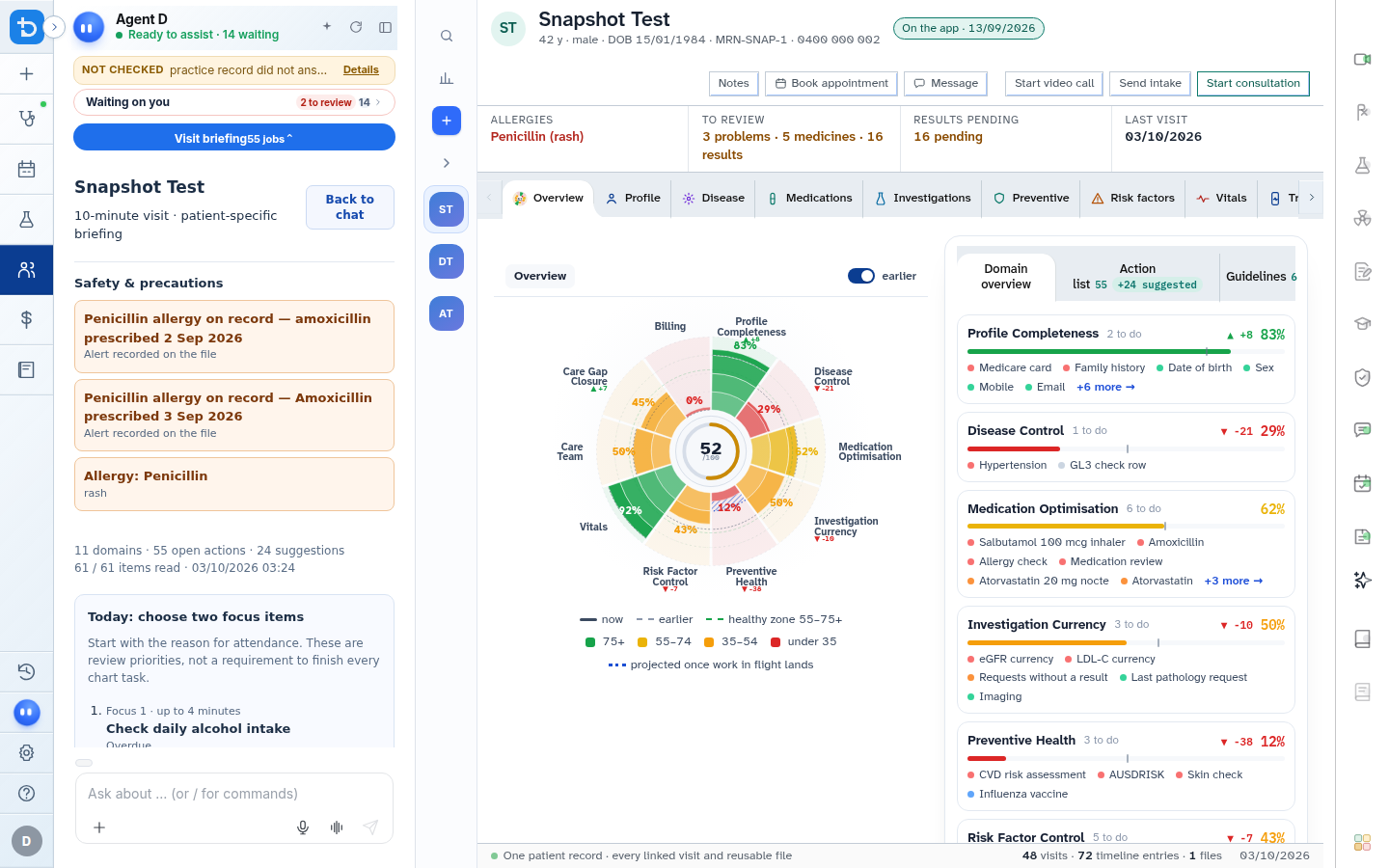
Also on this screen
- ADDS chart interface: Structured entry grid with color-coded alerts indicating normal, mild, moderate, or severe physiological deviation.
- Respiratory rate, oxygen saturation, pulse, temperature: Dedicated steppers showing real-time physiological risk categories.
- Blood pressure: Dual systolic and diastolic inputs with automatic pulse pressure evaluation.
- Conscious state selector: Rapid classification buttons: Alert, Responds to Voice, Responds to Pain, or Unresponsive.
- BSL, pain score, weight, height: Secondary clinical measurements for metabolic and physical health.
- Automatic BMI calculation: Instantly calculates and categorises BMI based on entered weight and height.
- Add to note: Appends a clean, formatted vitals sentence (e.g., "BP 128/82 mmHg, HR 72 bpm regular, SpO2 98% room air, Temp 36.8°C") directly into the consultation note.
- Close vitals: Closes the dialog without writing to the note.
What Agent D can do
- Agent D flags severe physiological derangement immediately and alerts you to potential emergency stabilization needs.
- Agent D incorporates recorded blood pressure and BMI into cardiovascular risk calculations.
Safety (what needs your Confirm)
- Vital signs appended to the note become part of the clinical history upon consultation finalisation.
- Abnormal vital signs in red or yellow bands alert the clinician but do not trigger emergency services automatically.
Common questions
Does the system calculate BMI automatically?
Yes. Entering the patient weight in kilograms and height in centimetres automatically calculates and displays the BMI.
Can I record pain scores in the vitals dialog?
Yes. The dialog includes a validated 0–10 numeric pain rating scale.
How are vitals displayed in the patient chart?
Confirmed vital signs are plotted chronologically on the patient Timeline and displayed in the summary card for future visits.
Related
Last reviewed: 03/10/2026.