Resize and fold the columns
Diagnify features an adaptable multi-column layout that you can expand, collapse, or resize to suit your consultation workflow.
What it does
The consultation workspace allows you to control how much screen space is allocated to the consultation note, Agent D conversation, and clinical tool drawers. You can fold panels into slim edge bars, drag column dividers to custom widths, or work in responsive overlay modes on smaller screens.
When to use it
Resize columns when typing detailed clinical notes, reviewing wide pathology result tables, or operating Diagnify on laptops or tablets with limited screen resolution.
Step by step
- Drag the border divider between columns to adjust the width of the consultation note and chat.
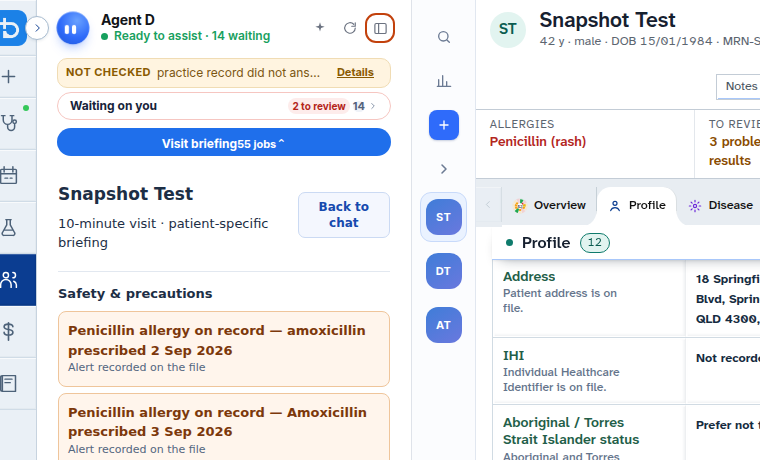
- Click the collapse icon on a panel header to fold it into a slim vertical edge bar.
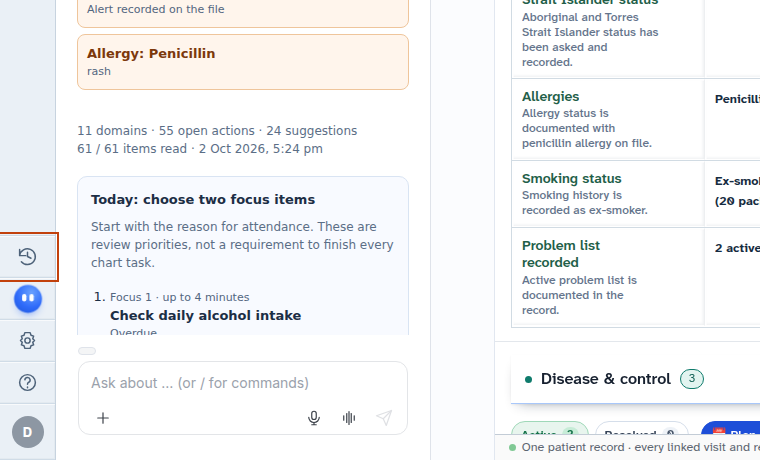
- Click the edge bar to restore the folded panel to its previous working width.
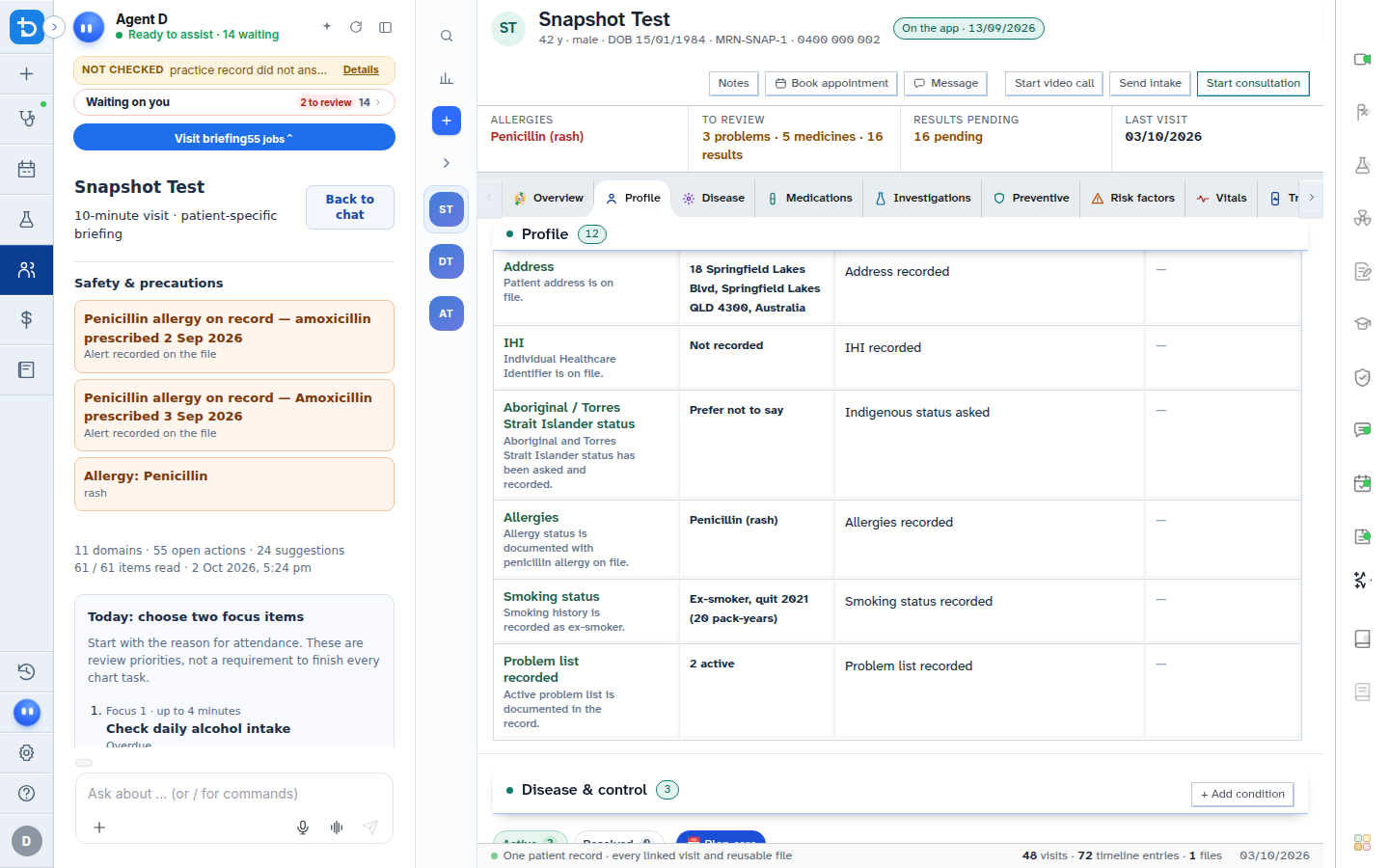
Also on this screen
- Fold the conversation: Minimises the middle Agent D discussion area into a vertical strip.
- Resize the conversation: Drag horizontally with your mouse or use keyboard arrow keys to set the exact conversation width.
- Resize the tool panel: Adjust the width of the active tool drawer (such as Prescriptions or Pathology) to view complex tables comfortably.
- Agent D edge bar: A slender clickable border on the right that reopens Agent D when folded.
- Consult edge bar: A border icon that restores the central consultation view when closed.
- Timeline edge bar: Quick-restore handle for reopening the patient timeline history.
- Automatic column management: Opening a fifth simultaneous column automatically folds the least recently used panel to prevent crowding.
- Narrow screen overlay: On screens under 1240 pixels wide, tool drawers glide smoothly over the chart rather than compressing text.
- Second click closes tool: Clicking an active tool icon on the toolbar closes that drawer immediately.
- Close rail button: Closes all currently open right-hand tools in one click.
What Agent D can do
- Agent D adapts its response layout automatically based on the current width of the chat panel.
- Agent D does not force open folded panels unless directly invoked by a slash command.
Safety (what needs your Confirm)
- Folding panels or resizing columns does not close consultations or delete unsaved text.
- Overlaid tool panels maintain draft states securely behind the scenes until confirmed or dismissed.
Common questions
How do I quickly close an open tool drawer?
Click the tool icon on the right toolbar a second time, or click the X close button in the drawer header.
What happens if my screen is too narrow for three columns?
On screens below 1240 pixels in width, Diagnify automatically switches to overlay mode, sliding tools over the note without crushing text.
Can I use keyboard shortcuts to adjust column widths?
Yes. When focus is on the divider handle, use the Left and Right Arrow keys to adjust column widths incrementally.
Related
Last reviewed: 03/10/2026.