Slash commands
Slash commands provide quick keyboard shortcuts to draft prescriptions, pathology requests, imaging, referrals, recalls, and billing.
What it does
Typing a forward slash (/) in the Ask Agent D box opens a menu of rapid drafting tools. Each slash command focuses Agent D on a specific clinical output, pre-populating orders using facts from your consult notes and the patient chart.
When to use it
Use slash commands during consultations to prepare clinical documents rapidly without clicking through multiple menus or opening tool drawers manually.
Step by step
- Type
/in the Ask Agent D input box to reveal the available slash commands menu.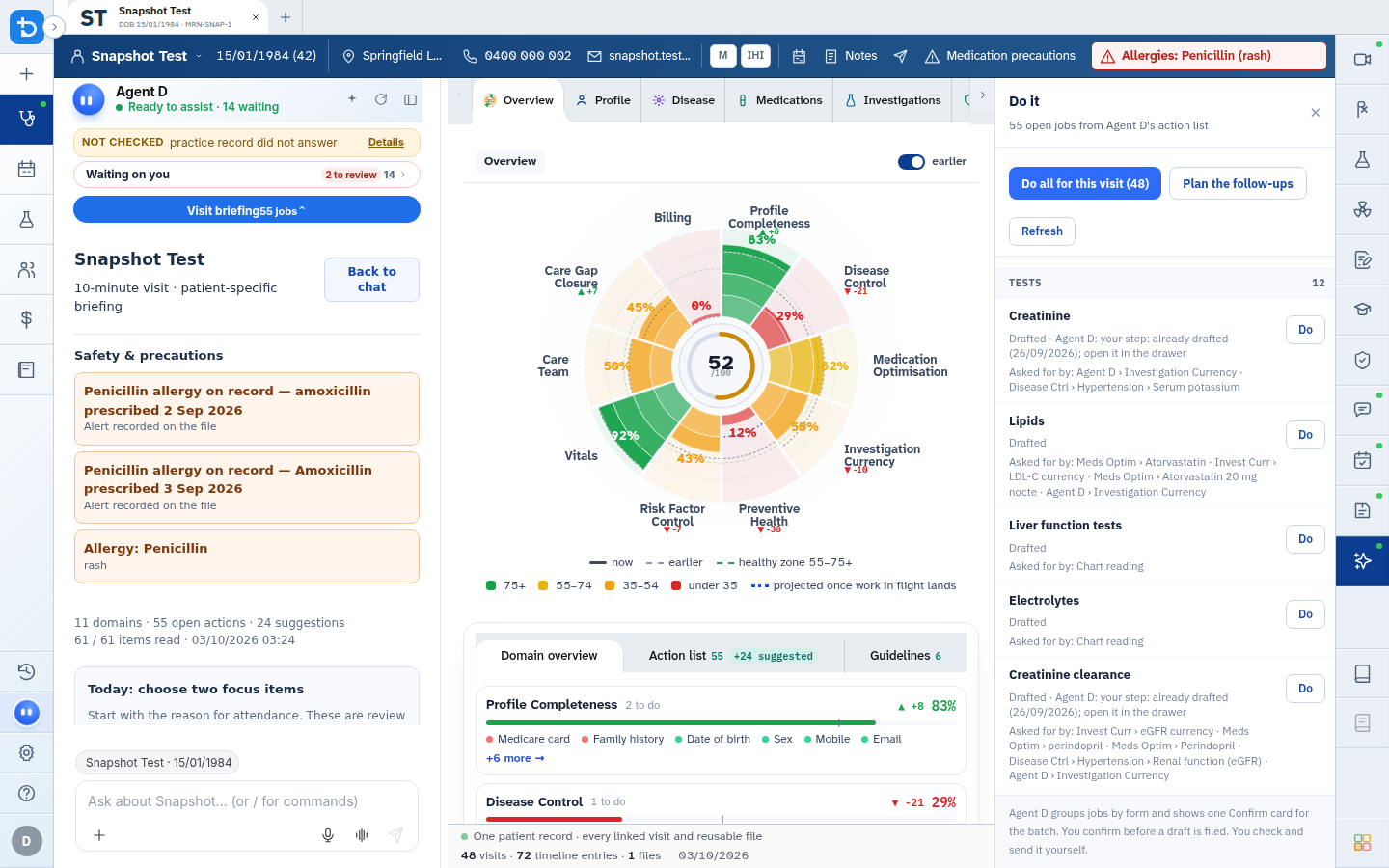
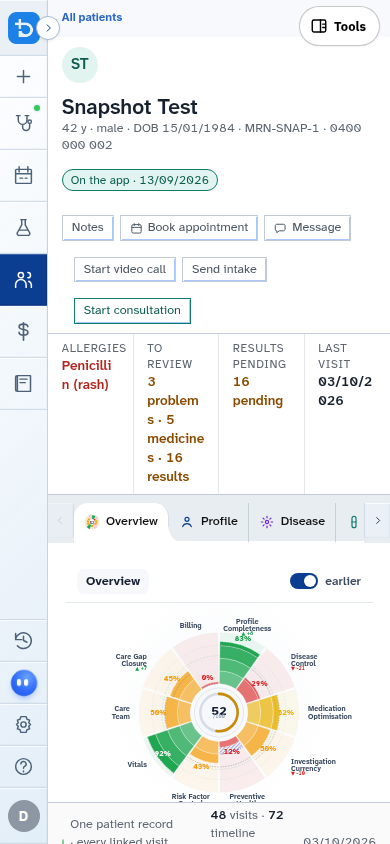
- Select a command from the list, or type its name (such as
/script,/labs, or/plan).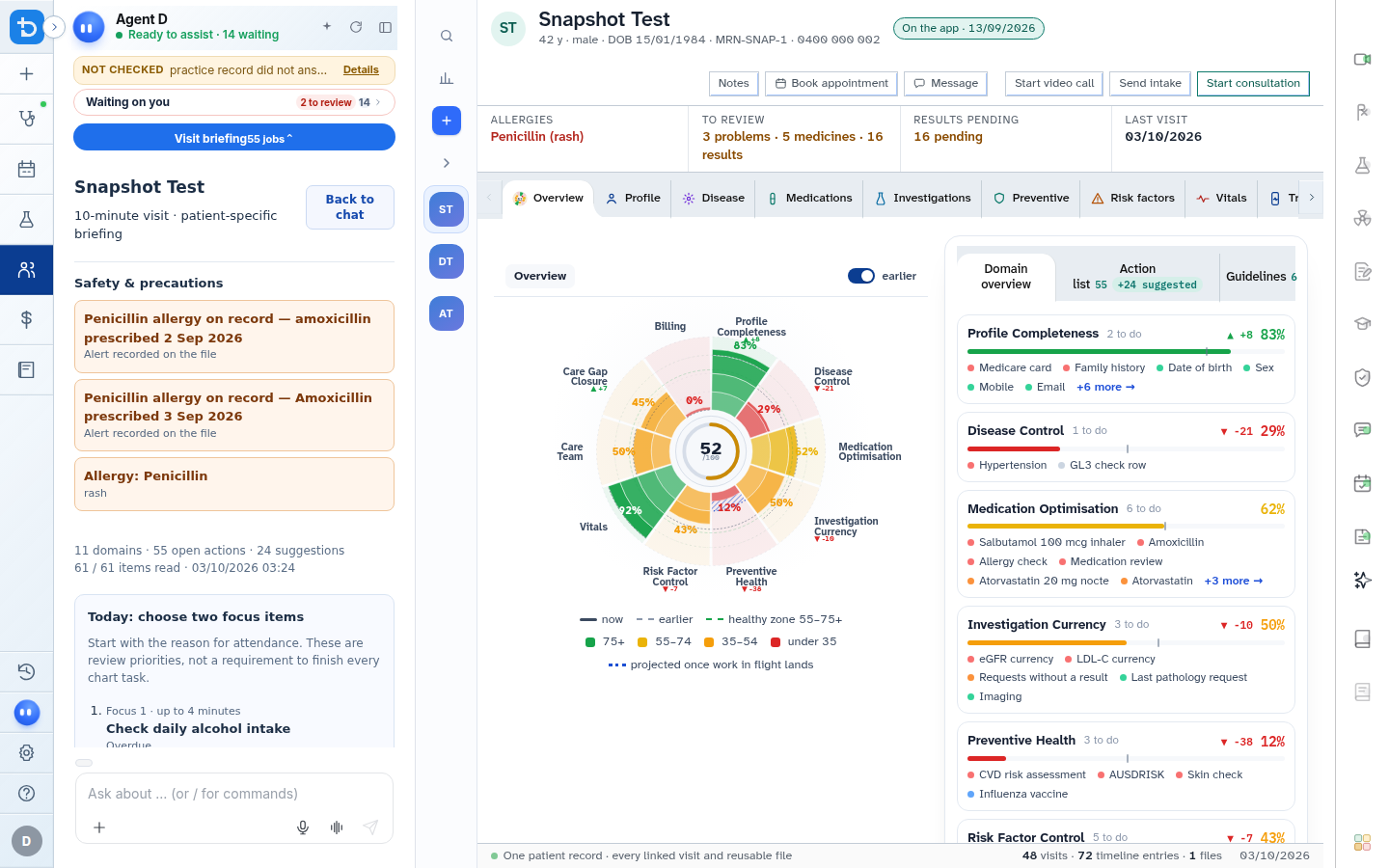
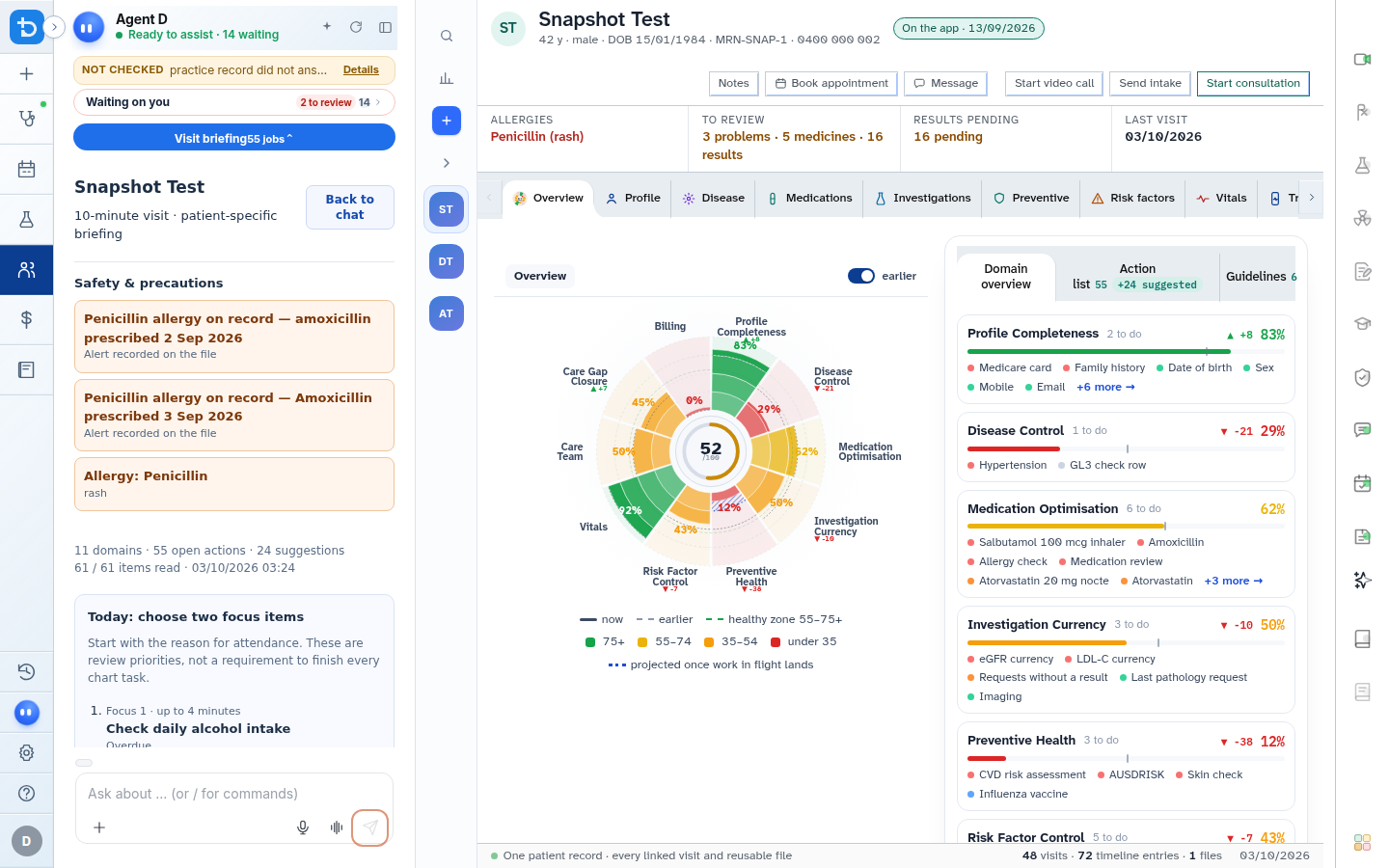
- Type any specific clinical instructions and press Enter to generate the draft.
Also on this screen
- /script (or /rx): Arms the prescription generator, checking PBS authority requirements and allergies.
- /labs (or /bloods): Opens pathology request drafting for ordered tests.
- /imaging (or /radiology): Drafts diagnostic imaging requests for X-ray, ultrasound, CT, or MRI.
- /refer (or /letter): Generates specialist referral letters pre-filled with clinical history and reason for referral.
- /handout (or /education): Generates tailored patient education leaflets.
- /consult: Summarizes or updates the active consultation note.
- /plan: Drafts all required documents (labs, imaging, script, referral, handout, and note) onto a single Confirm card.
- /recall: Schedules clinical recalls and planned follow-up intervals.
- /cert: Drafts medical certificates or standard administrative forms.
- /preventive: Evaluates screening intervals, immunization status, and cardiovascular risk calculators.
- /bill (or /mbs): Suggests eligible Medicare item numbers based on consultation content and time.
- /cpd: Launches the Case CPD clinical quiz based on the presenting consultation.
- /summary: Synthesizes a high-level summary of the entire encounter.
- /compact: Toggles high-density card display for work-up findings.
- Leave tool mode: Click the small X chip to dismiss the command tool and return to standard conversation.
What Agent D can do
- Agent D interprets command arguments (such as
/script amoxicillin 500mg) and matches them against formulary listings. - Agent D bundles multi-tool requests when you run
/plan, assembling orders onto one consolidated card. - Agent D never transmits orders or signs scripts without your explicit confirmation.
Safety (what needs your Confirm)
- Slash commands produce drafts only. No script is sent to a pharmacy, no test is ordered, and no invoice is raised until you click Confirm.
- You can review and edit every pre-filled parameter before signing or sending.
Common questions
Can I type short aliases for slash commands?
Yes. You can use /rx for /script, /bloods for /labs, /letter for /refer, and /mbs for /bill.
What does the /plan command do?
The /plan command reviews the active consultation note and drafts all relevant orders (pathology, radiology, scripts, referrals, and recalls) on one single Confirm card.
How do I exit slash command mode if I typed / by mistake?
Press Backspace to delete the slash, or click the X chip next to the armed tool badge.
Related
Last reviewed: 03/10/2026.