Check the patient and the Confirm card
Diagnify separates generative drafts from real clinical actions using three-point patient verification and mandatory Confirm cards.
What it does
Diagnify ensures that no prescription, pathology request, referral letter, message, booking, or Medicare claim is ever filed, sent, or billed automatically. Every action prepared by Agent D is presented as an unfinalised draft on a single Confirm card. The doctor must review the card, verify patient identity, and explicitly confirm before any action takes effect.
When to use it
Review this workflow when familiarising yourself with Diagnify using practice test charts, during staff onboarding, and every time you confirm an action on a live patient record.
Step by step
- Open an approved practice test chart, such as Snapshot Test or Mei Chen, to practise clinical workflows safely.
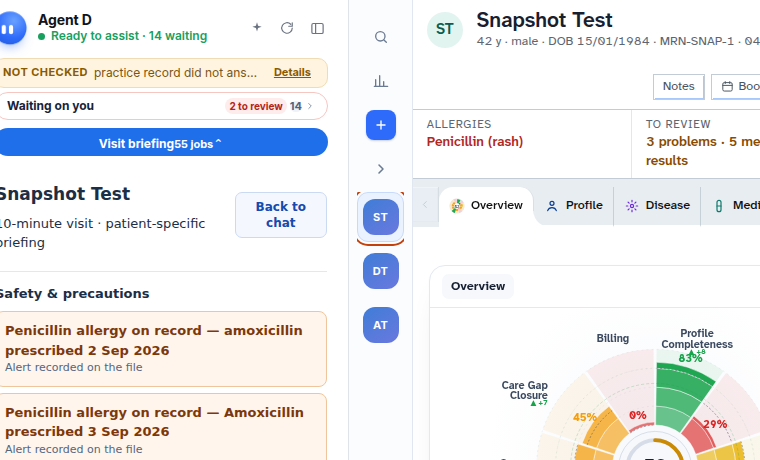
- Read the patient banner at the top of the screen to verify the patient full name, date of birth, and record identifiers.
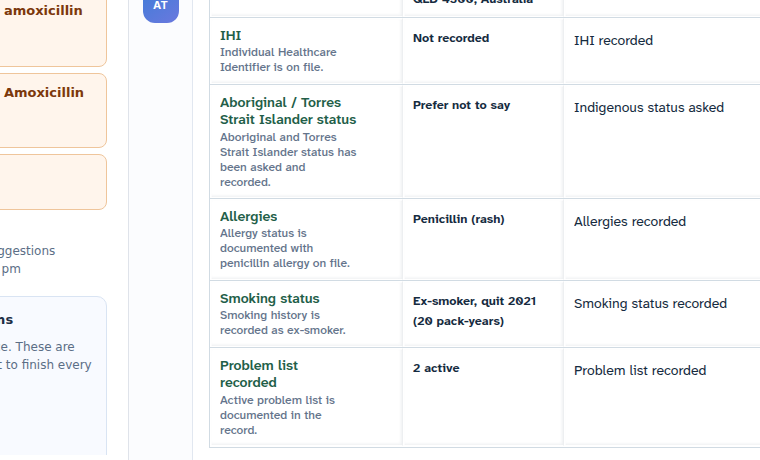
- Examine the proposed clinical draft and verify that it remains in draft status until you choose to act.
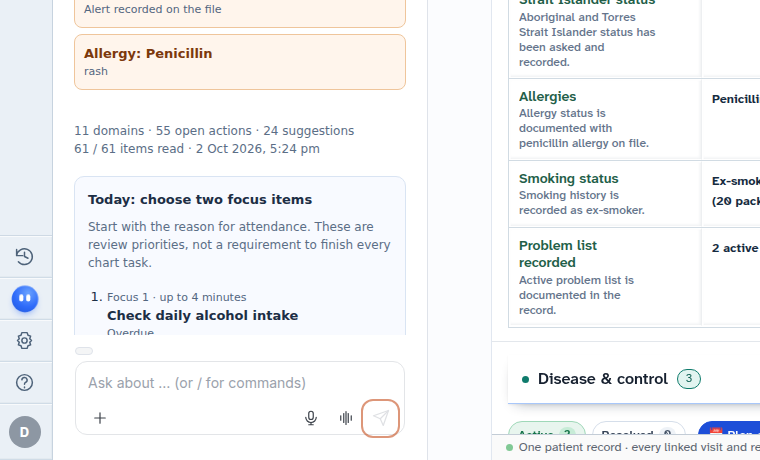
Also on this screen
- Practice test chart: Dedicated non-clinical patient records (such as Snapshot Test, Email Test, or Mei Chen) used for training and testing. Never use real patient charts for practice.
- Patient identity check: Mandatory verification of patient name, date of birth, and address before initiating prescriptions, orders, or billing.
- Live action safety: On a real patient chart, issuing a prescription, booking an appointment, or sending an SMS triggers real-world clinical and legal processes.
- Confirm card verification: Every automated proposal presents a consolidated review card listing all draft items, dosages, and recipients.
- Action confirmation: You must select Confirm, Send, or Sign to authorise the draft. Diagnify never executes these actions automatically.
- Reject proposal: Selecting No or Dismiss on a Confirm card instantly discards the draft without altering the chart.
What Agent D can do
- Agent D drafts prescriptions, pathology orders, specialist letters, and patient messages for your review.
- Agent D flags potential contraindications, drug interactions, and recorded allergies.
- Agent D cannot send messages, sign electronic prescriptions, charge invoices, or file clinical records without your explicit click on Confirm.
Safety (what needs your Confirm)
- Drafts vs Writes: Agent D only produces drafts; clinical writes and transmissions belong strictly to the clinician.
- Single Confirm Card: Related proposals are bundled onto one clear card to prevent accidental partial actions.
- Explicit Dismissal: Clicking No immediately removes the proposal and logs the cancellation in the audit trail.
Common questions
Why should I use a practice test chart for training?
Test charts ensure you can freely explore all interface controls, type notes, and trigger test proposals without affecting real clinical histories or risking inadvertent patient contact.
Can Agent D send a prescription directly to a pharmacy?
No. Prescriptions prepared by Agent D remain drafts until you verify the medicine, dosage, and authority details, and select Sign.
What happens if I realise a proposed action is incorrect?
Select No on the Confirm card. The proposal is dismissed immediately, leaving the patient chart unchanged.
Related
Last reviewed: 03/10/2026.