Code and link
What it does
You type the 6-digit code that was sent to you. If your details match a chart at the clinic, the app links you to it.
When to use it
Use it straight after you ask for a code on the Sign in screen.
Step by step
-
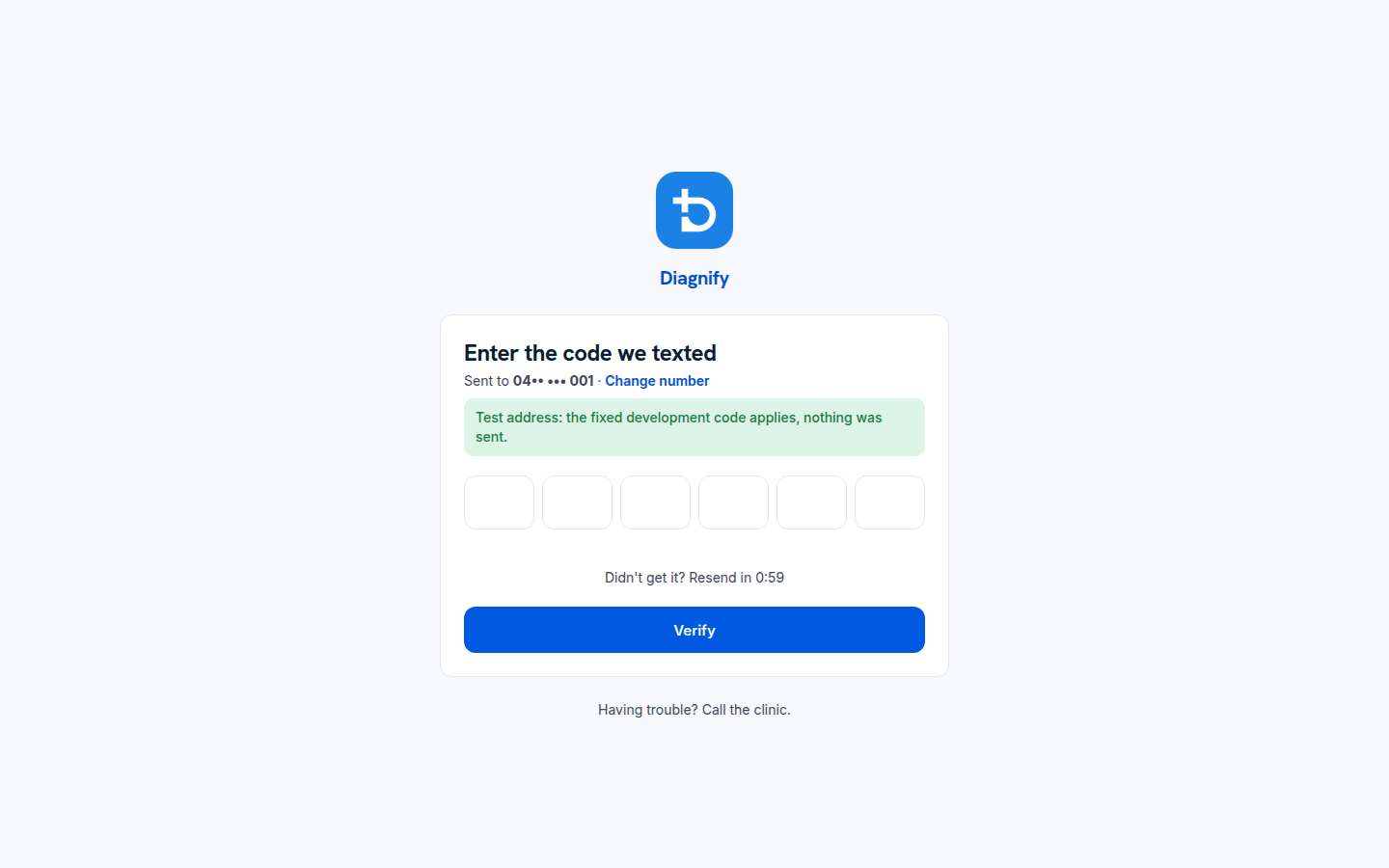
Enter the 6-digit code from the text or email. On a test number, the screen says nothing was sent.
-
If the app knows you, it links your chart by your first name, last name and date of birth.
-
If your number or email is not on a chart yet, the app takes you to registration instead.
What Agent D can do
- Nothing here. The code check runs by itself.
Safety (what needs your Confirm)
- The code is yours alone. Never read it out or forward it.
- The link to your chart only happens when your name and date of birth match.
Common questions
The code will not go in. Check each number. The code has 6 digits and comes from the clinic's number or email.
It asked me to register, but I am a patient. The clinic does not have that mobile or email on your chart. Register, or ask the clinic to update your file.
How does the app find my chart? It matches your first name, last name and date of birth.
Related
Last checked: 03/10/2026.