Medicines
The Medicines screen manages active prescriptions, medication reconciliation, PBS schedule facts, and ceased drug history.
What it does
This screen provides comprehensive pharmacotherapy management. Medications are categorized into three lists: Active, Drafts, and Ceased. Clinicians can add new medications using an integrated formulary search that verifies dosing, pharmaceutical strengths, and Pharmaceutical Benefits Scheme (PBS) listing status. Each row offers quick actions to prescribe again, transmit electronic prescriptions, confirm drafts onto the reconciliation list, or cease therapy with a documented clinical reason. Clinicians can also review detailed medicine monographs and check for drug-drug interactions.
When to use it
Review the Medicines screen during medication reconciliation, when issuing prescription renewals, when discontinuing an ineffective therapy, or when managing electronic prescription tokens.
Step by step
- Select Medications in the chart sections menu to inspect the current medication list.
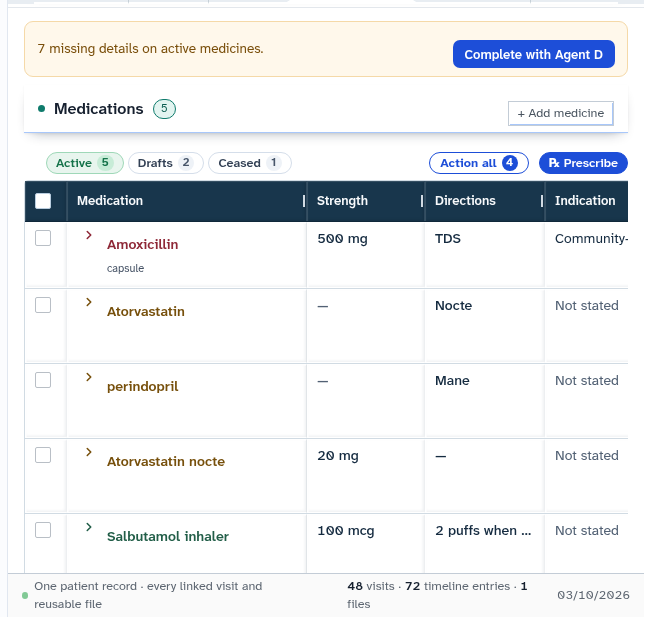
- Select Add a medicine to open the medication entry card and search the national drug formulary.
Also on this screen
- Medication precautions: Banner indicator alerting clinicians to drug precautions, monitoring requirements, or potential interactions.
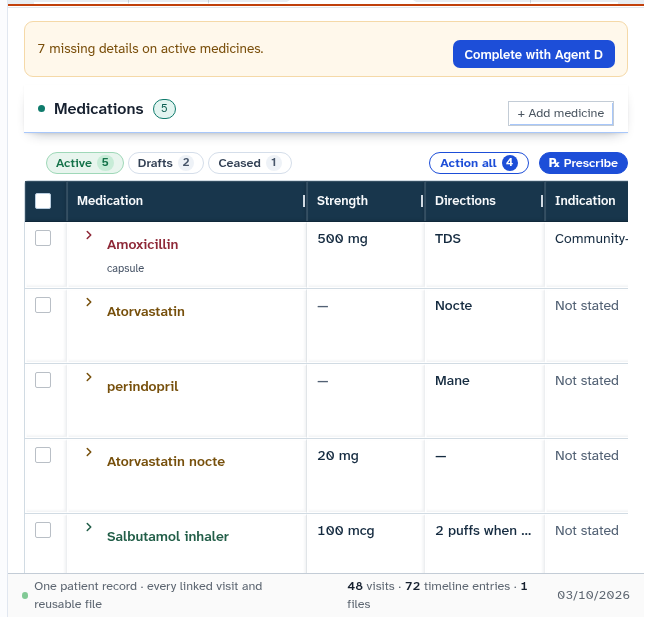
- Active, drafts, ceased: Tabbed views separating currently taken medications, provisional drafts, and discontinued therapies.
- Add a medicine: Launches the prescribing search interface querying approved medicinal monographs.
- Prescribe again, send, cease, confirm draft: Row actions allowing one-click prescription reissuance, eScript sending, therapy cessation, or draft reconciliation.
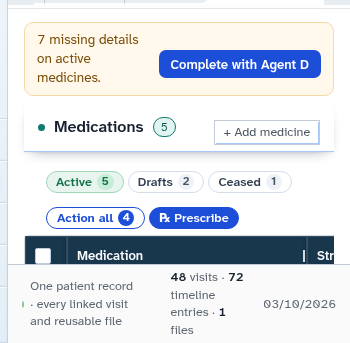
- Complete with Agent D: Assistant action that populates standard dosing schedules, pack sizes, and PBS authority codes for clinician review.
- eScript manage: Accesses electronic prescription controls, QR token status, and dispensing exchange logs.
- Medicine changes with a named ledger: Comprehensive audit log recording every prescription change, dosage adjustment, and cessation reason with clinician credentials.
What Agent D can do
- Agent D retrieves approved medicine monographs and checks drug-drug interactions using
insight.medicine_monograph. - Agent D lists active medications and reconciliation history via
patients.list_medicines. - Agent D resolves brand names, generic formulations, and PBS restrictions using
patients.mims_pbs_facts. - Agent D drafts additions (
patients.add_medicine), reconciliations (patients.confirm_medicine), and cessations (patients.cease_medicine). - Agent D checks eScript token status with
patients.escript_status. - Agent D cannot sign or issue a prescription without clinician authorization.
Safety (what needs your Confirm)
- Prescribing or discontinuing medications carries legal clinical responsibility.
- Automated formulary suggestions and draft doses must be verified by the prescribing clinician before signing.
- Ceasing a medication requires documenting a clinical reason (such as adverse effect, completed course, or lack of efficacy).
Common questions
Where does the drug information and interaction checking come from?
Drug data, dosing monographs, PBS restrictions, and interaction checks are powered by national medicines information databases.
How do I reissue a repeat prescription?
Locate the medication in the Active list and select "Prescribe again". A draft prescription is created with the original dosing and repeats for your review.
Why is a reason required when stopping a medicine?
Documenting why a therapy was discontinued (such as allergy, side effect, or therapeutic cure) preserves clinical safety and informs future prescribers.
Related
Last reviewed: 03/10/2026.