Audit from Agent D
New (test site)
This feature is on the test site. It may not be on your clinic's site yet.
What it does
When the clinical audit function is initiated from within Agent D, it generates a comprehensive diagnostic and management summary rather than triggering automated compilation or external filing. This allows clinicians to review care quality and guideline alignment in a safe, read-only mode.
Also on this screen
- Sum-up instead of compile (AD-122): If Audit is opened from Agent D, it asks for a summary. It does not compile or send.
When to use it
Use this feature when performing internal clinical audits, reviewing case quality, or evaluating adherence to clinical standards.
Step by step
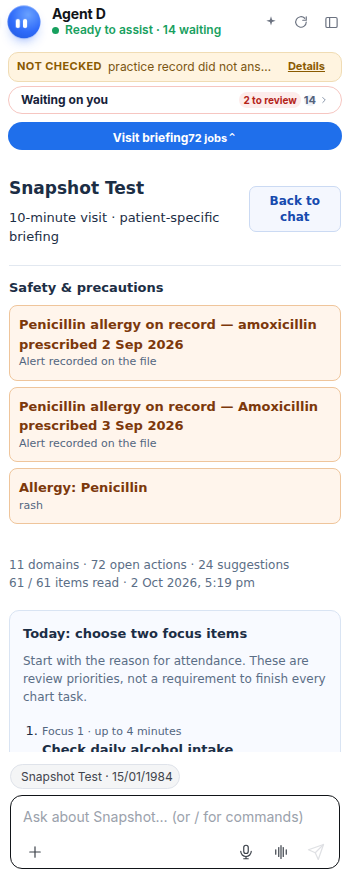
- Look down the right tool bar for Audit.
What Agent D can do
Agent D aggregates consultation metrics, guideline adherence scores, and documentation completeness into an analytical summary. It does not file or compile external reports.
Safety (what needs your Confirm)
The audit summary is strictly internal and analytical. Opening Audit from Agent D guarantees that no data is compiled, saved, or sent externally.
Common questions
Does Audit from Agent D send data to external registries?
No. When opened from Agent D, the audit provides a local summary only and does not submit external reports.
Why does it summarize instead of compile?
To ensure that exploratory audits and clinical reflections do not trigger premature data compilation or filing.
How do I return to standard chat after reviewing an audit?
Close the audit panel using the cross icon to return directly to your Agent D conversation.
Related
Last reviewed: 03/10/2026.