Medicare items
The Medicare items drawer analyzes consultation content and duration to suggest appropriate Medicare Benefits Schedule (MBS) item numbers.
What it does
The Medicare billing tool helps clinicians identify eligible MBS item numbers for consultations, chronic disease management, mental health plans, and procedural services. It evaluates consultation duration, complexity criteria, and co-claiming rules, highlighting items that apply and folding away ineligible ones.
When to use it
Open the Medicare items drawer toward the end of every consultation to verify time-based item criteria and prepare billing for reception processing.
Step by step
- Select Medicare on the right tool rail, or type
/billin the Ask Agent D box.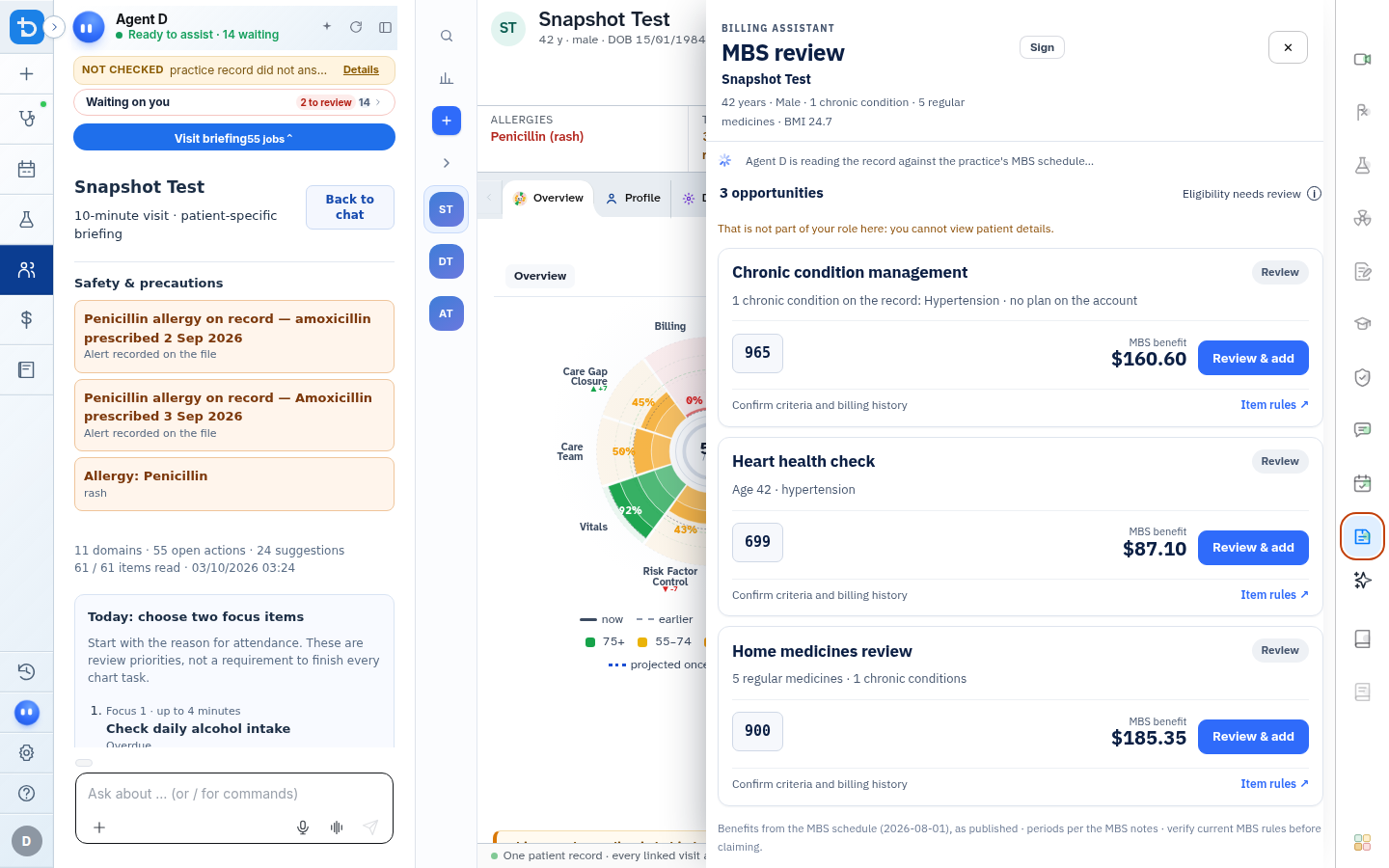
- Review suggested MBS items, verify time criteria, and select Review and add.
Also on this screen
- MBS item lookup: Search the complete Medicare Benefits Schedule by item number or description.
- Review and add: Checks specific item requirements (such as minimum time thresholds) and attaches the item to the encounter.
- Not eligible and already claimed: Folded sections displaying item numbers that do not apply to today's consultation or have already been claimed within restricted periods.
- Practice rule check: Validates billing against custom clinic rules, such as bulk-billing policies for pensioners or children.
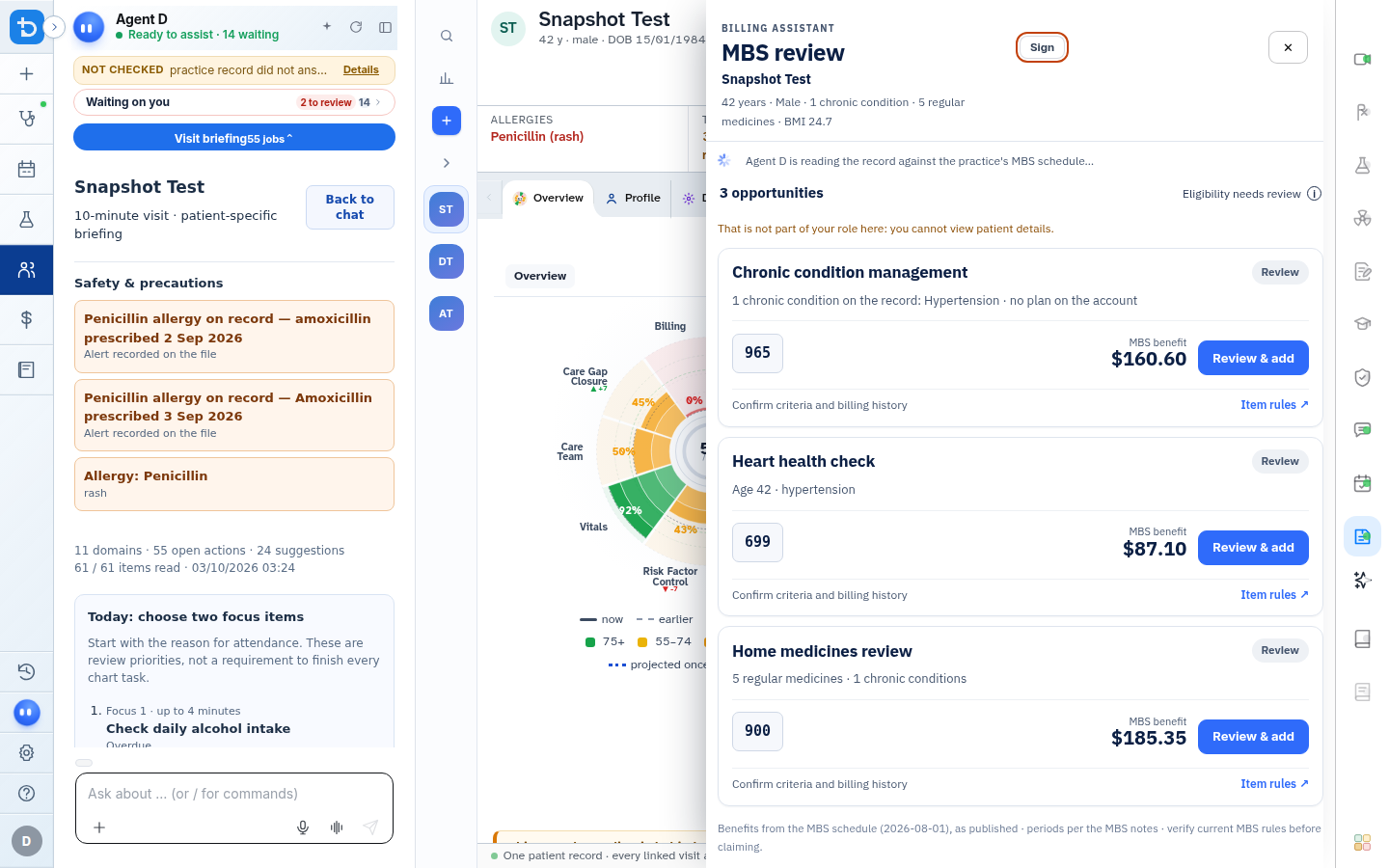
- Sign billing: Marks billing items as clinically verified and forwards the invoice to the front desk.
What Agent D can do
- Agent D checks the consultation timer to suggest matching attendance items (e.g., Level B vs Level C).
- Agent D flags co-billing restrictions to prevent rejected Medicare claims.
- Agent D cannot submit claims to Services Australia or charge patients without human confirmation.
Safety (what needs your Confirm)
- Clinicians are legally responsible for all MBS claims lodged under their provider numbers.
- Always verify that consultation time and clinical content satisfy MBS item descriptor requirements.
Common questions
How does Diagnify verify consultation time?
The consultation timer automatically tracks elapsed time from when the visit was opened until completion.
Can I bill telehealth item numbers?
Yes. When the consultation mode is set to Telehealth, matching telehealth MBS items are suggested automatically.
What happens when I select Sign billing?
The items are staged on the invoice ready for front-desk claiming via Medicare Online or private payment collection.
Related
Last reviewed: 03/10/2026.