Register
What it does
Register creates your patient app account in five short steps: about you, contact, emergency contact, medical background, then review and consent.
When to use it
Use it the first time the app does not know you.
Step by step
-
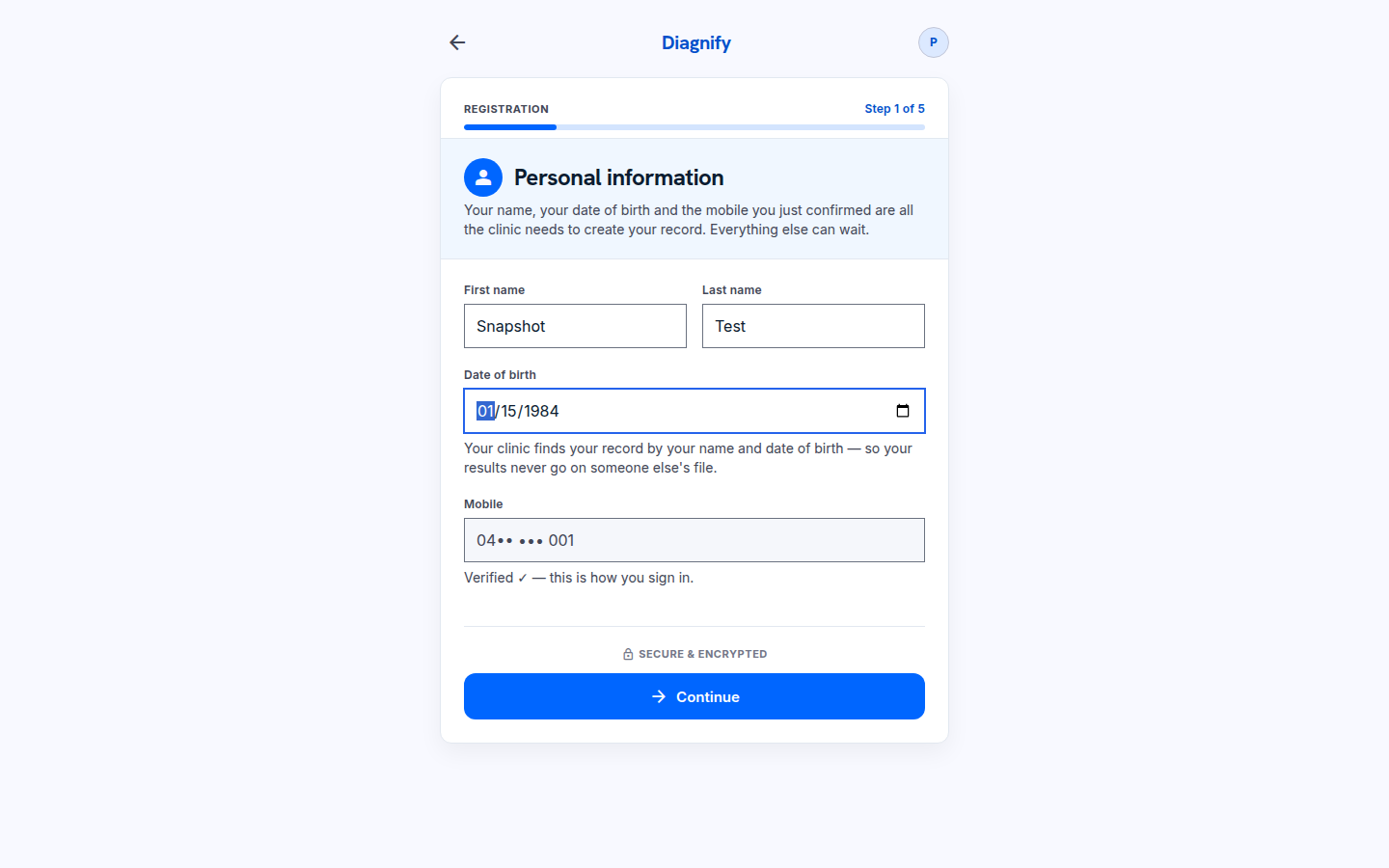
After the code, type your first name, last name and date of birth. This is step 1 of 5, Personal information. Nothing is saved yet.
On a phone:
-
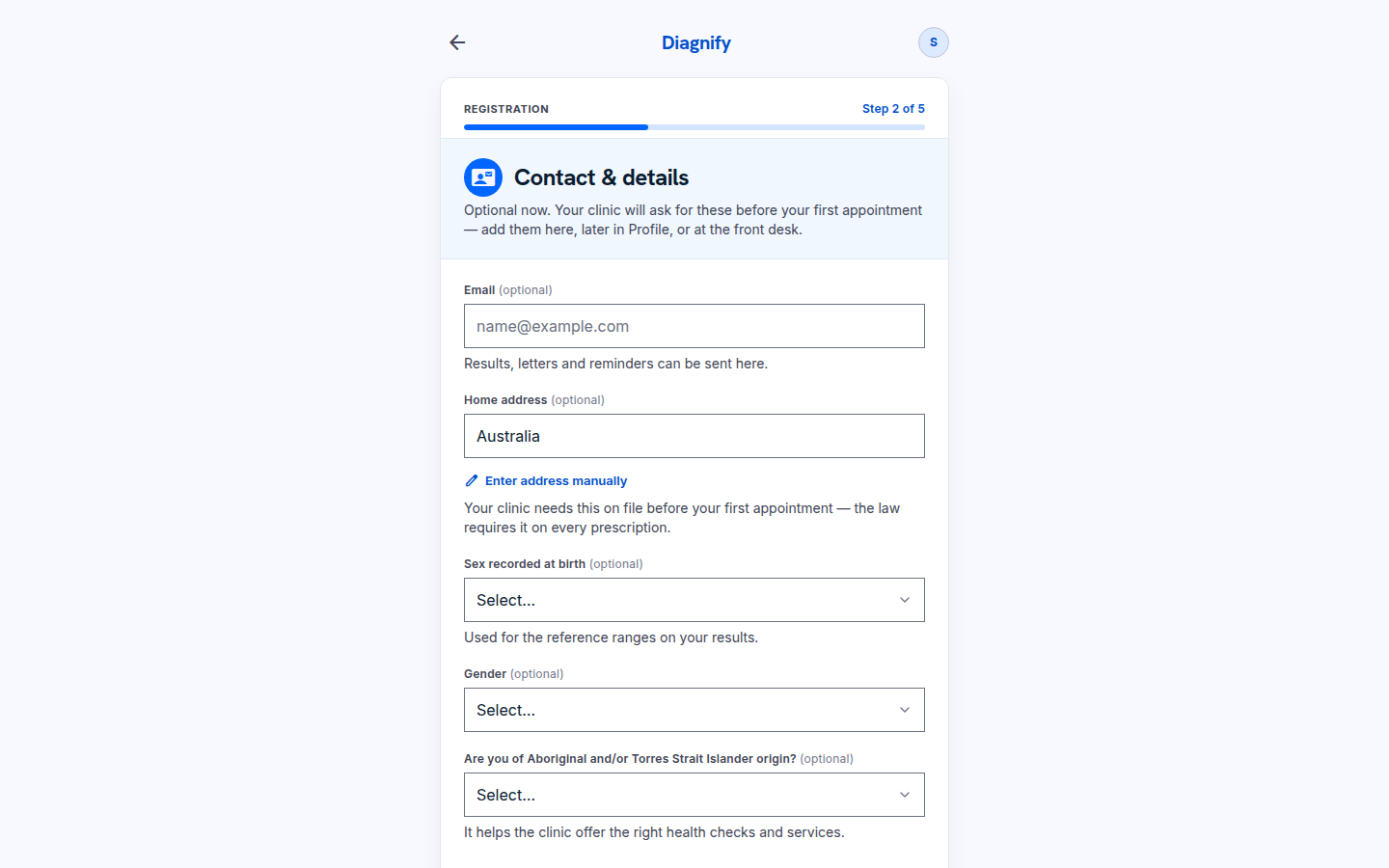
Press Continue. On Contact and details, press Skip if you are not ready.
-
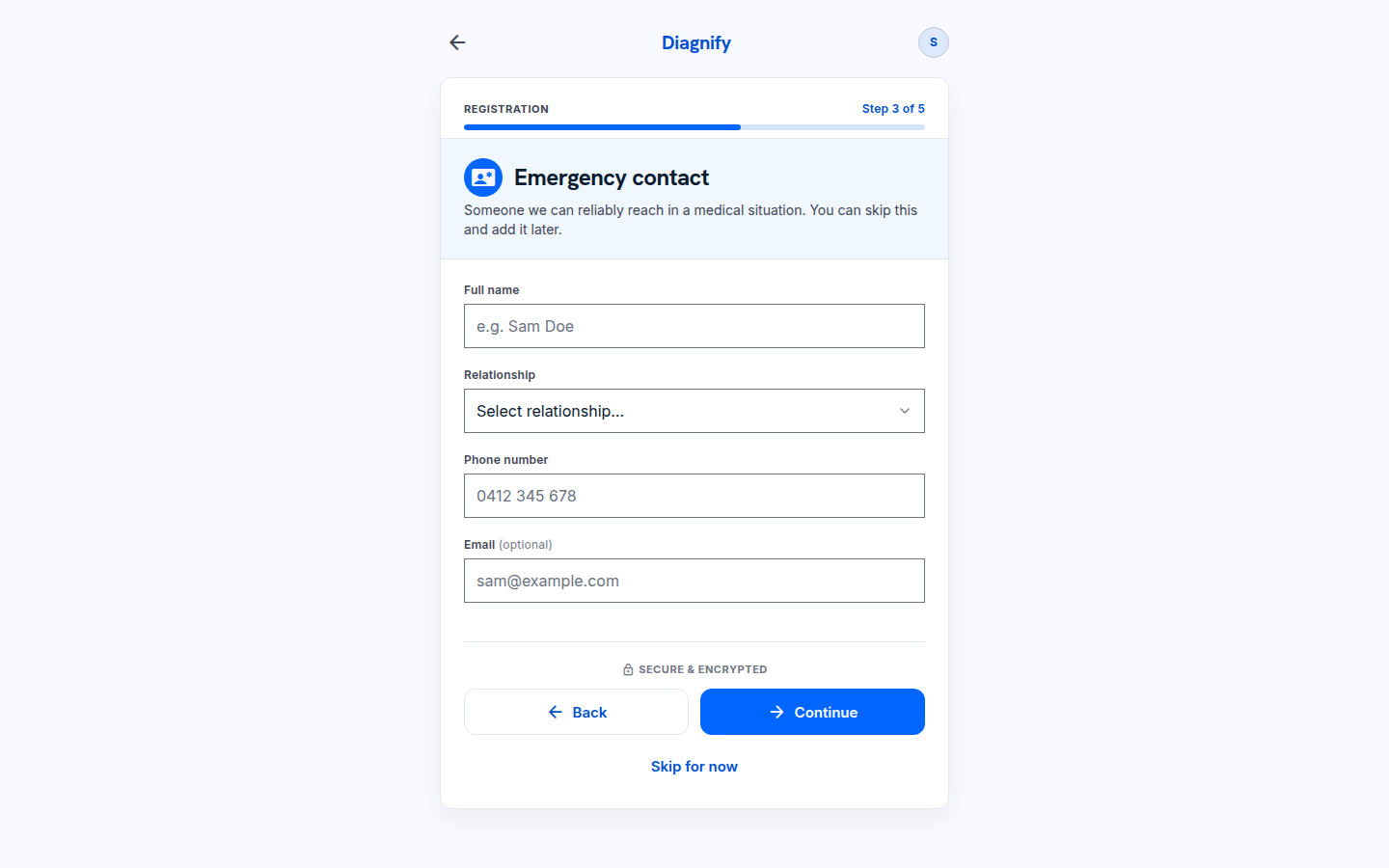
Press Skip on the emergency contact. You can add this later.
-
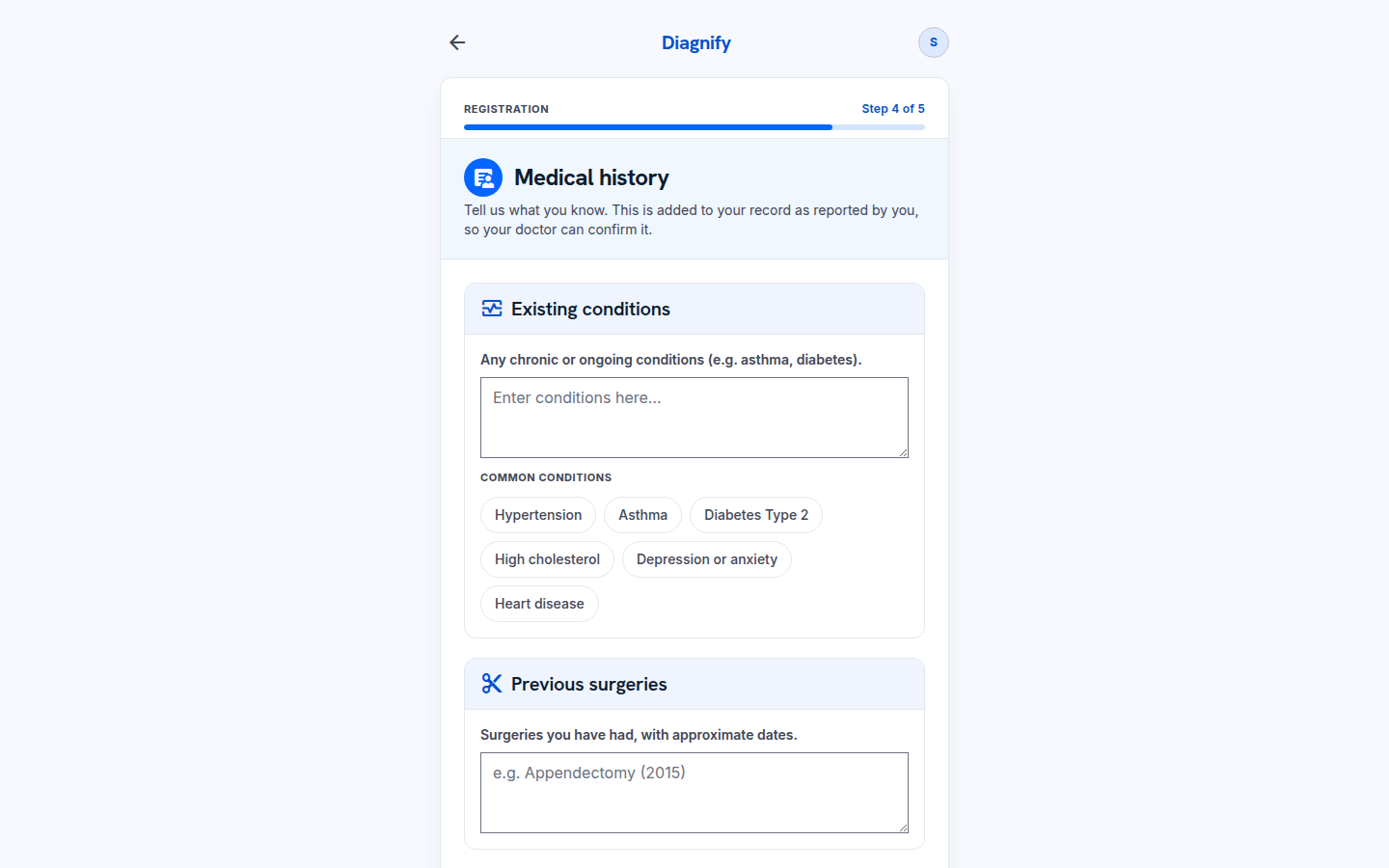
Press Skip on medical history. The clinic can collect this later.
-
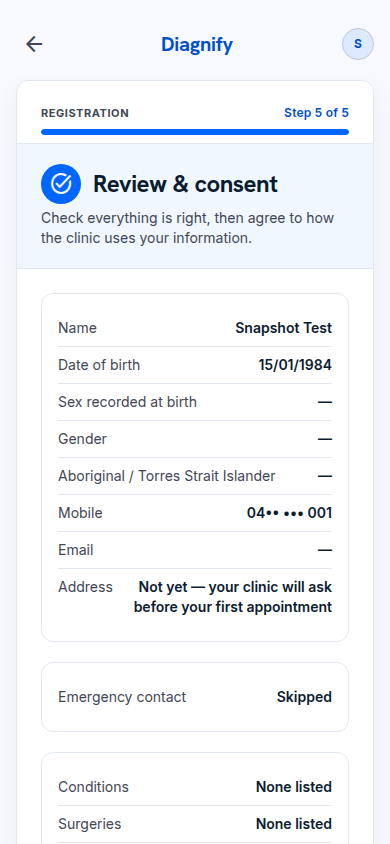
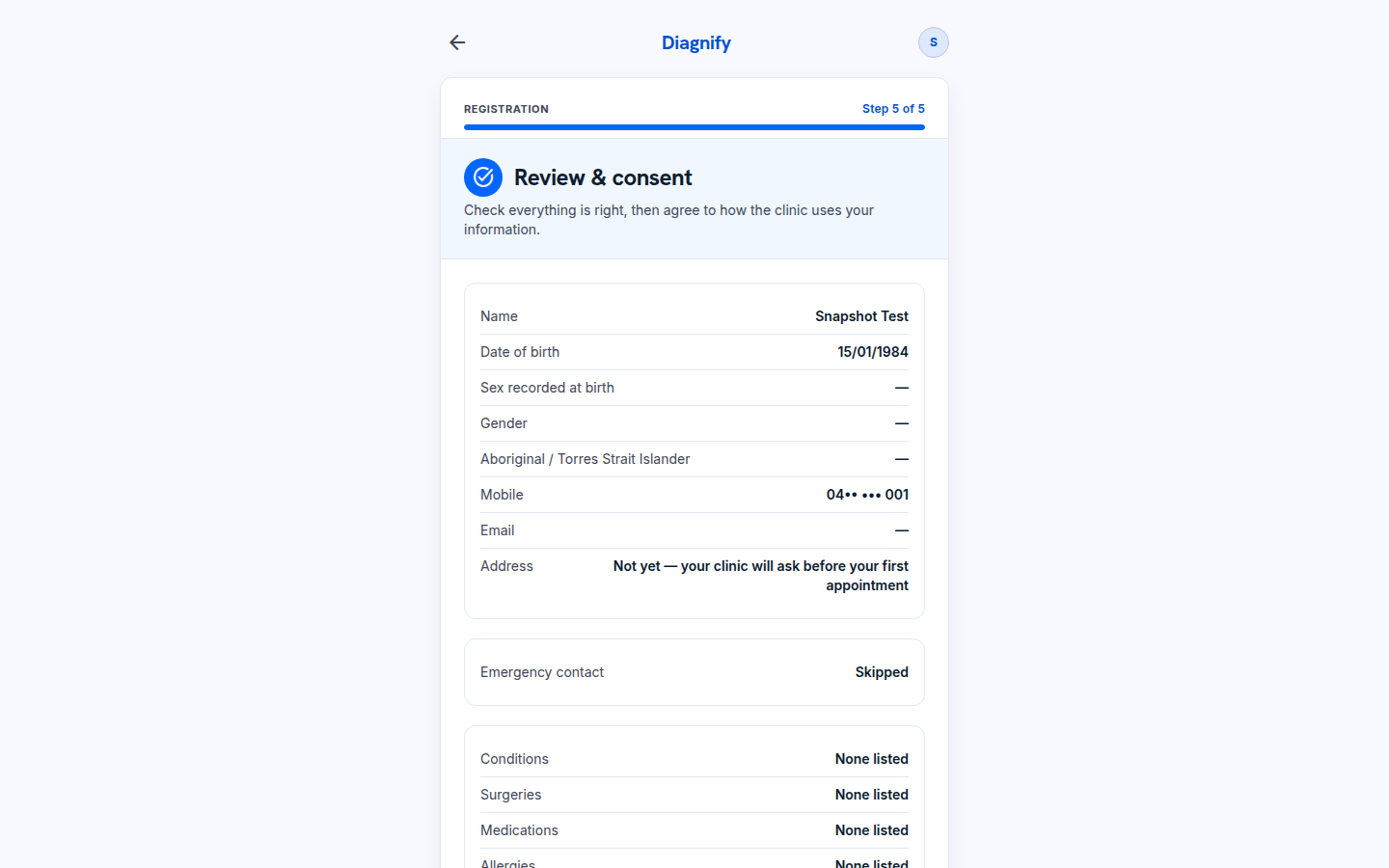
Read the review. The consent tick and the last Continue are yours. No account is created until you tick and continue.
Also on these steps:
- Step 1 also asks your preferred name and biological sex.
- Step 2 captures your mobile, email, and residential and postal addresses.
- Step 4 can capture your Medicare card number and individual reference number, your DVA card, and allergies.
What Agent D can do
- Nothing here. Registration is yours to finish.
Safety (what needs your Confirm)
- Consent is yours. Read the review before you tick.
- Nothing is saved until you continue past the review.
Common questions
Do I have to fill in every step? No. You can skip contact, emergency contact and medical history, and add them later.
The date box looks wrong. It shows the month first. Type the date the way the clinic writes it — day, month, year — and check the review screen before you continue.
Can I change my answers later? Yes. See Profile, or tell the clinic.
Related
Last checked: 03/10/2026.