Raise the invoice
What it does
Invoice creation and billing management in Diagnify follow distinct, sequential steps. Raising an invoice, adding Medicare Benefits Schedule (MBS) items, finalising charges, and issuing payment requests are separate actions that require clinician or staff confirmation.
When to use it
Use this at the conclusion of an appointment or billing cycle to review consultation items, private fees, and Medicare bulk-billing claims.
Step by step
- Open Billing on the chart and find Raise the invoice.
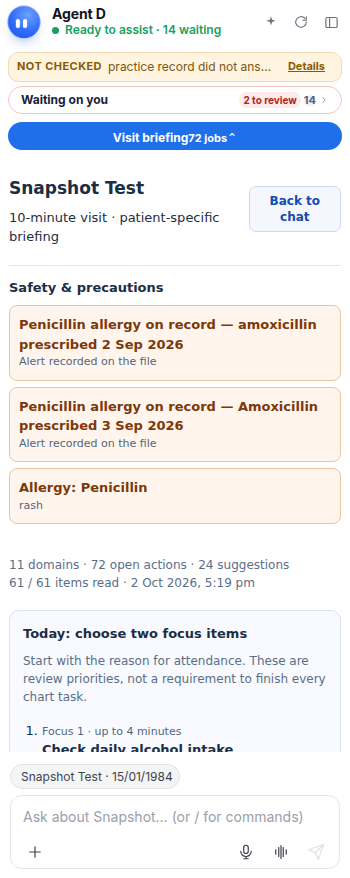
What Agent D can do
Agent D inspects consultation notes against Medicare billing rules to suggest eligible MBS item numbers (such as Item 23 or 36) and draft itemised invoices. It cannot finalise invoices or submit claims.
Safety (what needs your Confirm)
Drafted invoices must be reviewed by the doctor or front-desk staff. No claim is submitted to Medicare and no payment terminal is charged without explicit confirmation.
Common questions
Does the /bill command automatically bill Medicare?
No. The /bill command only drafts suggested item numbers based on consultation notes. You must review and confirm the invoice before filing.
What is the difference between raising and issuing an invoice?
Raising creates the draft invoice with fee items. Finalising locks the amounts. Issuing transmits the claim to Medicare or requests payment from the patient.
Can front-desk staff adjust invoice items drafted by Agent D?
Yes. Staff can edit item numbers, apply discounts, or alter payment methods before finalising.
Related
Last reviewed: 03/10/2026.