Recalls
The Recalls tab manages clinical follow-up schedules, patient recall notices, and outreach tracking.
What it does
This screen provides practice-wide management for active patient recalls. When a test result or consultation plan requires a patient to return for a follow-up consultation, a recall is established with a target date and clinical reason. The Recalls table tracks the status of each recall ("Where it is up to"), allows staff to draft and send reminders across multiple channels (SMS, patient app, or email), offers a More menu to record direct clinician contact, and enables doctors to safely close recalls with documented clinical outcomes.
When to use it
Use this screen to manage routine and urgent patient recalls, review overdue follow-ups, contact patients who need return appointments, and maintain clinical audit trails for duty-of-care obligations.
Step by step
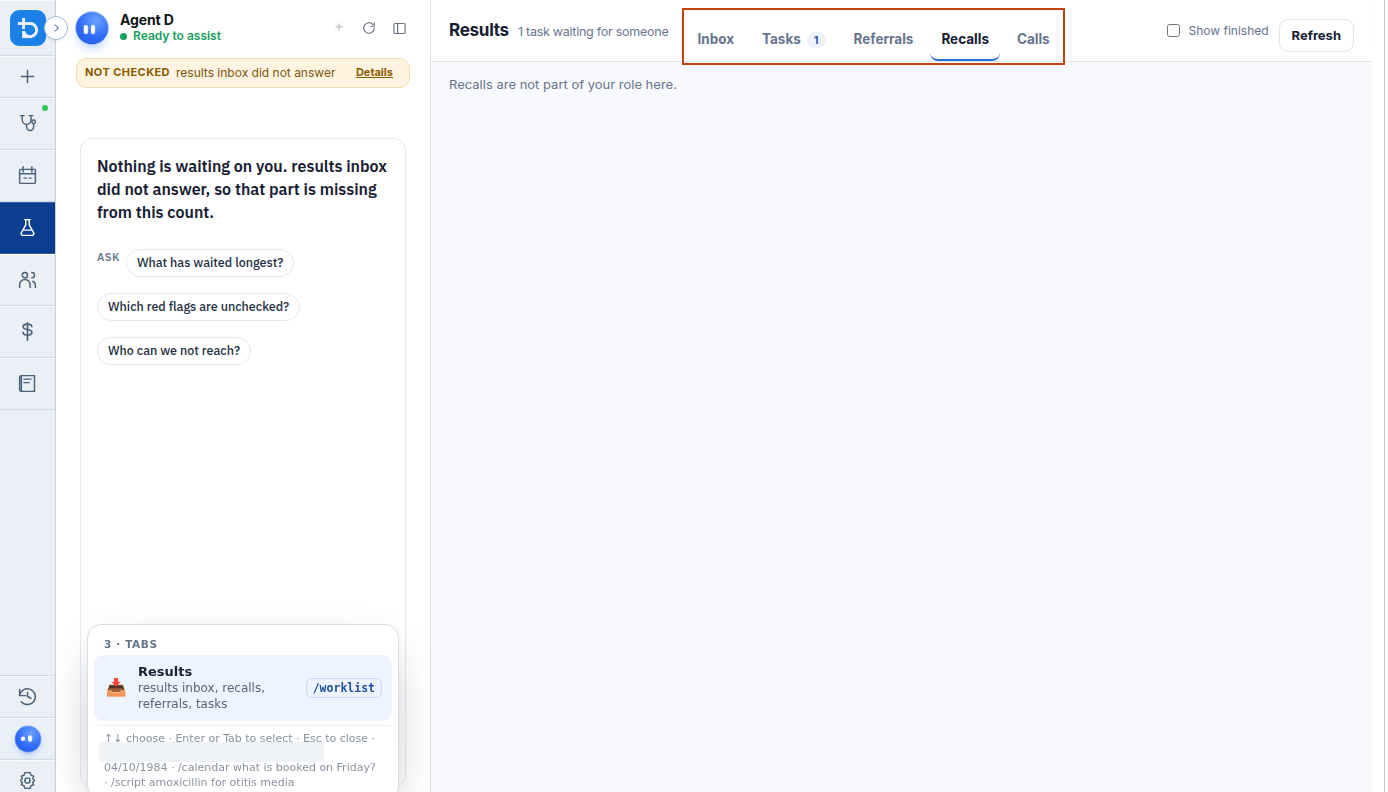
- In the Results section, select the Recalls tab to review patients due for clinical follow-up.
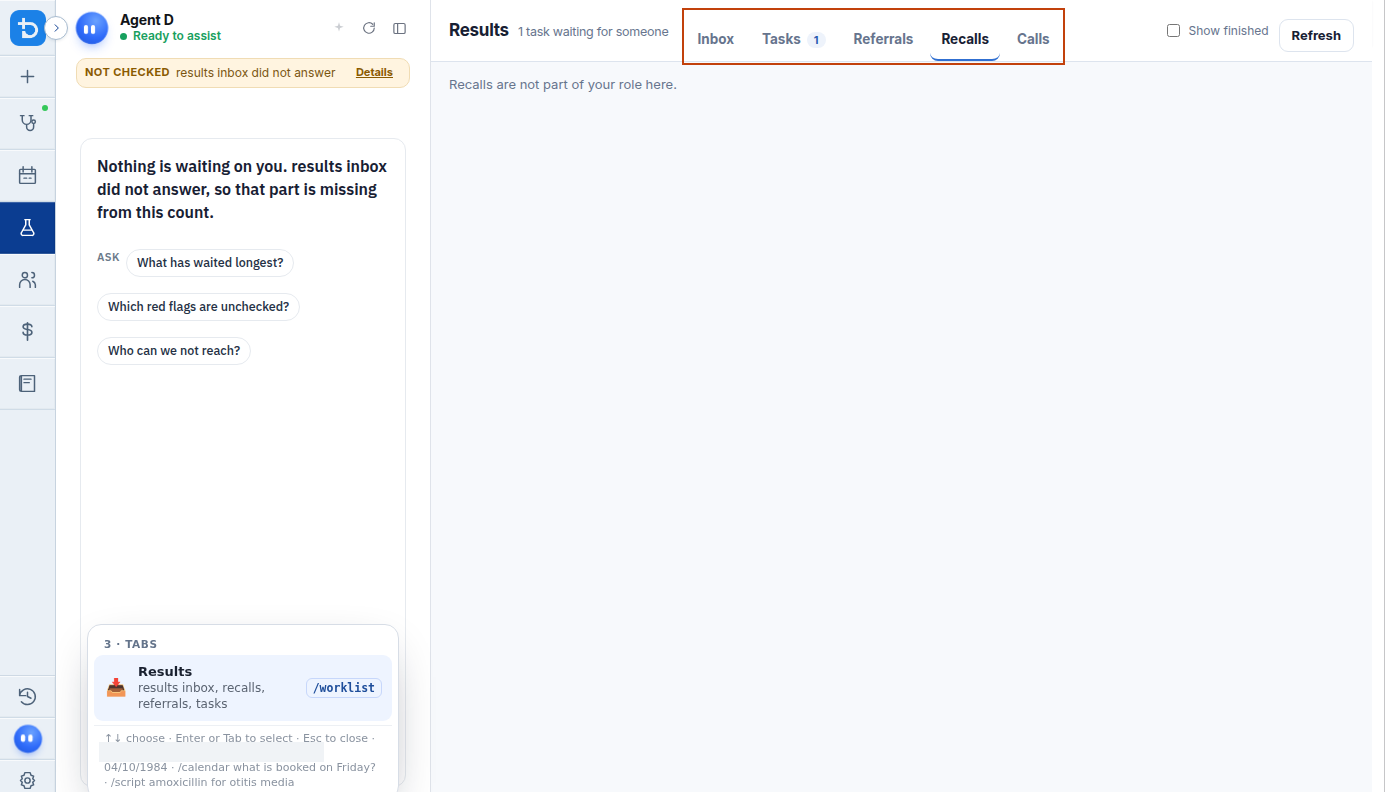
- Select the More menu on a recall row to choose contact actions or close the recall.
Also on this screen
- Recalls tab: Displays practice-wide recalls that are due or overdue.
- Tell them: Generates a tailored recall message and presents it for clinician or staff review before sending.
- More menu: Provides additional options including logging direct contact, sending email reminders, placing a phone call, or closing the recall.
- I contacted them myself: Logs that the clinician spoke with or visited the patient directly, preserving an accurate record of care without sending automated texts.
- Close this recall: Allows a doctor to resolve and archive the recall; requires a mandatory clinical reason.
- Where it is up to: Plain-English status indicator showing whether the patient was notified, if a message was opened, if an appointment was booked, or if the recall was closed.
- Automatic chase: Background engine capability that follows up unanswered recall notices according to clinic policy.
What Agent D can do
- Agent D reads all due practice recalls using
worklist.due_recalls. - Agent D drafts multi-channel recall notifications with
worklist.notify_recallsusing a dry-run preview so you see exact messages first. - Agent D logs manual contact attempts using
worklist.record_recall_attempt. - Agent D drafts recall closures (
worklist.close_recall), requiring your explicit reason and confirmation.
Safety (what needs your Confirm)
- Recalls represent follow-up work the clinic must review.
- Automated messages are never dispatched silently; selecting "Tell them" displays the message draft for approval.
- Closing a recall requires entering a clinical reason and confirming the action.
Common questions
What channels are used to contact the patient?
Diagnify can dispatch recall notices by SMS, the Diagnify patient app inbox, or email when that channel is available.
What should I do if a patient was informed during a consultation?
Select "I contacted them myself" from the More menu. This marks the recall as actioned without sending an unnecessary text message to the patient.
Can staff close a clinical recall?
Practice policies typically require a doctor to authorise closing a recall for significant or abnormal diagnostic findings.
Related
Last reviewed: 03/10/2026.