Filing new results
New (test site)
This feature is on the test site. It may not be on your clinic's site yet.
Agent D automates the ingestion, matching, and preliminary triage of incoming diagnostic laboratory and radiology feeds.
What it does
When new diagnostic messages arrive via electronic health messaging feeds, Agent D reads the incoming data and evaluates patient identifiers. If two strong identifiers match (such as Medicare number and date of birth, or full name and date of birth), Agent D matches the report to the patient electronic record and drafts a triage card. If identifiers do not match with complete confidence, the result is marked as unmatched for human review. Agent D also awakens when abnormal or critical results arrive to stage urgent triage alerts for clinicians.
When to use it
Use this automated flow when processing batches of incoming HL7 or electronic lab results, managing unmatched reports from external providers, or triaging high volumes of routine investigations.
Step by step
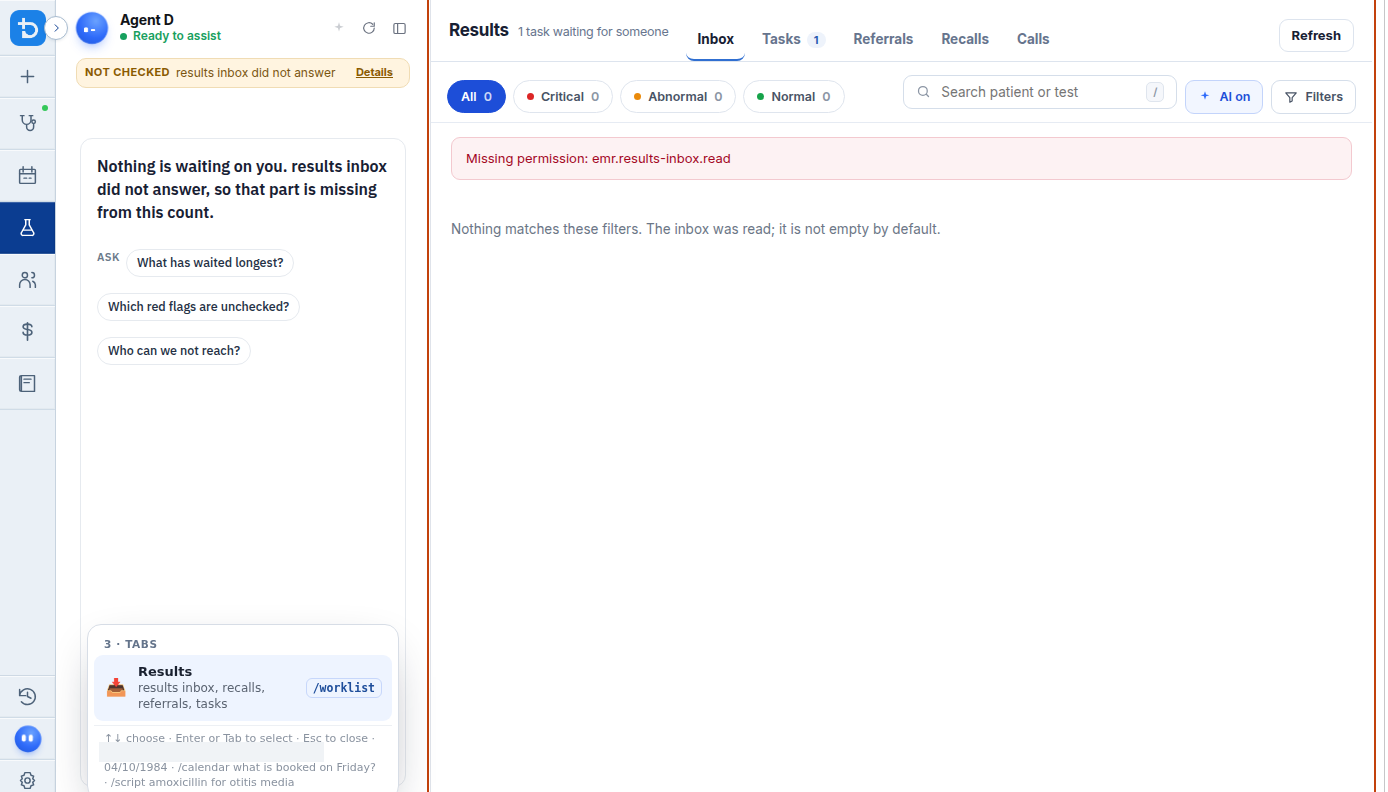
- In the Results inbox, locate the File the new results workflow banner or prompt.
Also on this screen
- File the new results flow: Automated triage workflow that matches incoming lab and imaging imports to patient records and prepares draft filing cards.
- Tracker wake-up (New lab results): Background service that detects newly imported pathology results, identifies abnormal values, and creates a "Waiting on you" notification.
- Tracker wake-up (Unmatched imports): Automatic alert triggered when an imported diagnostic report cannot be safely assigned to a single patient chart.
- Unmatched imports review: Clinical tool for manual verification when identifier discrepancies occur.
What Agent D can do
- Agent D reads unmatched imported files with
interoperability.unmatched_imports. - Agent D drafts manual assignment of imported results to patient charts (
interoperability.import_assign). - Agent D tracks clinical triage tasks across the ledger using
worklist.ledger_chase. - Agent D analyzes identifier confidence scores before proposing patient chart matches.
Safety (what needs your Confirm)
- Automated filing requires that two strong patient identifiers agree exactly before a match is proposed.
- No result is filed into a patient permanent chart automatically; Agent D stages a Confirm card showing the patient name, date of birth, and matched test details for human review.
Common questions
What counts as "two strong identifiers"?
A strong identifier match requires two independent verifying data points, such as Medicare card number + date of birth, or full legal name + date of birth + residential address.
What happens if an electronic result matches two patients with identical names?
Agent D flags the result as Unmatched and presents both candidate records side by side for manual clinician or staff resolution.
Will critical results trigger an alert if the doctor is not on the Results screen?
Yes. Critical results wake the tracker agent and generate high-priority notifications in the "Waiting on you" tray across all screens.
Related
Last reviewed: 03/10/2026.