Financials brief
What it does
On the Financials screen, Agent D provides a financial summary of clinic operations. It tracks unbilled consultations, outstanding Medicare claims, and private fee collections, offering quick questions like How much did we bank last week?.
When to use it
Use Financials brief during end-of-day billing reconciliation, weekly banking reviews, or practice management reporting.
Step by step
- Open the Financials screen and read Agent D.
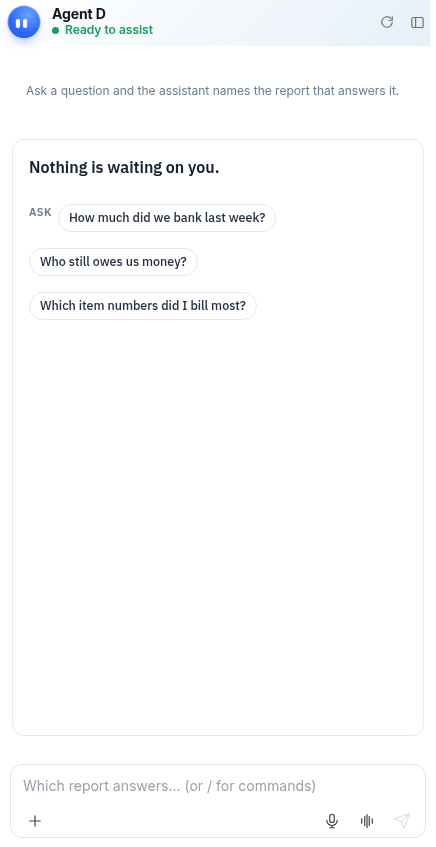
What Agent D can do
Agent D aggregates billing totals, calculates pending rebate claims, and flags rejected invoices. It cannot submit claims, alter fees, or issue refunds without authorization.
Safety (what needs your Confirm)
All financial figures and proposed claims must be reviewed. No financial transaction or Medicare claim is submitted without explicit confirmation.
Common questions
Can Agent D show Medicare bulk-billing totals?
Yes. Agent D breaks down billings into Medicare, DVA, private health funds, and patient out-of-pocket amounts.
Why are financial figures sometimes masked?
A privacy toggle allows you to blur monetary values when patients or visitors are nearby.
Can Agent D fix a rejected Medicare claim?
Agent D explains the rejection reason and drafts corrected item numbers for your review.
Related
Last reviewed: 03/10/2026.