Sign in and open your practice
The sign-in screen allows clinicians and clinic staff to log in securely, access their practice workspace, or reset a forgotten password.
What it does
The sign-in flow provides secure entry into Diagnify. You can open your practice from the main landing page, enter your work credentials, download your login details, or request a password reset email if needed.
When to use it
Use this screen at the start of your clinic session to log in, when opening a new practice invitation link, or when updating your account password.
Step by step
- Open the practice landing page in your browser.
- Select Log in to open the sign-in dialogue.
- If setting up a new clinic, enter your work email and select Continue.
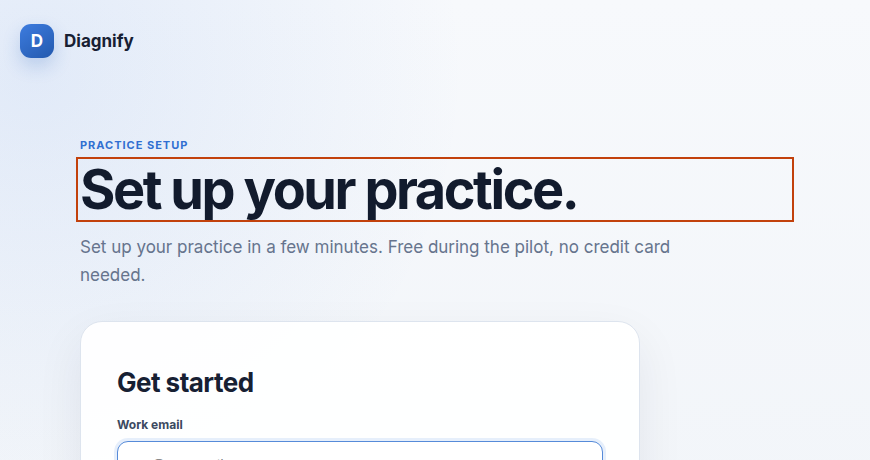
- On the sign-in form, enter your registered email and password.
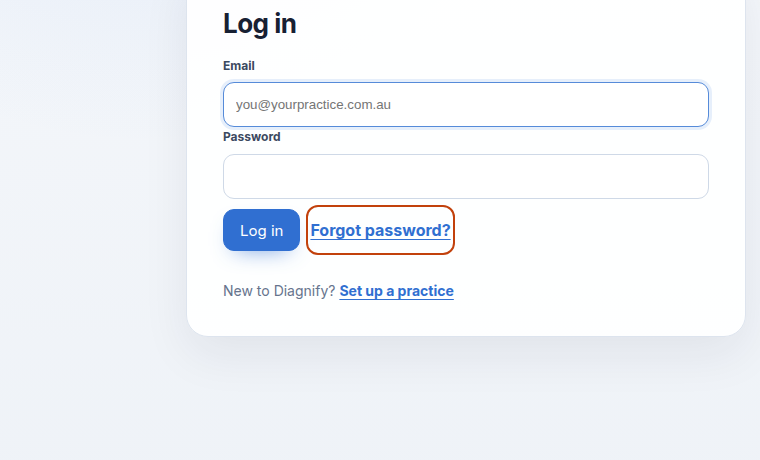
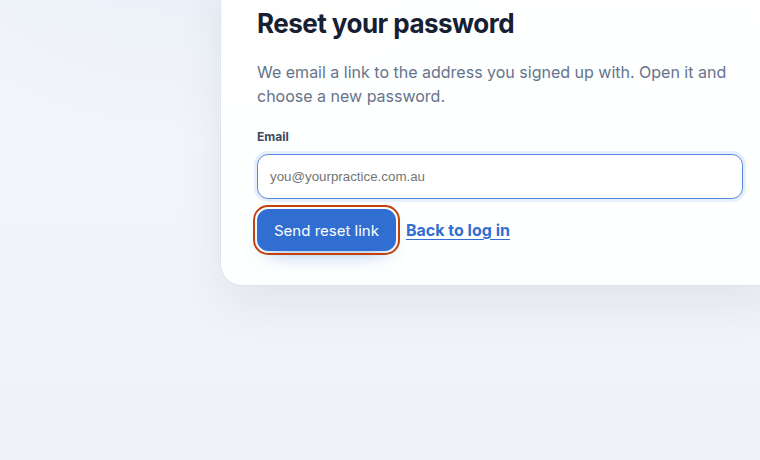
- If you cannot remember your password, select Forgot password to open the reset form.
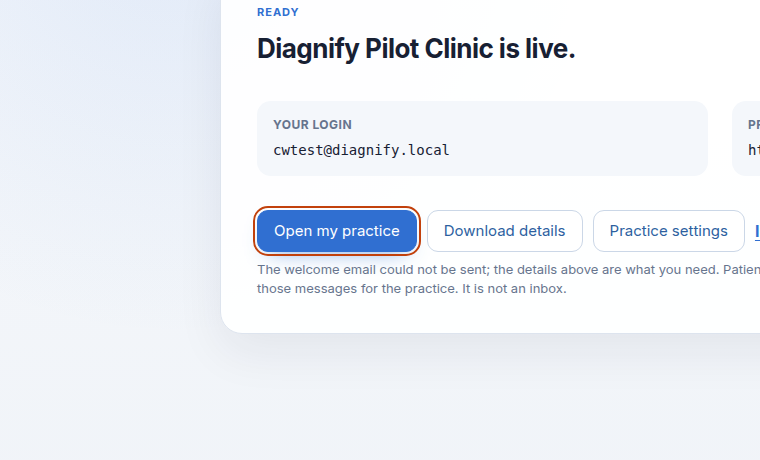
- Once authenticated, select Open my practice to enter your clinic workspace.
Also on this screen
- Download details: Saves a text file containing your login identifiers (excluding your password) for safe offline record keeping.
- Choose a new password: Set a fresh password after opening the link sent to your registered email.
- You have joined: Displays an onboarding confirmation card when an invited team member accepts their email invitation.
- Try again: Retries checking practice status if your network connection drops during authentication.
What Agent D can do
- Agent D is not active on the public sign-in page before authentication.
- Once you sign in, Agent D automatically initialises in your practice workspace.
Safety (what needs your Confirm)
- Passwords are encrypted and never stored in plain text.
- Password reset links are one-time tokens that expire automatically.
- Entering credentials and logging into a practice is strictly human-driven.
Common questions
What should I do if I forget my password?
Select Forgot password on the log in form, type your registered email address, and select Send reset link. Check your inbox for the reset email.
How do invited staff join the practice?
Staff receive an invitation email containing a secure one-time link. Clicking the link takes them to the You have joined confirmation screen to access the clinic.
Can Agent D reset my password?
No. For account security, password resets are processed exclusively through your verified email address.
Related
Last reviewed: 03/10/2026.